

How ChatterMate AI Gives You Amazing AI Images
Struggling to bring your ideas to life or solve everyday problems? ChatterMate AI offers powerful tools to help. It generates amazing images, creates presentations from your ideas, and gives step-by-step guidance just from a screenshot. You can also learn to use instruments, download apps, improve grammar, and even build courses. Here's how it works in practice.
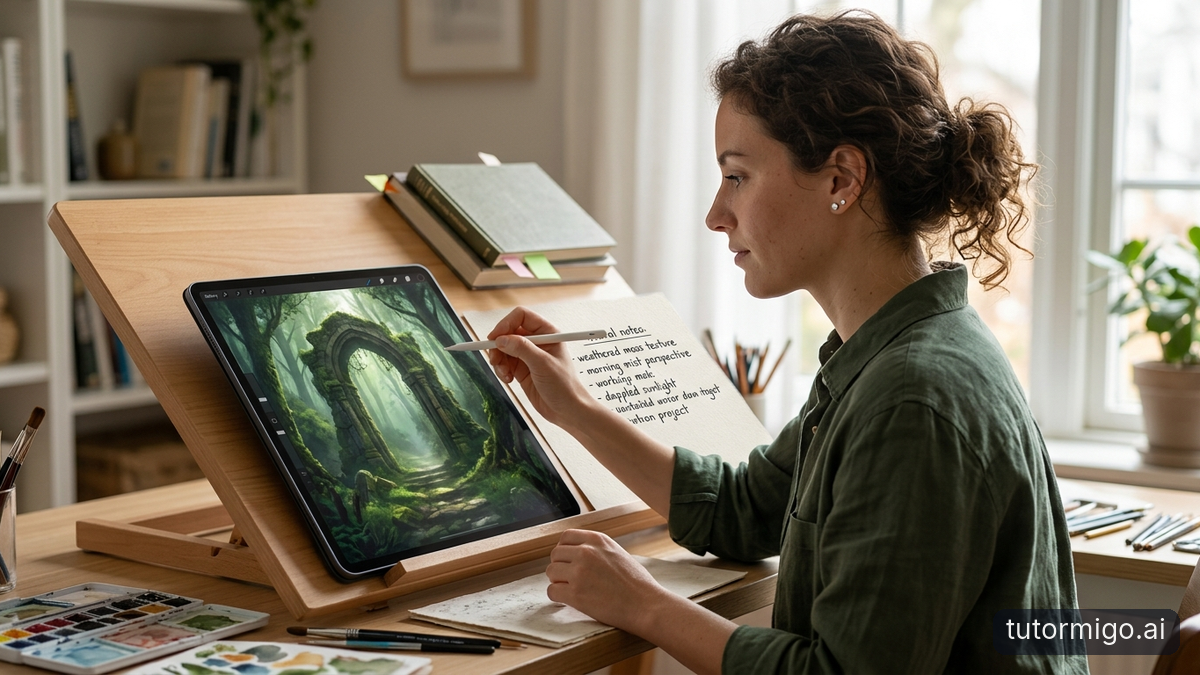
Imagine you need a custom diagram for a project or a visual aid to understand a concept. With the ChatterMate AI ability to give you amazing AI images, you simply type a description like 'a simple illustration of the water cycle for middle school students with labels in blue and green'. In seconds, you get a tailored image that fits exactly what you had in mind. This feature saves time because you don't have to search stock photos or learn complex design software. For example, a teacher preparing a lesson on history can ask for an image of a specific event and get one that highlights key elements without any extra effort. The AI understands context and style, so you can refine it by saying 'make it more cartoonish' or 'add more details on the left side'. This way, you get visuals that enhance your learning or teaching without the hassle. It's especially useful when you want something unique that standard images can't provide. Whether for personal study notes or sharing with others, these AI images make your materials more engaging and clear. The AI Tutor uses this to enhance your study materials by creating visuals that match your exact needs.
Turn Your Ideas into Presentations Quickly

Have you ever had a great idea for a talk or report but struggled to organize it into slides? ChatterMate AI makes this process simple and fast. You start by describing your main points in plain words, like 'a presentation on the benefits of daily exercise with three key sections on physical health, mental benefits, and tips to get started'. The AI then structures it into a clear outline with titles, bullet points, and suggested visuals for each slide. For instance, if you're preparing for a school project on climate change, you can input your notes and get a full set of slides ready in minutes. It arranges the content logically, suggests transitions between ideas, and even recommends how to keep the audience engaged. This saves you from staring at a blank screen wondering where to begin. You can review the draft and ask for changes, such as 'add more examples in the second slide' or 'make the conclusion stronger'. The result is a professional-looking presentation that you can download or use directly. Whether for work, school, or personal sharing, this turns scattered thoughts into something polished without needing design experience. It's a huge time saver when deadlines are tight. Your AI Tutor can help organize these ideas effortlessly so you focus on the content instead of the format.
Get Step by Step Problem Solving by Taking a Screenshot
When you run into a problem and don't know the next step, taking a screenshot and sending it to ChatterMate AI can provide the exact guidance you need. For example, suppose you're trying to fix an error on your computer screen. You capture the error message with your phone or computer, upload the screenshot, and describe briefly 'how do I resolve this blue screen issue'. The AI analyzes the image and gives you a numbered list of steps to follow, like 'first, restart in safe mode by pressing this key combination'. This is incredibly helpful because it sees what you see and tailors the advice to the actual problem. Another scenario could be a math equation that's confusing you. Snap a photo of the problem on paper, and the AI breaks it down step by step, explaining each part clearly. You can ask follow-up questions if something is still unclear, and it will adjust the explanation. This feature turns frustration into progress quickly, especially when you're stuck on something technical or academic. No more searching forums for hours; the AI gives you direct, actionable advice based on your specific situation. It's like having a patient helper right there when you need it most. Many users find this feature changes how they approach challenges because it provides personalized help instantly without needing to explain everything in words alone.
Learn How to Use an Instrument with AI Guidance
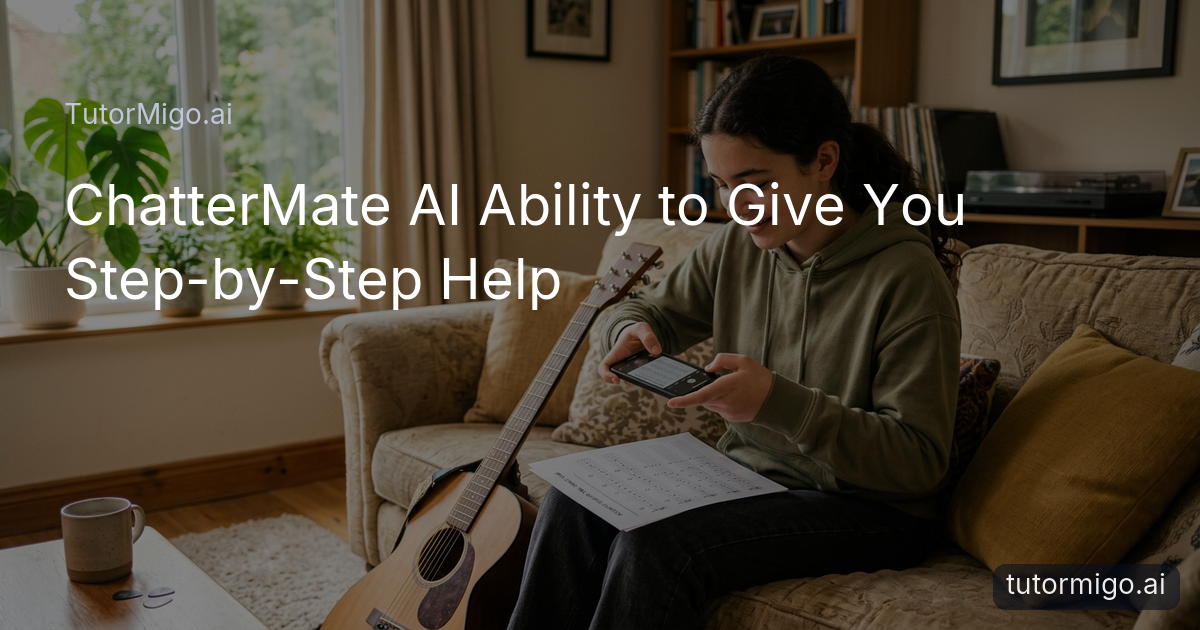
Learning to play a musical instrument can feel overwhelming at first, but ChatterMate AI provides clear, step-by-step instructions to get you started. Say you're picking up a guitar for the first time. You can describe or show a photo of the guitar, and the AI will guide you on how to hold it properly, where to place your fingers for basic chords, and how to strum without hurting yourself. For a concrete example, if you want to learn the C major chord, it might say 'place your index finger on the first fret of the second string, middle finger on the second fret of the fourth string', and so on, with tips on common mistakes to avoid. You can ask it to demonstrate the next step after you practice, or request a video-like description if possible. This makes practice sessions more productive because you get immediate feedback on your technique. Whether it's piano, violin, or even a simple recorder, the AI adapts to the instrument and your skill level. It can suggest practice routines, like spending five minutes on scales before moving to a song. Over a few sessions, you'll notice improvement without the need for expensive lessons right away. This guidance keeps you motivated as you see real progress in your playing. This approach is great for self-learners who want to explore music at their own pace without pressure.
Download Apps on Your Laptop Following Easy Steps
Downloading apps on your laptop shouldn't be a mystery, and ChatterMate AI can walk you through it without any confusion. Let's say you want to install a new note-taking app on your Windows laptop. You take a screenshot of your current desktop or the app store page if you're there, and tell the AI 'help me download this app safely'. It will respond with precise steps: 'first, open your web browser and go to the official website at this address, then click the download button on the right side, avoid any pop-ups, and run the installer by double-clicking the file'. If you're on a Mac, it adjusts the instructions accordingly, like using the App Store or dragging to applications folder. A real scenario might be when you're setting up for online classes and need a specific video app. The AI ensures you follow security best practices, such as checking file sources. If something goes wrong, like an installation error, you can screenshot that and get troubleshooting help right away. This removes the guesswork and potential for downloading the wrong thing. You end up with the app ready to use in less time, feeling confident about the process. For example, if the app requires additional permissions, the AI will explain what each one means and whether you should allow it based on your needs. This step by step help is ideal for those new to technology or switching to a new operating system.
Improve Your Grammar and Build a Course
Improving your grammar is essential for clear communication, and building a course around what you learn can help others too. ChatterMate AI assists by reviewing your writing and suggesting corrections in context. For instance, if you write a paragraph with some errors like 'I goes to the store yesterday', it will point out the issues and explain why, saying 'change goes to went because it's past tense'. You can paste your text and ask for a full grammar check with explanations. Once you're better, you can use it to build a course on the topic. Describe 'create a short course on basic English grammar for beginners with five lessons', and it will outline the modules, suggest exercises, and even provide sample answers. A scenario: you're an adult learner wanting to help family with language skills. The AI helps structure the course from introduction to advanced topics, including quizzes at the end of each section. You can refine it by saying 'add more examples for verb tenses'. This way, you not only fix your own grammar but create valuable resources. It makes the process of learning and teaching grammar straightforward and effective. You might start by uploading a sample of your writing to see the improvements suggested and then apply them to your course materials. Building the course becomes a rewarding experience as you see your knowledge turned into structured lessons that others can benefit from. Over time, this can lead to better writing skills for yourself and a useful course for your community or students.
Frequently asked questions
Begin by describing your task in the chat and upload a screenshot if it helps the AI understand your needs better.
Yes, the AI can help outline courses and improve your writing to make the material clear and accurate.
They are tailored to the image you provide, so clear screenshots lead to more precise and helpful instructions.
You can generate as many as you need, refining each one until it matches your vision perfectly.
Explore TutorMigo
Enjoyed this read?
Like, share, or comment below.



Comments
0Sign in required · respectful discussion · replies supported
Loading comments…