

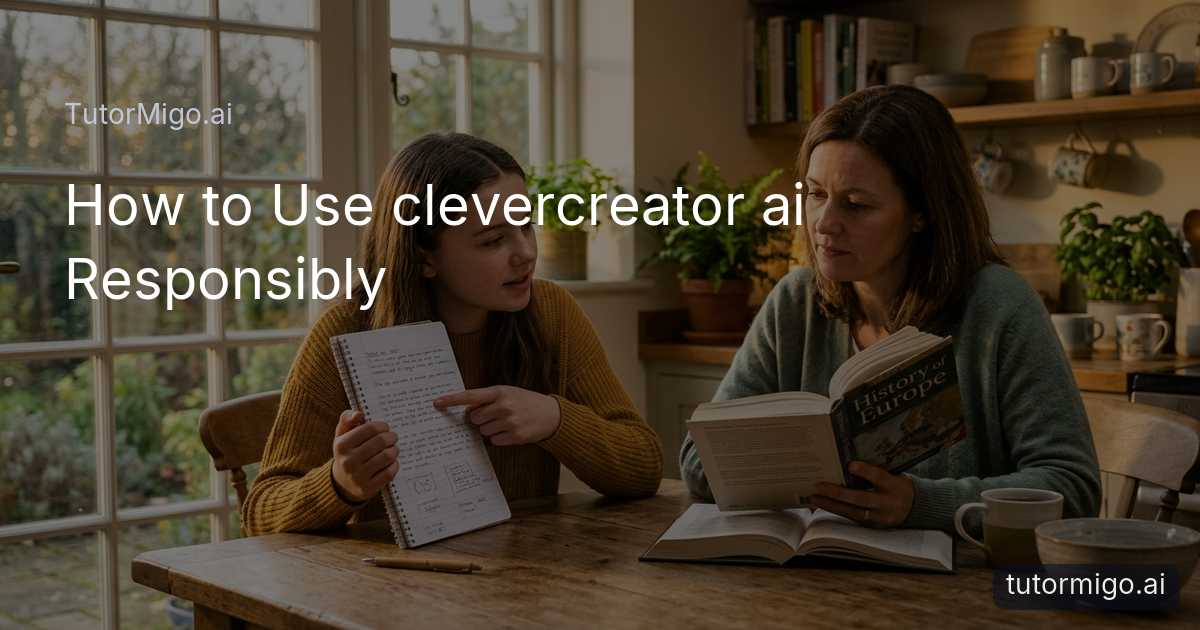
Protect Your Privacy When Using CleverCreator.AI

When you use CleverCreator.AI, protecting your privacy is essential because the tool processes every word you input and may store it for future use. Avoid sharing personal details like names, addresses, or specific school information. For example, if helping a child with an essay about a family trip, ask for general tips on writing about travel experiences instead of including real locations or names. This keeps your query effective without exposing private facts.
In a common scenario, a student might input a detailed description of their homework problem including their grade and teacher to get tailored help. However, this links the session to them personally. A better way is to describe the problem type only and then customize the response yourself. Always take time to review the platform's privacy policy and use guest access when available to minimize data collection.
Teachers and parents need to model good habits too. When creating materials for a class, use generic descriptions rather than real student data. By doing this, you protect everyone's information and show others how to use the tool safely. Over time, these practices become second nature and allow you to benefit from CleverCreator.AI without unnecessary risks. You can also clear your chat history after each session to further protect your data.
Tip: Rephrase any personal details into general terms before you send a prompt to the AI.
Verify Every Fact CleverCreator.AI Generates

Verifying every fact CleverCreator.AI generates helps you avoid spreading or using incorrect information. AI can create responses that appear authoritative but are based on patterns rather than verified knowledge. For example, it might list the wrong capital for a country or mix up two historical events that sound similar. In a scenario where you are preparing a presentation, accepting these errors could undermine your credibility with your audience.
A practical way to verify is to ask the AI for the source of its information and then check that source yourself. If it claims a statistic about population growth, go to a government website or academic paper to confirm the numbers. This extra effort pays off because you end up with reliable data. You can also compare the AI's answer with what you already know from class or books to spot discrepancies quickly.
Think about a parent using the tool to explain a science concept to their child. The AI gives an explanation that includes a fact the parent recalls as incorrect. By looking it up together in a trusted book, they correct the error and turn the moment into a learning opportunity. Always approach AI outputs with a healthy dose of skepticism until you have checked them.
Developing the habit of verification not only protects the quality of your work but also trains your mind to question and investigate. Over time, you will become better at spotting when something does not sound quite right.
Tip: Always ask for sources and cross-check at least one key fact with a reliable book or website.
Treat CleverCreator.AI as a Guide Not a Replacement
Treat CleverCreator.AI as a guide not a replacement for your own efforts. If you let it do all the work, you lose the chance to develop your skills and understanding. For example, if you are writing an essay, you can use the AI to suggest an outline or some example sentences. But you should then write the full essay in your own words and add your personal insights to make it unique.
Picture this scenario: A student needs help with a difficult math problem. The AI provides the step by step solution. Instead of just submitting that, the student works through each step themselves and tries a similar problem without the AI. This turns the interaction into real learning. The AI Tutor can be a great starting point, but the real progress happens when you take the lead.
Parents can apply the same idea when supporting their children. Use the tool to find different ways to explain a concept, then let the child try to solve it on their own. This builds confidence and independence. Setting boundaries like "I will use the AI for ideas only" helps you stay in charge of the final product.
By viewing the tool as a guide, you keep the benefits of quick help while ensuring that your knowledge and abilities grow. The more you practice this, the more you will see AI as a useful assistant rather than a crutch.
Tip: Use AI to get unstuck but always finish the core task yourself.
Add Your Own Judgment to AI Suggestions
Add your own judgment to every suggestion from CleverCreator.AI. The tool does not know your full situation, so its ideas need your personal filter to be truly useful. For example, the AI might recommend a certain study method based on general advice. You have to decide if that method fits your schedule, learning style, and current knowledge level before you try it.
In one scenario, a teacher asks the AI for classroom activity ideas. The suggestions include group projects that sound exciting, but the teacher knows the class size and time available make them impractical. By applying judgment, the teacher adapts the ideas into something that works for their specific group. This step turns generic output into something valuable.
Always ask yourself a few key questions after getting a response. Does this match what I already know? What might the AI have missed about my unique circumstances? Taking a moment to think these through prevents you from following advice that does not fit. Your judgment is what makes the AI's help effective.
Over time, combining the AI's broad knowledge with your specific insights leads to better outcomes. You become the expert who uses the tool, not the other way around.
Tip: Pause after each AI response and ask how it applies to your exact needs.
Keep Your Creativity and Thinking in Charge
Keep your creativity and thinking in charge when you use CleverCreator.AI. The tool can offer starting points, but your original ideas are what make your work stand out. For instance, if you ask for ideas for a creative writing piece, the AI might give a standard plot about a hero on a journey. You can then change the setting to something from your own life and add unexpected twists that reflect your personality.
Consider a scenario where an adult learner is brainstorming for a blog post. The AI provides a list of topics, but the learner picks one and expands it with personal stories and opinions that the AI could never know. This keeps the content authentic and engaging. Your creativity shines when you build on the AI rather than copying it directly.
Teachers often use the tool to get lesson plan outlines. They then infuse the plans with their own teaching style and examples from their classroom experiences. This makes the lesson more effective and enjoyable for students. By keeping your thinking in charge, you ensure that the final result reflects your unique perspective and skills.
Remember that creativity grows through practice. Using the AI as a spark rather than the entire flame helps you develop your own voice and ideas over time.
Tip: Always edit and personalize AI ideas with details only you know.
Put These Responsible AI Habits into Practice
Put these responsible AI habits into practice starting today. Begin by applying just one or two tips the next time you open CleverCreator.AI. For example, focus on protecting privacy in your first prompt by keeping it general. Then, after the response comes in, take time to verify one fact and add your own judgment to the suggestions.
A good way to build the habit is to keep a simple note of how you used the tool and what you changed or checked. This reflection helps you see your progress and identify areas to improve. Over a few weeks, these steps will feel natural and you will use the tool more effectively.
When you use the AI Tutor on TutorMigo.ai for study sessions, apply the same principles. Use it to guide your review but always verify and personalize the information. This way, you get the support you need while staying in control of your learning.
By making responsible use a regular part of how you interact with AI, you protect yourself, improve the quality of your work, and keep your creativity and independent thinking strong. Start small, stay consistent, and watch how these habits enhance your experience with the tool.
Tip: Pick one habit to focus on this week and track how it changes your AI use.
Frequently asked questions
Avoid entering personal details in your prompts and always review the tool's privacy policy before use.
AI can generate incorrect or outdated information, so checking with reliable sources ensures accuracy in your work.
Use it for ideas and explanations, but complete the main tasks yourself to build your own skills and knowledge.
Your judgment helps adapt general AI output to your specific situation and needs.
Explore TutorMigo
Enjoyed this read?
Like, share, or comment below.



Comments
0Sign in required · respectful discussion · replies supported
Loading comments…