

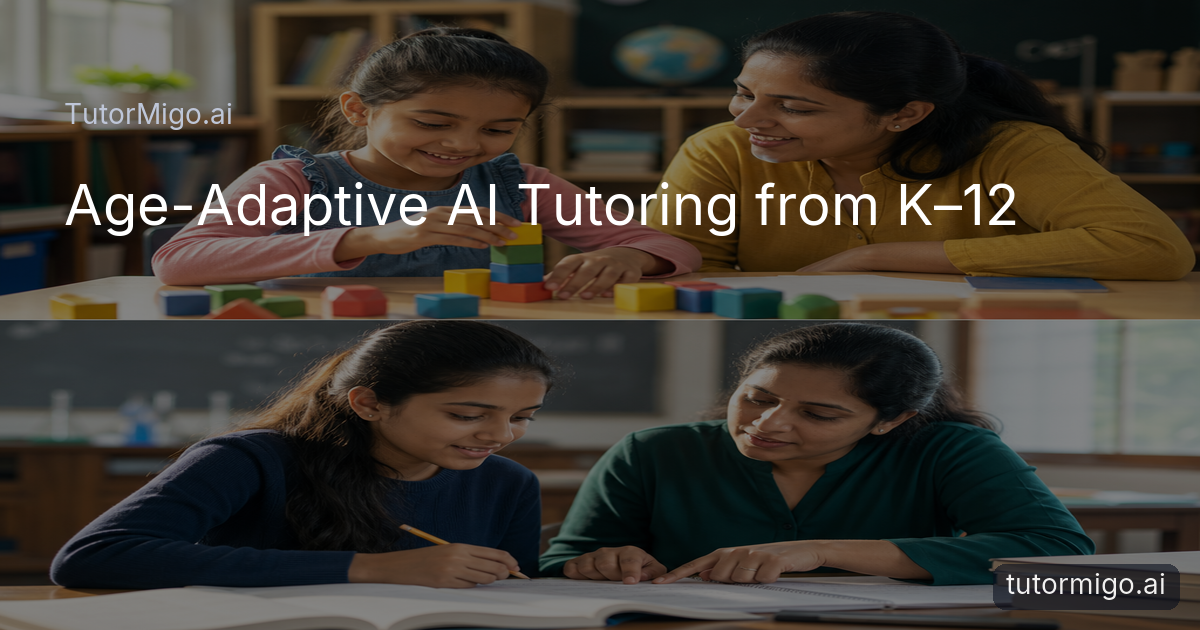
Why AI Tutoring Must Change from Kindergarten to Class 12

A kindergartener and a Class 12 student do not need the same kind of help. One may need patient repetition, simple language, and encouragement after every small success; the other may need depth, exam strategy, and a careful explanation of why an answer works. Parents and teachers comparing an AI Tutor should therefore ask more than whether it can answer questions. They should ask whether it can support a learner’s changing level of independence.
Age-adaptive tutoring is about changing the kind of support, not simply changing the difficulty of a worksheet. A young child learning to count may benefit from a short explanation followed by another guided attempt. A middle-school learner working through a word problem may need a prompt that encourages them to identify the known information first. A senior student studying algebra, essays, or science may need a detailed breakdown, practice, and a way to revisit weak areas before boards or finals.
tutormigo.ai brings these needs together through a personalized tutor workspace with session history, interactive study tools, spaced-repetition flashcards, structured exam preparation, and visibility for parents and teachers. The result is a learning experience that can become more independent and more demanding as the learner develops, while still preserving useful context from earlier sessions. That continuity matters because progress is rarely a straight line: a confident reader may still need support with a new science concept, and a strong algebra student may need help organizing revision.
K–5: Patient, Encouraging Support for Reading, Counting, and Foundational Science
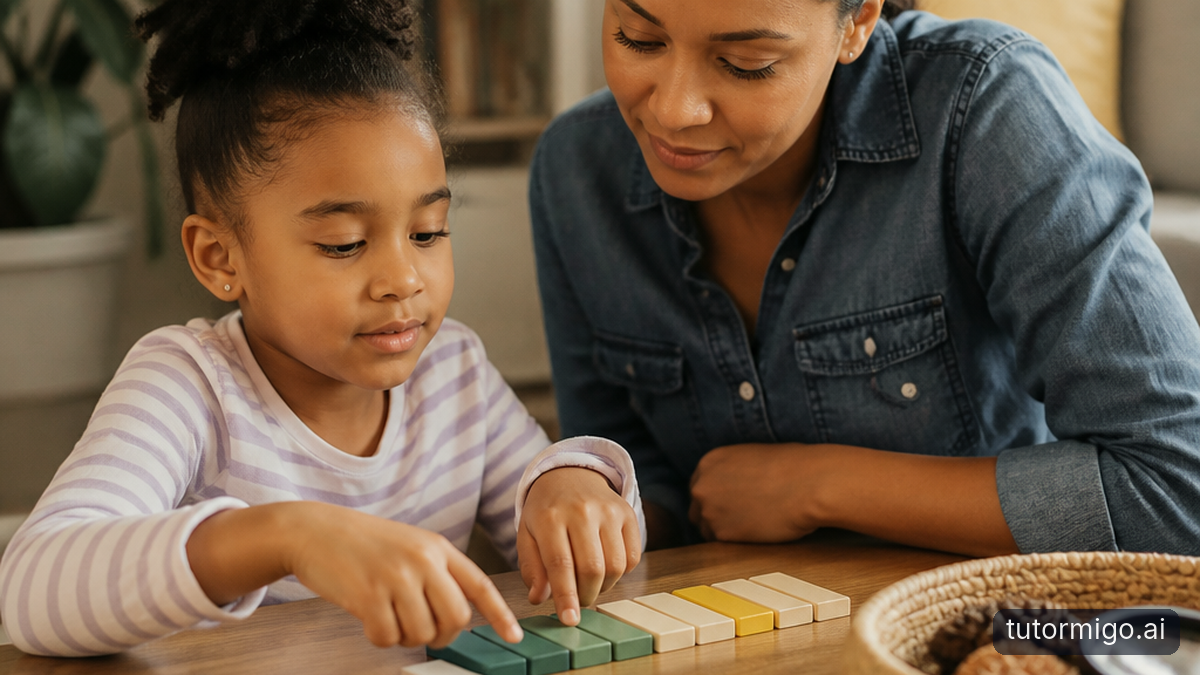
For learners in kindergarten through Class 5, the best support is clear, calm, and repeatable. A child who asks why plants need sunlight may not need a long definition of photosynthesis. They may need a simple explanation, a familiar example such as a plant near a window, and a chance to explain the idea back in their own words. If the first explanation does not land, the tutor should be able to try again without making the child feel that asking twice is a problem.
In reading, an early learner might work on recognizing a sound, blending it into a word, and then using that word in a short sentence. In mathematics, the same child may move from counting objects to comparing quantities and solving a basic addition problem. TutorMigo’s personalized tutor workspace can support these sessions with an encouraging conversational approach, while the child can use the whiteboard and math step editor available through its study tools when showing working is more useful than typing an answer.
Repetition should feel purposeful rather than mechanical. A parent could revisit a difficult counting idea in a later session, while flashcards can help reinforce age-appropriate vocabulary or science terms through scheduled review. The goal is not to rush a child toward advanced content. It is to build confidence, accurate foundations, and the habit of asking questions. For this age group, a good AI Tutor at tutormigo.ai explains patiently, celebrates effort, and gives the learner another manageable opportunity to succeed.
Grades 6–8: Building Independent Thinking and Stronger Study Habits
Between Grades 6 and 8, learners are ready for more responsibility. Instead of immediately giving the answer to a multi-step problem, an effective tutor can ask what information is known, which rule might apply, or how the student would check the result. This small change turns a help session into practice for independent thinking. For example, when a student is stuck on a ratio problem, a useful response might guide them to represent the quantities clearly before discussing the calculation.
This stage is also when study habits become visible. A student may understand a lesson during class but forget key terms a week later, or revise only the subjects they already enjoy. Spaced-repetition flashcards can make review more consistent by bringing important definitions, formulas, or vocabulary back at useful intervals. The learner still has to retrieve the answer, rather than simply rereading a page. A session history in the tutor workspace also helps the student return to an earlier explanation instead of beginning from zero each time.
Parents and teachers can encourage a simple routine: identify one difficult concept, attempt it independently, ask for a hint if needed, and finish by summarizing the method. Interactive tools such as the whiteboard or math step editor can make that process visible. The aim is not to remove struggle; it is to make struggle productive and supported. By the end of middle school, students should be using the tutor less as an answer machine and more as a guide for planning, checking, and reflecting on their own work.
Grades 9–12: Deeper Explanations and Structured Preparation for Boards and Finals
High-school learners often need both conceptual depth and a clear preparation plan. A question about algebra may require more than the final value: the student may need to understand how factoring, equations, or functions connect. An essay question may require help interpreting the prompt, organizing an argument, and revising evidence. A science topic may need a step-by-step explanation that links a process to the terminology used in class. At this stage, an AI Tutor should meet the learner at a higher level without assuming that every gap is obvious.
TutorMigo’s structured exam preparation is relevant when students are preparing for SAT, ACT, AP, or IELTS practice. It provides practice sets and progress tracking, giving a learner a more organized alternative to jumping randomly between questions. For school boards and finals, the same principle applies: divide a broad syllabus into topics, identify areas that need attention, and use repeated practice rather than last-minute rereading. Flashcards can support formulas, definitions, vocabulary, and key facts, while the study tools hub can help students work through maths or coding problems more actively. Visit: tutormigo.ai
Consider a Class 12 student revising a difficult algebra unit. They might first ask for a conceptual explanation, solve a problem in the math step editor, review mistakes with the tutor, and then schedule flashcards for the terms or rules they repeatedly forget. That sequence combines depth, practice, and retrieval. It also makes support more practical for finals: the student can return to prior sessions, focus on unresolved questions, and build confidence through evidence of preparation rather than relying on a vague feeling of readiness.
Session Continuity: How TutorMigo Builds on Each Learner’s Progress
Age adaptation works best when each session is connected to the learner’s earlier work. Without continuity, a child may need to explain the same difficulty repeatedly, while an older student may receive a generic explanation that ignores what they have already mastered. TutorMigo’s AI Tutor Workspace includes personalized tutoring chat and session history, allowing learning conversations to develop over time. A student can return to a previous topic, ask for a different explanation, and continue from a more informed starting point.
Imagine a Grade 7 learner who struggled with fractions in September but is now studying ratios. A continuous tutor can help connect the new idea to the earlier one instead of treating the topic as completely unfamiliar. Later, in high school, a learner might revisit a science concept before an exam and ask for a deeper explanation based on previous questions. The value is not that every session looks identical. It is that the next session can respond to the learner’s developing understanding and current goal.
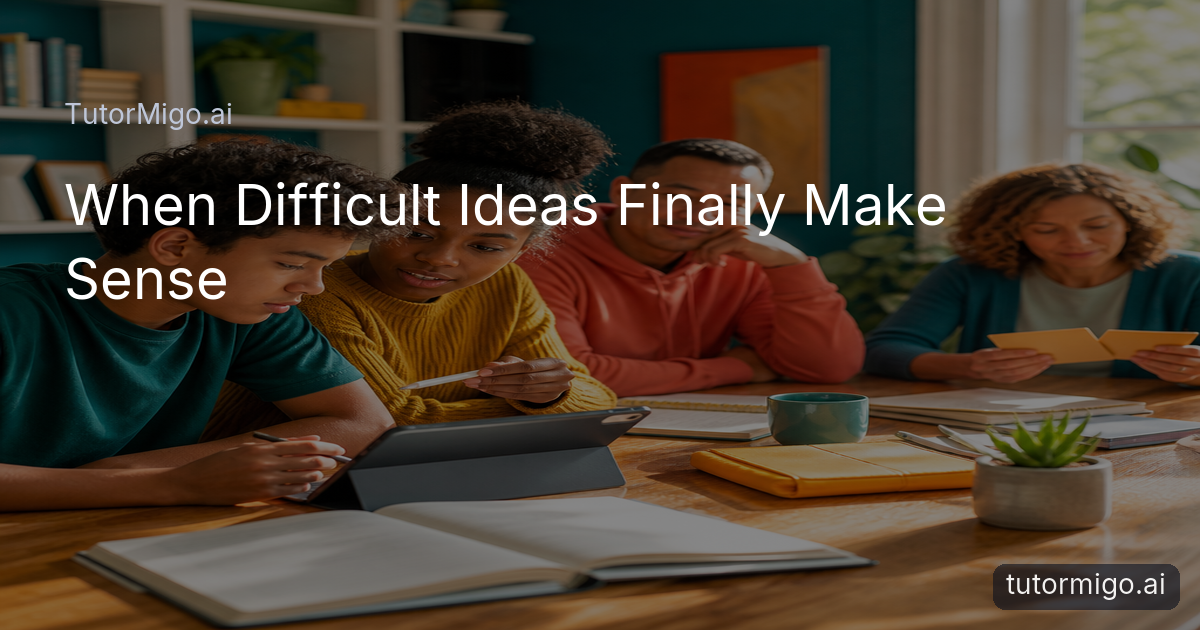
Continuity also supports a sensible change in tone. Early learners may need short explanations and frequent encouragement. Middle-school students can receive more prompts to reason independently. Older students can handle longer explanations, practice sequences, and exam-focused review. The underlying workspace remains familiar while the learning interaction matures. This is especially useful for families comparing general-purpose chat with a dedicated tutoring environment: the focus stays on an individual learner’s study journey, rather than treating every question as an isolated request.
Learning That Goes Beyond Text Most AI chatbots — can only explain things in words. If your child asks how a cell works or what a 3D shape looks like from different angles, they get a paragraph of text and maybe a static image at best. tutormigo does this differently. Instead of just describing a concept, it generates interactive 3D visuals, diagrams, and models on its own — so a child can actually rotate a cell, explore the sides of a geometric shape, or see a science process unfold step by step, rather than just reading about it. Alongside this, tutormigo produces real-time stats and charts showing how well a concept is actually landing — not just whether an answer was right or wrong, but the pattern behind it. This kind of visual, hands-on learning helps every age group, but it's especially powerful for visual and kinesthetic learners — the kids who understand something the moment they can see and interact with it, not just read a definition.
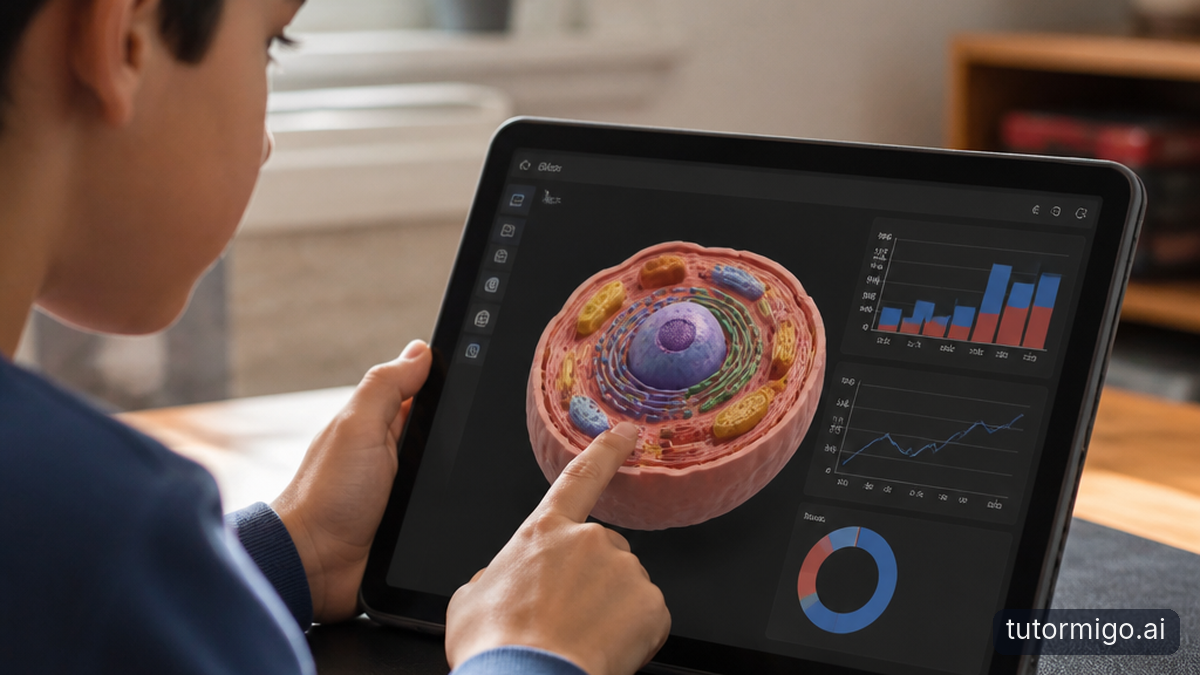
Text is useful, but it is not always the clearest route to understanding. A child learning geometry may understand a shape more readily by drawing it and examining its sides than by reading a paragraph of definitions. A student working through algebra may need to write each step and see where the reasoning changes. A learner exploring code may benefit from testing an idea in a controlled workspace rather than only reading an explanation.
TutorMigo’s Study Tools Hub supports this kind of active work with a whiteboard, code sandbox, and math step editor. These tools do not replace explanation; they give the learner a place to represent, test, and revise an idea. For example, a student can sketch a diagram on the whiteboard, work through a multi-step equation in the math editor, or experiment with code while asking the tutor about the result. That makes the learning process more visible than simply receiving a finished answer.
This approach can help across ages. A younger learner might draw groups of objects to understand counting or basic science. A middle-school student can map a word problem before calculating. A high-school learner can lay out an essay plan, examine a maths method, or test code. The important distinction from ordinary text-only chat is not a claim that words are insufficient for everyone. It is the opportunity to choose a more suitable mode when a concept is spatial, procedural, or best learned by doing. Parents and teachers can encourage students to show their thinking, not only submit a final response.
Interactive Study Tools and Spaced-Repetition Flashcards for Every Age
Different ages need different study activities, but every learner benefits from moving between explanation, practice, and review. TutorMigo combines interactive study tools with spaced-repetition flashcards so learners can use the right activity for the task. A young student may review sight words or basic science vocabulary with short flashcards. A middle-school learner may build a deck for geography terms, mathematical rules, or language vocabulary. An older student can review technical definitions, formulas, or exam-related concepts at planned intervals.
Spaced repetition is valuable because forgetting is part of learning. Instead of reviewing every card at the same time, the learner encounters material again according to their review schedule. If a student repeatedly forgets a definition, that card can return for more practice. If the answer becomes reliable, attention can shift toward less secure material. AI-assisted card creation can also reduce the effort of turning notes into a usable deck, while the learner remains responsible for checking that the cards accurately represent what they need to know.
Interactive tools at tutormigo.ai add another layer. A student might read an explanation in the tutor workspace, solve a problem in the math step editor, and then create flashcards for the rules involved. A younger learner might draw an idea on the whiteboard before reviewing key words. These combinations are more practical than choosing one study method for every subject and age. They also help students become aware of how they learn best: through retrieval, writing, drawing, testing, or a carefully paced explanation.
TutorMigo Benefits for Parents and Teachers: Seeing Learning Needs Beyond Grades
Grades are important, but they rarely show the whole learning picture. A mark may reveal that a student missed several questions, without showing whether the cause was a vocabulary gap, a misunderstood method, weak review habits, or uncertainty under time pressure. The TutorMigo benefits for parents and teachers include a clearer view of progress and the ability to respond to changing needs as a learner moves from early foundations to independent study and exam preparation.
The Parent Dashboard provides visibility into a child’s progress, learning controls, and co-learning features. A parent might notice that a child is returning often to reading vocabulary, or that maths practice is becoming more consistent. That information can lead to a useful conversation: “Which part feels difficult?” rather than a general reminder to study. The focus becomes support and routine, not surveillance or comparison with other children.
For educators, the Teacher Dashboard supports class management, student monitoring, knowledge base assignment, and reporting. A teacher could use that visibility to identify students who need reinforcement before a unit assessment, while allowing confident learners to continue with appropriate challenge. This is particularly useful across age groups because the signs of need change: repetition and encouragement may matter most in K–5, guided independence in Grades 6–8, and targeted revision for Grades 9–12.
Progress tracking therefore becomes more meaningful when it is connected to learning behavior and support needs, not treated as a replacement for professional judgment. Parents and teachers remain the people who know the learner’s wider context; TutorMigo helps make study activity easier to review and discuss.
What to Look for in an Age-Adaptive AI Tutor from Kindergarten Through Class 12
When comparing an age-adaptive AI tutor, start with the learner’s next real task. For a young child, look for patient explanations, encouragement, repetition, and tools that make foundational ideas approachable. For Grades 6–8, check whether the experience can encourage students to think through a problem, use hints, and develop a repeatable study routine. For Grades 9–12, look for deeper explanations, session continuity, active problem-solving tools, and structured preparation that supports practice and progress tracking.
It is also worth checking whether the platform supports more than one study mode. Flashcards are useful for retrieval and scheduled review; a whiteboard or math step editor can help learners show their reasoning; a code sandbox can support hands-on programming practice. For families, parent visibility and learning controls matter. For teachers, class monitoring, assignment, and reporting can make it easier to connect tutoring activity with classroom needs. These features should serve the learner’s stage rather than overwhelm them with options.
Finally, ask whether the platform grows without making the learner start over. tutormigo.ai combines a personalized tutor workspace and session history with interactive study tools, flashcards, structured exam preparation, and parent and teacher dashboards. That combination supports a progression from patient foundations to independent thinking and deeper exam preparation.
The next step is simple: choose one current learning goal, try the appropriate tutormigo.ai workspace or study tool, and review what the learner needs afterward. One tool can grow with your child—from kindergarten through Class 12—while giving students, parents, and teachers a more useful view of the journey.
Visit tutormigo.ai for more exclusive contents
Pros and cons
Pros
- Support can become more independent and advanced as learners progress from K–5 through Class 12.
- Session history, flashcards, interactive tools, and structured preparation support different study needs.
- Parent and teacher dashboards make progress and learning needs easier to discuss beyond grades.
Cons and limitations
- The most suitable tool and level of guidance still depend on the learner’s subject, goal, and current understanding.
- TutorMigo complements rather than replaces the judgment and support of parents and teachers.
Frequently asked questions
It can support a progression from simple, encouraging explanations and repetition in K–5 to guided independence in Grades 6–8 and deeper subject support and structured preparation in Grades 9–12. Session history helps connect one learning conversation to the next.
TutorMigo includes structured exam preparation for SAT, ACT, AP, and IELTS with practice sets and progress tracking. Students can also use flashcards and interactive study tools to support preparation for school boards and finals.
Parents can use the Parent Dashboard for visibility into child progress, learning controls, and co-learning features. Teachers can use the Teacher Dashboard for class management, student monitoring, knowledge base assignment, and reporting.
TutorMigo includes spaced-repetition flashcards with AI-assisted card creation and review scheduling, plus a Study Tools Hub with a whiteboard, code sandbox, and math step editor.
Explore TutorMigo
Enjoyed this read?
Like, share, or comment below.


Comments
0Sign in required · respectful discussion · replies supported
Loading comments…