

A schedule that makes tutoring possible

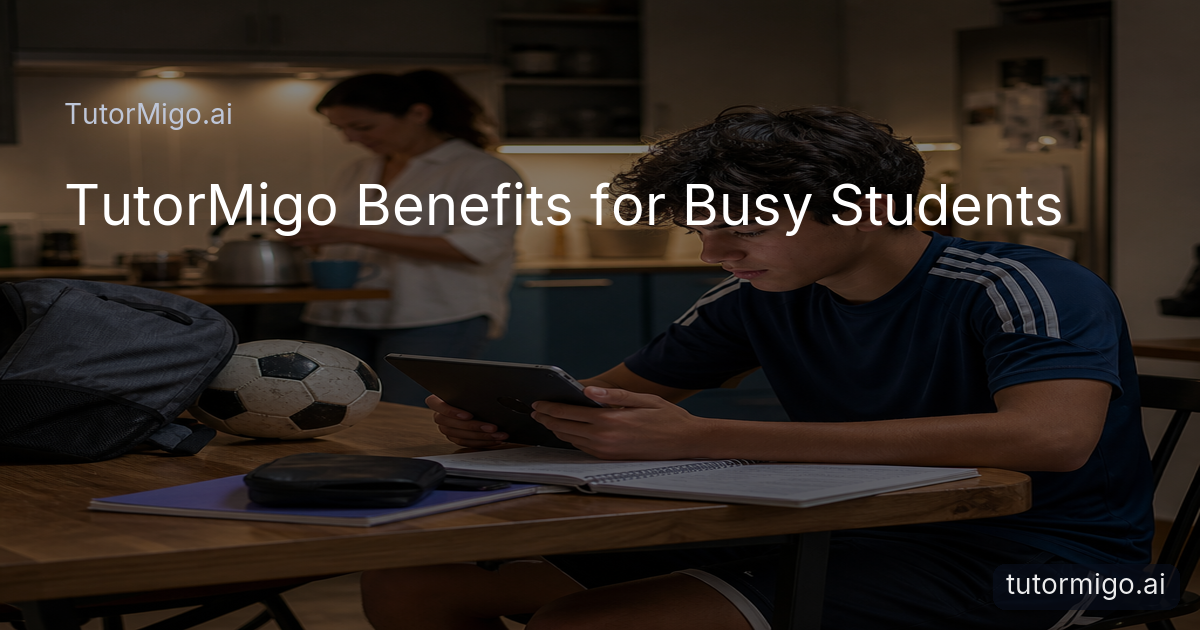
When school, sports, and a part-time job fill your week, even finding an open hour for tutoring can feel like another assignment. This success story follows Maya, a student who had classes during the day, soccer practice most afternoons, and two evening shifts at a local café. She needed support that could fit around real life, not a fixed routine she would constantly miss.
With TutorMigo.ai, Maya used an AI Tutor when she had a practical window: twenty minutes before practice, a quiet break at work, or a focused session after dinner. Instead of spending that time explaining her entire situation again, she could return to her tutor workspace and continue working from her session history. That made short sessions useful rather than rushed.
The biggest change was not adding more hours. It was removing the friction between noticing a problem and getting help with it. On Monday, Maya could ask about a difficult algebra step. On Wednesday, she could review the same concept before a quiz. On Friday, she could check whether she was ready to move on. This flexible rhythm helped her stay engaged without treating every busy day as a failure.
Keep every session connected to the last

Busy students often lose momentum because their study time is split into disconnected moments. Maya might understand a history topic on Tuesday, forget which question confused her by Thursday, and then start over at the weekend. TutorMigo’s AI Tutor Workspace gave her a consistent place to return, with personalized tutoring chat, expert personas, and session history available as her questions changed.
For example, Maya used one session to work through why her evidence did not fully support a history claim. The next time, she asked for a similar practice question and compared her new answer with the earlier feedback. She was still responsible for doing the thinking, but she no longer had to rebuild the context from memory.
This continuity also made it easier to keep sessions appropriately sized. A ten-minute review could focus on one misunderstanding, while a longer weekend session could connect several ideas. Parents and teachers comparing AI learning tools should look for this kind of practical continuity: not just an answer generator, but a workspace that supports an ongoing learning process. For a broader look at how AI can support homework without replacing the student’s work, read this guide to responsible AI homework help.
Turn short breaks into effective study
Maya did not need every study session to be long. She needed each short session to have a clear purpose. TutorMigo’s spaced-repetition flashcards helped her review vocabulary and key facts during a bus ride or before her shift. AI-assisted card creation reduced the setup time, while review scheduling brought older material back before it disappeared from memory.
She also used the interactive Study Tools Hub when a plain chat explanation was not enough. The whiteboard helped her lay out a multi-step problem visually, and the math step editor let her inspect where her reasoning changed direction. When she had a computer science assignment, the code sandbox gave her a focused place to test and examine code rather than switching among unrelated apps.
That combination made the TutorMigo benefits concrete: Maya could match the tool to the task. Flashcards worked for quick retrieval practice. The whiteboard worked for visual organization. The math editor worked for checking a sequence of steps. The code sandbox worked for experimenting. A general-purpose chatbot may be useful for a quick question, but a dedicated study workflow reduces the manual effort of deciding where to save, revisit, and practice each idea.
“I stopped waiting for a perfect two-hour study block. I could use the time I actually had and still know what to review next.”
Prepare for tests with a visible plan
As a test approached, Maya needed more than occasional explanations. She needed to know which topics were secure, which required practice, and whether her limited study time was being used well. TutorMigo’s Exam Preparation feature gave her structured practice sets and progress tracking for her selected exam, so preparation became a sequence of manageable tasks instead of a vague feeling that she should study more.
On a busy week, Maya completed a short practice set after school and reviewed the areas where she needed more work later that evening. She could use the AI Tutor to ask about a missed question, then create flashcards for the underlying terms or steps. The next weekend, she checked her progress and adjusted her plan rather than repeating material she already understood.
This approach is especially useful when schoolwork, training, and employment compete for attention. A visible record makes progress easier to discuss with a parent or teacher and helps the student protect the highest-value study sessions. It also keeps test preparation connected to learning: practice identifies a gap, tutoring explains it, and review reinforces it. The result is a calmer routine built around evidence rather than last-minute cramming.
Give supporters the right view
Maya’s progress improved further when the adults around her could support the routine without taking it over. Through the Parent Dashboard, her parent could view learning progress, use available learning controls, and participate in co-learning when helpful. That meant the conversation at home could focus on specific needs, such as asking whether Maya wanted a quieter review period before a test, rather than simply asking whether she had studied.
Her teacher had a different role. The Teacher Dashboard supports class management, student monitoring, knowledge base assignment, and reporting for educators. In Maya’s case, that kind of visibility could help a teacher notice that she was completing practice but repeatedly struggling with one topic. The teacher could then address that pattern during school support time instead of assuming missed work reflected a lack of effort.
Privacy and independence still matter. Visibility should help adults remove obstacles, not turn every study session into surveillance. The useful balance is simple: Maya owns the work, while parents and teachers have enough information to offer timely support. This is one of the clearest differences between a dedicated learning platform and a general-purpose chatbot used in isolation: progress and support can be organized around the student’s ongoing study routine.
Make the next study session easier
Maya’s story did not end with a perfect schedule. Some weeks still included late shifts, difficult practices, and unexpected assignments. The difference was that she had a repeatable way to respond. She could open her TutorMigo workspace, identify one priority, use the right interactive tool, and leave with a clear next review rather than a larger pile of unfinished plans.
If you are a student, start by choosing one subject and one realistic study window this week. Use the AI Tutor to clarify a single concept, save the session context, and create a small flashcard set for the ideas you need to remember. If a test is coming, use structured exam practice to establish a baseline and track what changes. Parents can focus on encouragement and practical scheduling, while teachers can use progress information to target support.
These steps show the TutorMigo benefits in everyday terms: flexible access, connected sessions, purposeful practice, and clearer communication. You do not need to reorganize your entire life before getting started. Choose the next available window, make it useful, and let the learning record guide the session after that.
Pros and cons
Pros
- Flexible study sessions that fit around school, sports, and work
- Session history that supports continuity across tutoring conversations
- Spaced-repetition flashcards and interactive tools for different study tasks
- Structured exam preparation with practice sets and progress tracking
- Parent and teacher dashboards for more useful, timely support
Cons and limitations
- Students still need to choose realistic study windows and complete the work
- Progress visibility works best when students, parents, and teachers agree on supportive expectations
Frequently asked questions
TutorMigo supports flexible sessions through a personalized AI Tutor Workspace with session history. Students can use short windows for focused questions, review, flashcards, or structured practice instead of relying on one long tutoring appointment.
TutorMigo combines personalized tutoring with session continuity, spaced-repetition flashcards, interactive study tools, structured exam preparation, progress tracking, and parent or teacher visibility. These features organize learning around an ongoing routine rather than a single conversation.
Yes. The Parent Dashboard provides parent visibility into child progress, learning controls, and co-learning features. The Teacher Dashboard supports student monitoring, class management, knowledge base assignment, and reporting for educators.
Flashcards are useful for quick retrieval practice, while the whiteboard, code sandbox, and math step editor support more active problem-solving. The AI Tutor Workspace can help the student decide what to focus on next.
Explore TutorMigo
Enjoyed this read?
Like, share, or comment below.



Comments
0Sign in required · respectful discussion · replies supported
Loading comments…