


Choosing tutors: test teaching fit for your child’s needs
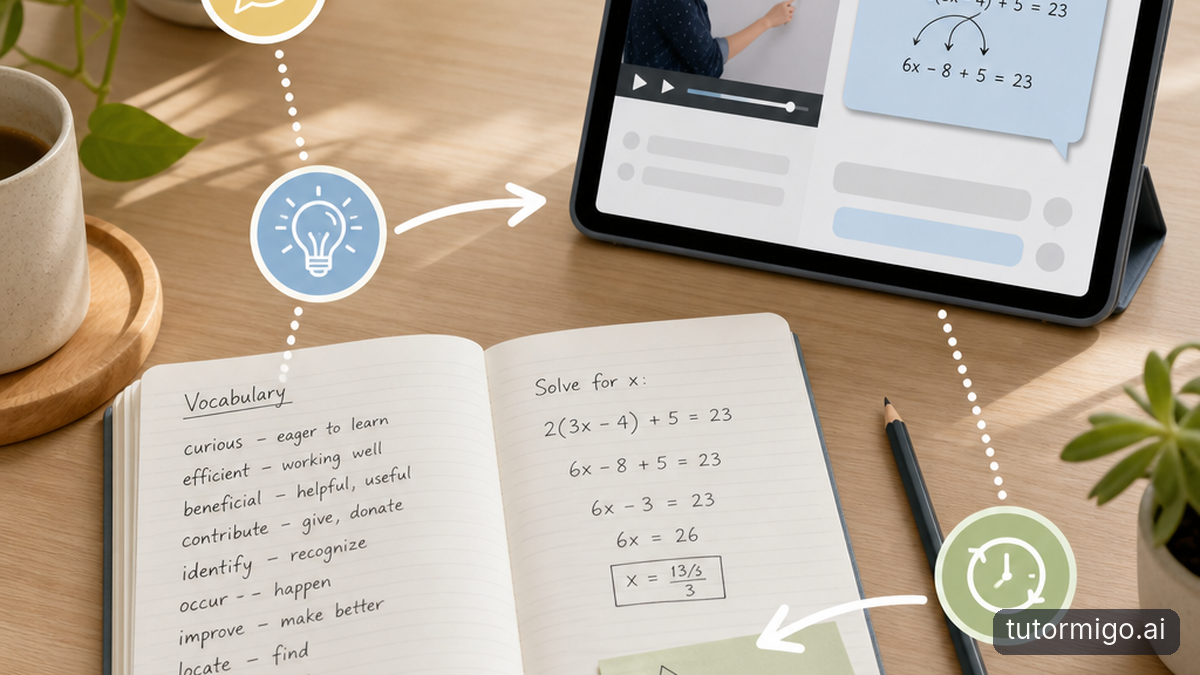
Before comparing subscriptions or tutor profiles, identify one specific difficulty. Does your child forget vocabulary, struggle to explain a math method, or freeze when working independently? Ask their teacher for a recent example, then use that same example when evaluating tutoring options. You will learn more from one focused trial than from a long feature list.
During the trial, ask for a hint rather than an answer. Then have your child explain the idea back. An AI Tutor should be evaluated by the usefulness and accuracy of its explanations, not how confidently it speaks. TutorMigo.ai’s personalized tutor workspace includes expert personas and session history. Check whether the teaching style suits your child and whether revisiting an earlier conversation makes the next session easier. General-purpose chatbots may also offer history and tailored explanations; compare the actual experience rather than assuming a category guarantees quality.
Look for practice that goes beyond conversation
A helpful explanation is only the beginning. Your child also needs opportunities to recall information and work through problems. If they recognize a definition today but cannot remember it next week, look for spaced-repetition flashcards rather than relying only on rereading a chat. TutorMigo.ai offers flashcard decks with AI-assisted card creation and review scheduling. Check generated cards against class materials before using them for revision.
Match interactive tools to the work your child actually does. A whiteboard can give them room to sketch an approach; a math step editor can support working through calculations; a code sandbox is relevant when programming is the sticking point. These are available in the Study Tools Hub. During a trial, watch whether your child uses a tool to reason independently or simply waits for another answer. More tools are not automatically a better fit.
Match progress tracking to a real learning goal
Decide what improvement would look like before you commit. “Better at studying” is hard to evaluate. “Can explain the method without prompting” or “remembers last week’s vocabulary during review” gives you something concrete to check. Keep one short example of your child’s starting work, then revisit a similar task after several sessions. A longer conversation or more completed activities does not necessarily mean deeper understanding.
If your child is preparing for a specific exam, check that the platform supports that exam directly. TutorMigo.ai provides structured preparation for SAT, ACT, AP, and IELTS, with practice sets and progress tracking. You do not need exam preparation simply because it is available. When it is relevant, use the tracking alongside your child’s explanations: ask why an answer was wrong and what they would do differently next time. That makes the numbers more meaningful.
Check what parents and teachers can actually see
You should not have to guess whether tutoring is helping, but visibility should support your child rather than turn every session into an inspection. Ask what you can review and how you will discuss it together. TutorMigo.ai’s Parent Dashboard provides visibility into child progress, learning controls, and co-learning features. During your evaluation, check whether that information helps you identify a useful next conversation, not just another number to watch.
For example, if your child says a topic is finished, invite them to teach you one part of it. Compare that explanation with the progress information available. When their teacher is involved, TutorMigo.ai’s Teacher Dashboard offers student monitoring and reporting, alongside class management and knowledge base assignment. Ask the teacher which observations would genuinely help connect tutoring with classroom needs. Avoid assuming that a dashboard alone proves mastery or replaces a teacher’s judgment.
Run a small trial before choosing
Choose one topic and try a short sequence: an explanation, independent practice, and a later review. Keep the task comparable across the options you are considering. Notice whether your child can find previous work, resume without unnecessary repetition, and attempt a similar problem with less help. Also ask how the experience felt. An impressive demonstration is not enough if your child dislikes using it.
A general-purpose chatbot may suit occasional questions; a dedicated tutoring platform may be a better fit when you want study tools, structured preparation, and parent visibility together. Neither category guarantees accurate answers or the right teaching relationship. For more context, compare the benefits and trade-offs of AI and private tutoring. Your next step is simple: pick one learning goal, test it with your child, and choose based on the understanding you can actually observe.
Frequently asked questions
Ask your child to explain an idea and attempt a similar task independently. Compare that work over time rather than relying only on completed activities.
It may suit occasional questions. Compare its explanations, continuity, and available tools with your child’s needs before choosing a dedicated tutoring platform.
Start with one real learning difficulty. Test the tutor workspace, then check whether relevant study tools and parent visibility make ongoing support easier.
Enjoyed this read?
Like, share, or comment below.



Comments
0Sign in required · respectful discussion · replies supported
Loading comments…