

Turn a middle school diagram into a testable question
Flat diagrams are useful, but they ask you to supply missing information. An orbit drawn from above does not show how the same path looks from the side. A balance picture shows equal quantities at one moment, but not what happens when you remove something. Interactive models make those hidden relationships available for investigation rather than leaving you to imagine every change.
One product distinction matters: TutorMigo.ai’s listed features do not establish a built-in WebGL simulation library, manipulatable planetary orbits, or an interactive algebra balance. WebGL is a browser graphics technology, not a guarantee that a particular learning tool includes those models. Treat the examples here as activities to use with a suitable simulation alongside TutorMigo.ai, rather than as confirmed controls inside the platform.
The learning routine is straightforward: predict, manipulate, explain, and check. Before touching a model, say what you expect to happen. Change one thing, describe the result, then explain the relationship without relying on the animation. The AI Tutor Workspace can support that conversation through personalized tutoring chat and session history. The goal is not simply a more attractive diagram; it is an explanation you can carry into your next problem.
Use planetary orbits to separate shape from viewpoint

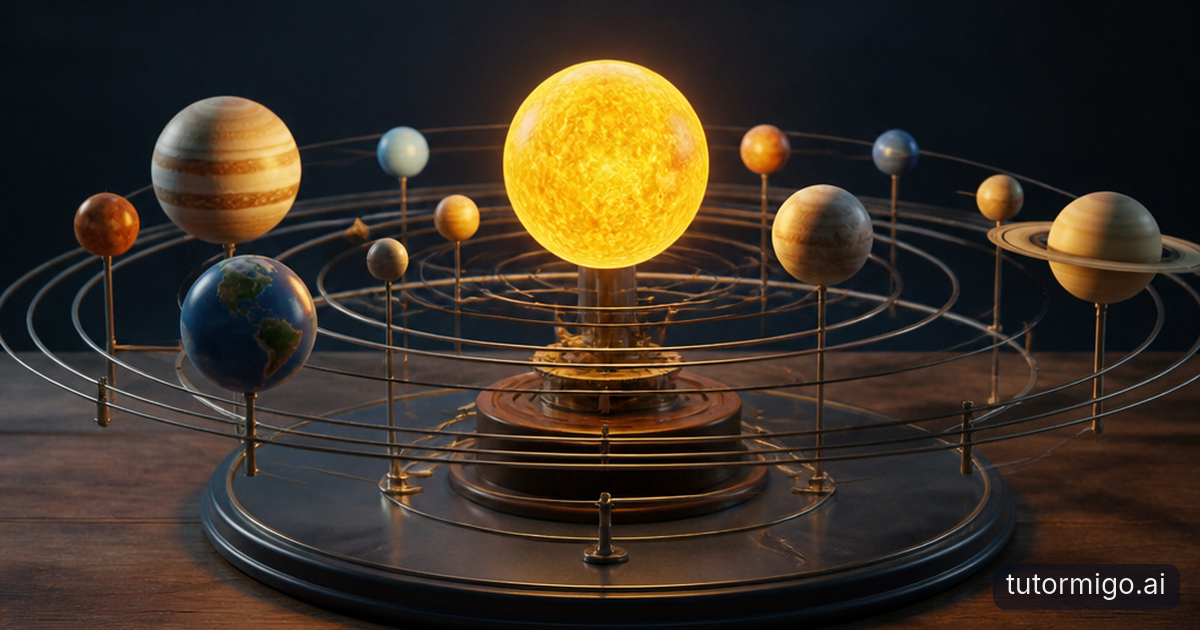
Imagine you are studying a planet traveling around a star. In a suitable three-dimensional simulation, start with a view from above, then rotate toward an edge-on view. Ask yourself: did the orbit change, or did your viewpoint change? A circular path can appear flattened when viewed at an angle. Recognizing that difference helps you avoid confusing a picture’s appearance with the object’s actual geometry.
Keep the first investigation narrow. Rotate the camera without changing the orbital settings, then describe what stayed constant. If the simulation allows changes to the orbit itself, investigate those separately. Otherwise, you may mistake a camera movement for a change in the planet’s motion. Also check the model’s labels and guidance: planet sizes, distances, and animation speeds may be adjusted for visibility rather than shown at a consistent scale.
Afterward, ask your AI Tutor to help you explain the difference between changing a viewing angle and changing a path. Describe what you actually observed, since you should not assume the chat can see or control an external simulation. Then sketch the same orbit from two viewpoints on a whiteboard. For more context on this skill, explore how spatial reasoning supports STEM learning.
Make algebra balances explain equality
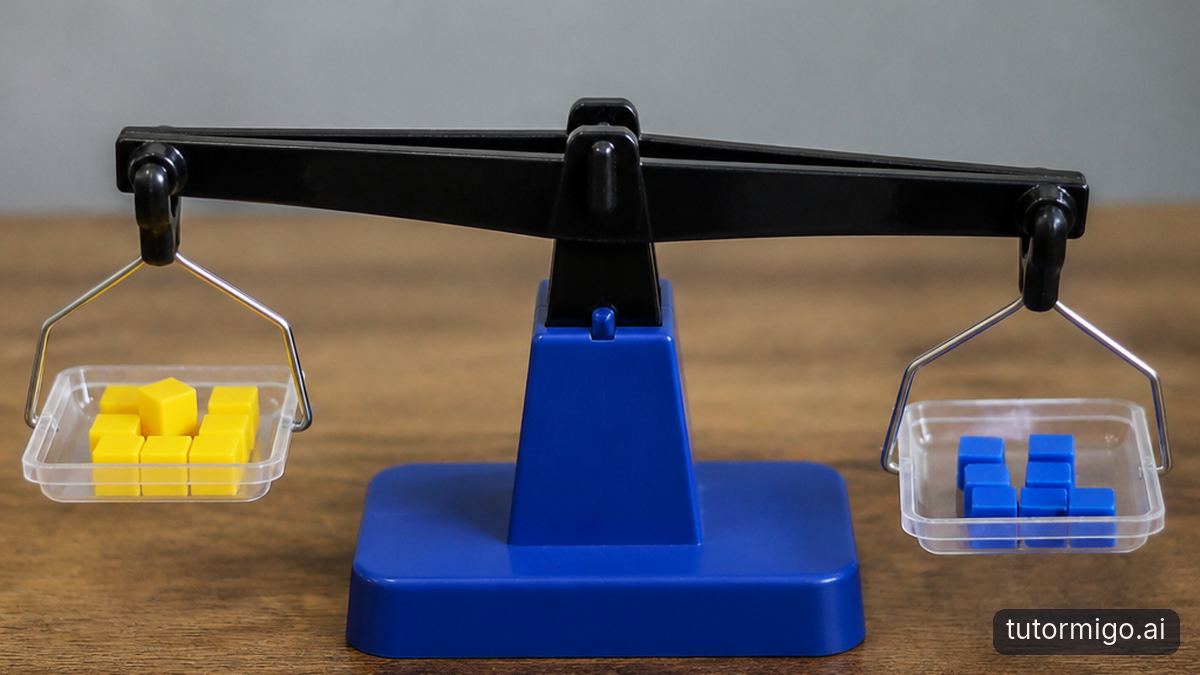
An algebra balance makes an abstract rule concrete: both sides must remain equal. For a middle-school example, represent using one unknown-weight container and three identical unit blocks on one side, with seven unit blocks on the other. Before removing anything, predict what will happen if you take three blocks from only one side. The imbalance gives the rule a visible meaning.
Next, remove three unit blocks from each side. The remaining model represents . Do not stop at the answer. Explain why removing equal amounts preserves equality, and connect each physical action to a written step. TutorMigo.ai’s math step editor is a relevant tool for working through the symbolic version; the balance simulation remains a separate resource unless its availability is independently confirmed.
Try a second example, . Remove two unit blocks from each side, then divide both remaining quantities into two equal groups. You reach , but the important insight is why each operation applies to both sides. Keep early examples to positive quantities that the balance represents clearly. Negative values need additional conventions. If this transition feels difficult, the guide to building algebra readiness offers related context.
Connect the model to tutoring and later recall
A simulation session can feel productive while leaving surprisingly little behind. You remember the moving planet or tipping balance, but not the relationship it demonstrated. Close the model and explain one result from memory. For an orbit activity, describe why changing your viewpoint does not necessarily change the path. For algebra, explain why removing the same quantity from both sides preserves equality.
Bring that explanation into the AI Tutor Workspace and ask for questions that probe your reasoning. A useful prompt is: “I removed equal blocks from both pans. Ask me why that kept the equation true, then give me a similar problem.” Session history gives you a record to revisit, so you can return to the earlier discussion rather than reconstructing the activity from memory. Include the model’s assumptions and any uncertainty in your description.
Then turn the relationship into a small flashcard deck. Ask “What must stay equal during each balance operation?” rather than “What color were the blocks?” TutorMigo.ai supports AI-assisted card creation and spaced-repetition review scheduling. These TutorMigo benefits connect an engaging activity to later practice. Your AI Tutor conversation helps develop an explanation; reviewing well-chosen flashcards gives you another opportunity to retrieve it after the model is gone.
Look for understanding, not just interaction
If you are choosing an activity for a middle-school learner, watch what happens after the clicking stops. Can the student predict the next result, explain an unexpected change, and solve a related problem without the model? Those are more useful checks than the number of rotations or adjustments. A student who confidently operates a simulation may still misunderstand the relationship it represents.
Keep a brief record of one prediction, one observation, and one explanation. For example: “I thought tilting the view would change the orbit. The image became narrower, but I had only changed the camera.” Parents can use TutorMigo.ai’s Parent Dashboard for progress visibility and co-learning support. Teachers can use the Teacher Dashboard for student monitoring and reporting. Neither feature description establishes automatic tracking of actions inside an external simulation, so do not assume those observations appear there automatically.
When comparing TutorMigo.ai with a general-purpose generative chatbot, compare the workflow rather than making blanket claims about intelligence. Check whether your chosen setup provides accessible session history, scheduled flashcard review, relevant study tools, and the visibility you need. A general-purpose chatbot may also discuss diagrams or explain equations. The practical question is how easily you can connect exploration, explanation, practice, and follow-up without losing the thread.
Try one focused model activity next
Start with a concept you can investigate in one short sitting. For planetary orbits, choose viewpoint versus actual shape. For algebra, choose preserving equality while removing matching quantities. Find a suitable interactive model and check what its controls actually change. If you specifically need WebGL, confirm that technology and browser compatibility with the simulation provider rather than assuming every three-dimensional resource uses it.
Before opening the model, write a prediction in a sentence. During exploration, change one control or perform one balance operation at a time. Afterward, close the simulation and reproduce the idea with a sketch or written equation. Use TutorMigo.ai’s whiteboard or math step editor where appropriate, then bring your explanation into the tutor conversation. Ask for a follow-up question that changes the example without changing the underlying principle.
Finish by saving one useful flashcard and identifying one unresolved question. At your next study session, attempt the explanation before reopening the model. If you can transfer the idea to a new view or equation, the activity is doing more than entertaining you. You do not need to replace every textbook picture: use interactive models where movement, perspective, or reversible actions reveal something a static diagram leaves difficult to see.
Frequently asked questions
Its listed features do not confirm a built-in WebGL library, planetary orbit simulator, or algebra balance. The activities above describe using a suitable external model alongside its supported tutoring and study tools.
A model can let you investigate changes in viewpoint or test an operation. A diagram remains useful for summarizing the result. Predicting and explaining connect both formats to understanding.
Ask for a prediction before the interaction and an explanation afterward. Then offer a similar problem without the model to check whether the student can transfer the idea.
Focus on relationships, such as why equal operations preserve equality or why a viewpoint changes appearance. Avoid cards that test incidental colors, controls, or animation details.
Related reading
Enjoyed this read?
Like, share, or comment below.

Comments
0Sign in required · respectful discussion · replies supported
Loading comments…