

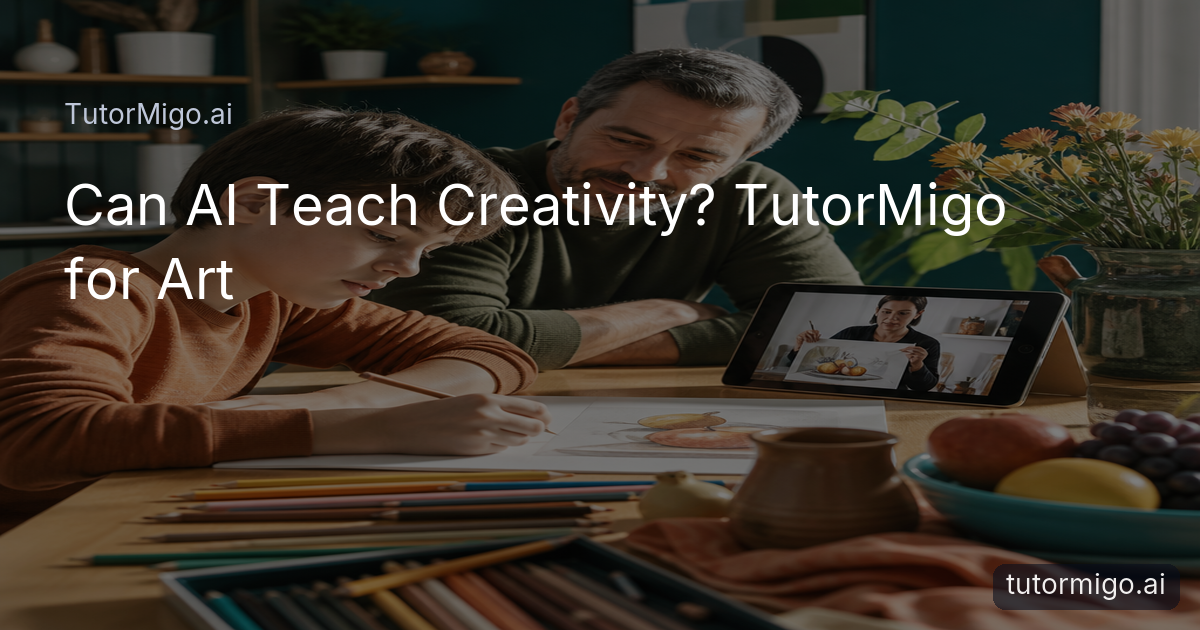
Why Art Progress Is Hard to Measure—and What Parents Need to See
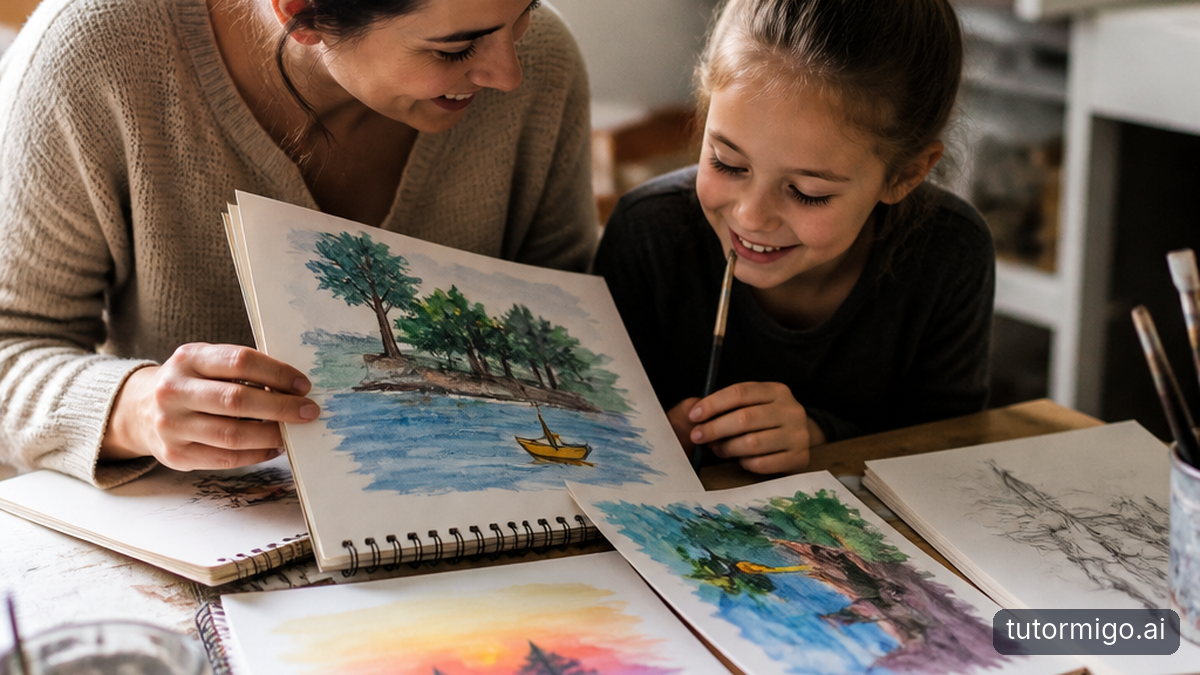
Grades in art class can feel subjective. A mark such as “good effort” may be encouraging, but it does not tell a parent whether a learner is beginning to understand contrast, experimenting with composition, or simply completing assignments. Art develops through small changes that are easy to miss: a student notices how warm colors advance, uses a steadier contour, or revises a layout instead of accepting the first idea.
That makes progress difficult to discuss at home. A parent may know that a drawing was finished, but not what the learner practiced or what should come next. The goal is not to turn every sketch into a test or reduce creativity to a score. It is to make the learning process more visible. A useful record might show that a student explored color relationships one week, practiced perspective the next, and returned to shading after receiving guidance.
An AI Tutor at tutormigo.ai can help organize those conversations by keeping practice connected to a learning session. Instead of asking only, “Did you finish your picture?” a parent can ask, “What did you try with light and shadow?” That shift respects the personal nature of art while giving families clearer evidence of engagement, practice, and growing understanding. TutorMigo supports this kind of structure without pretending that artistic development follows one identical path for every learner.
How TutorMigo Supports Creativity Without Replacing the Artist
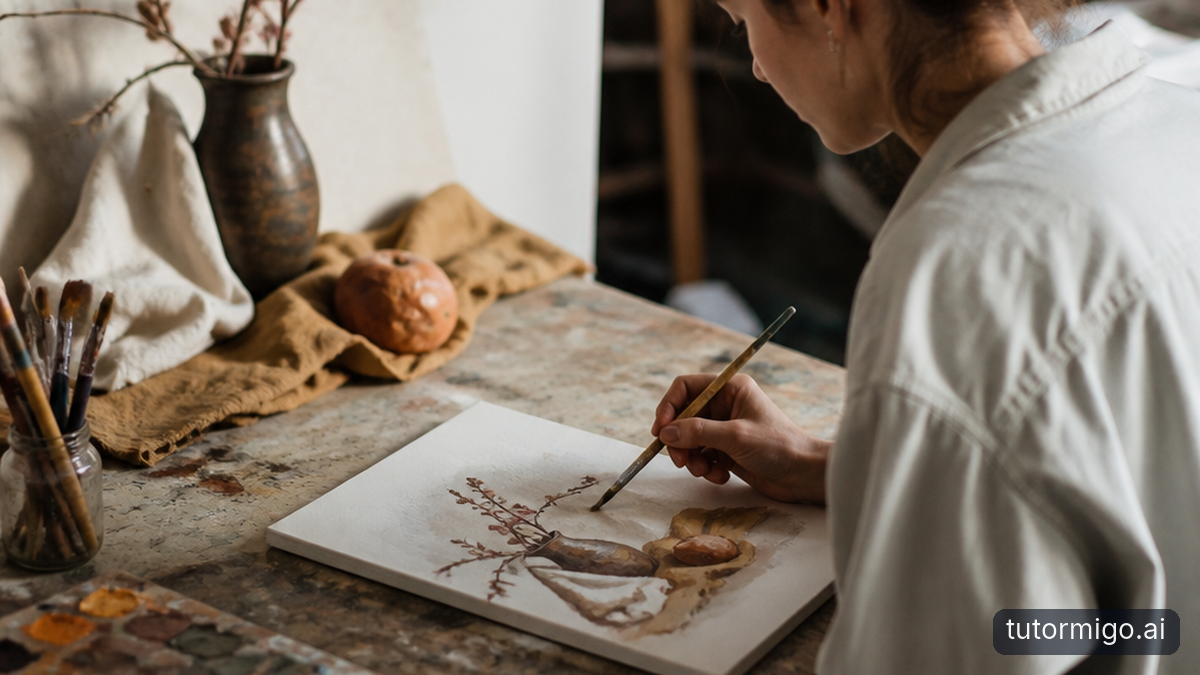
TutorMigo is most useful when it acts as a guide beside the creative process, not as the person making the creative decisions. A learner still chooses the subject, mood, materials, and visual story. The tutor can help unpack a question such as, “Why does my landscape feel flat?” by discussing overlapping shapes, relative size, horizon placement, or value contrast. Those ideas give the learner more options; they do not dictate the final image.
Imagine a student designing a poster about a local community event. Rather than producing a finished poster, the learner can ask for help comparing a centered layout with an asymmetrical one. The session can focus on hierarchy, spacing, and how color affects attention. The student then makes the choices, tries a version, and returns with a more specific question. This is a practical difference between guidance and substitution: the learner remains responsible for the visual solution.
The TutorMigo AI Tutor Workspace supports personalized tutoring chat and session history, so explanations can stay connected to the learner’s earlier questions. A student who struggled with focal points can revisit that idea during a later composition exercise instead of starting from a generic lesson each time. The platform’s role is to provide language, examples, prompts, and a place to reflect. Creativity remains the learner’s work, while structure makes experimentation less intimidating and revision more purposeful.
Learning Color Theory Through Guided, Interactive Practice
Color theory becomes more useful when learners can connect a term to a decision. A tutor might introduce hue, value, saturation, complementary colors, and warm-versus-cool relationships, then ask the student to apply one idea to a small study. For example, a learner could plan two versions of the same fruit bowl: one using closely related colors for a calm mood and another using stronger contrast to make the focal object stand out.
Interactive practice can happen through a guided discussion, a whiteboard exercise, or a short visual planning task in Study Tools. The student might label which areas should attract attention first, explain why a background competes with the subject, and revise the palette after seeing the result. The important feedback loop is specific: instead of “make it better,” the learner considers whether a color change improves emphasis, depth, or mood.
Short flashcard reviews can reinforce the vocabulary that makes future feedback clearer. A learner may review the difference between value and saturation, identify complementary pairs, or match a design principle with an example. Spaced repetition is especially helpful here because art terms are easy to recognize once and forget later. TutorMigo’s flashcards can support recall between projects, while the tutor workspace helps connect those terms to the learner’s own choices. The result is not a formula for making art; it is a stronger set of tools for noticing, explaining, and revising visual decisions.
Building Composition, Perspective, and Shading Skills with Visual Feedback
Many art skills improve when learners can see the relationship between an idea and its effect. For composition, a student might compare a crowded arrangement with one that leaves intentional negative space. For perspective, the learner can use a whiteboard to place a horizon line and guide lines before drawing a simple street or room. For shading, the tutor can prompt the student to identify the light source, separate light from midtone, and reserve the darkest values for areas that need emphasis.
These activities create manageable feedback loops. A student makes a first attempt, describes what looks wrong, receives a focused question or explanation, and tries a revision. For instance, if a box appears to tilt unexpectedly, the discussion can return to consistent receding lines rather than treating the whole drawing as a failure. If a face looks flat, the next practice may isolate a basic form and a single light source instead of adding random darker marks.
TutorMigo’s interactive Study Tools include a whiteboard that can support this kind of guided practice. The learner can work through a visual problem step by step, ask why a change matters, and preserve the reasoning in the session context. This does not amount to automated artistic judgment, and it should not replace a teacher’s critique or the learner’s own visual judgment. It gives practice a clearer sequence, so feedback is tied to a concrete decision and revision rather than a vague impression of talent.
How Session Continuity Turns Art Practice into Visible Skill Growth
One isolated art conversation may be helpful, but a sequence of connected sessions is more valuable. Session continuity lets a learner return to an earlier goal: first identifying a light source, then applying it to simple forms, then using the same idea in a still life. The student does not have to re-explain every concern from the beginning. Earlier questions can become a starting point for a more challenging practice task.
Consider a learner who says, “My drawings look flat.” In one session, the tutor helps them explore overlap and size. In the next, the learner practices a one-point perspective setup. Later, the focus can move to value changes across nearby and distant objects. The progress is visible not because a machine assigns an objective art score, but because the learner’s questions become more precise and the practice moves from naming a problem to testing solutions.
That continuity also supports reflection. After completing a study, the learner can note what changed, what still feels difficult, and which principle helped. A parent or teacher can use those observations to encourage a next step rather than offering a broad judgment. For a student, this can make improvement feel achievable: the goal is not suddenly to become “more talented,” but to build one connected skill at a time. The TutorMigo AI Tutor Workspace provides the session history and personalized conversation that help those steps stay connected over time.
TutorMigo Benefits for Parents Tracking Art Engagement and Skill Growth
Parents do not need to be artists to support meaningful practice. They need a clearer view of what the learner is doing and how to ask useful questions. TutorMigo’s Parent Dashboard provides visibility into learning progress and engagement, giving families a practical starting point for conversations about art. Instead of judging whether a drawing looks impressive, a parent can ask what principle the learner practiced, what revision they made, or what they want to try next. visit; tutormigo.ai
A simple home routine might look like this: the learner spends twenty minutes reviewing two color-theory flashcards, completes a guided whiteboard exercise, and explains one choice in the finished study. The parent can notice consistency, follow up on the learner’s stated goal, and celebrate persistence when a second attempt improves. That evidence is valuable even when the final picture is unfinished. It shows participation in a process, not just a product.
Visibility should still be used thoughtfully. Art is personal, and dashboard information should support encouragement rather than surveillance or comparison with other children. The most useful progress signal may be increased willingness to revise, a growing vocabulary, or more specific questions. These are signs of engagement and skill development that a single grade may miss. TutorMigo benefits families by making those patterns easier to notice while leaving room for different styles, interests, and creative outcomes. For parents managing busy evenings, this can also make art support feel more approachable and less dependent on having specialist knowledge.
TutorMigo vs. General-Purpose Chatbots for Structured Art Learning
A general-purpose chatbot can be useful for brainstorming a theme or explaining a design term. The practical question is what happens after that first answer. Structured art learning needs a repeatable place for practice, connected follow-up, review of vocabulary, and visibility for the adults supporting the learner. TutorMigo brings those elements together through its AI Tutor Workspace, session history, interactive Study Tools, flashcards, and parent or teacher dashboards.
For example, a learner might ask a general chatbot, “How do I use perspective?” and receive an explanation. In TutorMigo, that question can become a guided whiteboard activity, a follow-up conversation about the learner’s drawing, and a later review prompt. A parent can focus on whether the learner engaged with the practice and what they are working toward. A teacher can use the Teacher Dashboard for student monitoring and reporting when art learning is part of a broader class workflow. The difference is not that one tool can never explain art; it is that TutorMigo is designed to keep learning activity and follow-through connected.
Tool choice should match the goal. If someone wants a quick idea, a general chatbot may be enough. If the goal is sustained practice with continuity and adult visibility, a tutoring workspace offers more structure. The learner still needs human critique, real materials, and freedom to make unusual choices. TutorMigo supports the educational scaffolding around those experiences rather than claiming to replace an art teacher, a studio, or the learner’s imagination. visit: tutormigo.ai
Next Steps: Give Creativity Structure Without Taking Away Choice
Start with one concrete art goal rather than asking an AI tool to “teach creativity.” A learner might choose to understand complementary colors, create a clearer focal point, draw a room in perspective, or show a consistent light source. The tutor can help break that goal into a short explanation, a guided practice activity, and a reflection on what changed. Keeping the first target narrow makes progress easier to see and keeps the creative task manageable.
Next, combine practice with light review. Use the whiteboard for a visual exercise, then revisit key terms with spaced-repetition flashcards. At the end, ask the learner to explain one choice in their own words. Parents can use the Parent Dashboard to notice engagement and discuss the next step; teachers can use available monitoring and reporting tools when they are supporting a class. The point is not to collect a perfect record of every sketch, but to build a supportive rhythm.
Finally, protect choice. Let the learner select subjects, colors, references, and ways to revise. Guidance should open possibilities, not make every result look alike. Creativity thrives with the right guidance, not less structure. TutorMigo can provide continuity, interactive support, and progress visibility while the learner remains the artist making the meaningful decisions.
Learn more at tutormigo.ai
| Learning need | TutorMigo | General-purpose chatbot |
|---|---|---|
| Connected practice | Personalized tutoring with session history can keep goals and follow-up connected. | May provide a useful one-off explanation, depending on the conversation. |
| Visual skill practice | Study Tools include a whiteboard for guided exercises such as perspective or shading practice. | May discuss a concept, but the learner may need to create their own practice structure. |
| Review and visibility | Flashcards support vocabulary review, while parent and teacher dashboards support learning visibility. | Usually requires separate systems or manual routines for ongoing review and adult visibility. |
Pros and cons
Pros
- Keeps creative decisions with the learner while adding structure and feedback.
- Connects tutoring sessions so art questions and practice goals can build over time.
- Uses interactive Study Tools and flashcards to support concrete practice and vocabulary review.
- Gives parents and teachers more visibility into engagement and learning progress.
Cons and limitations
- It does not replace an art teacher, studio critique, physical materials, or personal artistic judgment.
- Progress visibility is not the same as an objective measure of artistic quality.
- Learners still need to practice independently and make their own creative choices.
Frequently asked questions
TutorMigo is best used to guide learning, not replace the learner’s creative work. It can help explain color theory, composition, perspective, and shading through personalized tutoring and interactive practice while the learner makes the artistic decisions.
Parents can look for evidence of engagement, practice, reflection, and revision. The Parent Dashboard provides visibility into learning progress, while session continuity can show how a learner’s questions and goals develop over time.
The AI Tutor Workspace can provide personalized explanations and session history. Study Tools include a whiteboard for guided visual practice, and flashcards can reinforce art vocabulary and design principles through spaced repetition.
It should not. Structure can give learners techniques and vocabulary to make more intentional choices, while the subject, mood, materials, and final visual decisions remain their own.
Explore TutorMigo
Enjoyed this read?
Like, share, or comment below.



Comments
0Sign in required · respectful discussion · replies supported
Loading comments…