

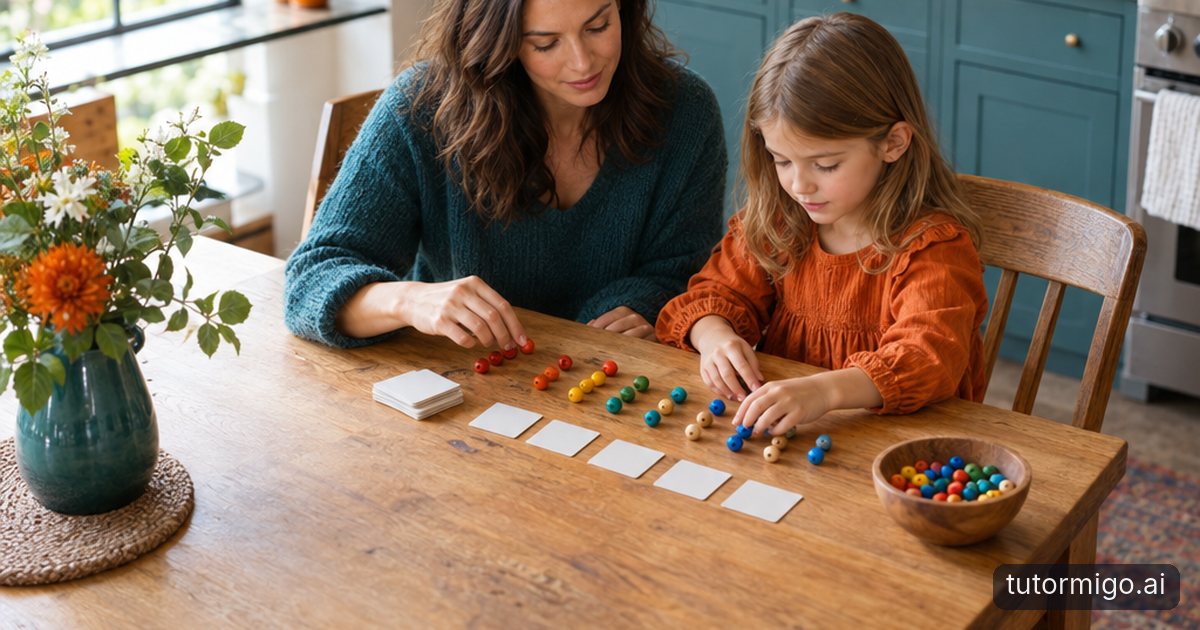
When Grade 1 Practice Becomes a Struggle, Start With One Short, Adult-Guided Activity

When every practice task becomes a negotiation, adding more questions rarely feels helpful. For your Grade 1 child, try one short activity with you beside them. TutorMigo.ai combines personalized tutoring, session history, spaced-repetition flashcards and a whiteboard, giving you tools to guide practice and decide what to revisit.
Start with something familiar: three words from classroom reading or one number fact your child has already encountered. Tell them what will happen: “We’ll try these together, then put them away.” A clear stopping point makes the activity predictable without making speed or correct answers the price of finishing.
If you already use AI chat tools, keep the same adult role here. You choose the material, read unfamiliar instructions aloud and check explanations. Ask for one short question at a time rather than a page of exercises. If your child becomes frustrated, model an answer or stop; there is no need to complete a set.
A teacher can use this approach beside a child during a brief classroom practice slot. Keep the goal narrow: notice whether the child recalls a word independently, needs a picture cue or wants another demonstration. Those observations help you choose the next activity more usefully than simply counting completed questions.
Use Personalized Tutoring and Session History to Pick Up Where Your Child Left Off
The AI Tutor Workspace supports personalized conversation and session history. You can provide the context that matters: “We are practising these three classroom words. Use short sentences and ask one question at a time.” Check the response before sharing it, and adjust your request if the language is too difficult or the task introduces unfamiliar material.
Suppose your child recognises “sun” but needs help with “run.” After the activity, add a brief note to the conversation: “Recognised sun independently; needed help with the first sound in run.” Next time, review that exchange and ask for another short practice using the same words. This makes the history a useful reference rather than a reason to start every session from scratch.
Session history records the conversation, not everything your child understood. An answer you typed after helping is different from an independent response. Make that distinction explicit when you describe the session. Treat the AI Tutor as a source of prompts and explanations that you supervise, while your observations guide which material goes into the next small deck. Avoid assuming it can infer how much help happened away from the screen.
Build Small Flashcard Decks for Simple Words or Number Facts and Space Out Reviews
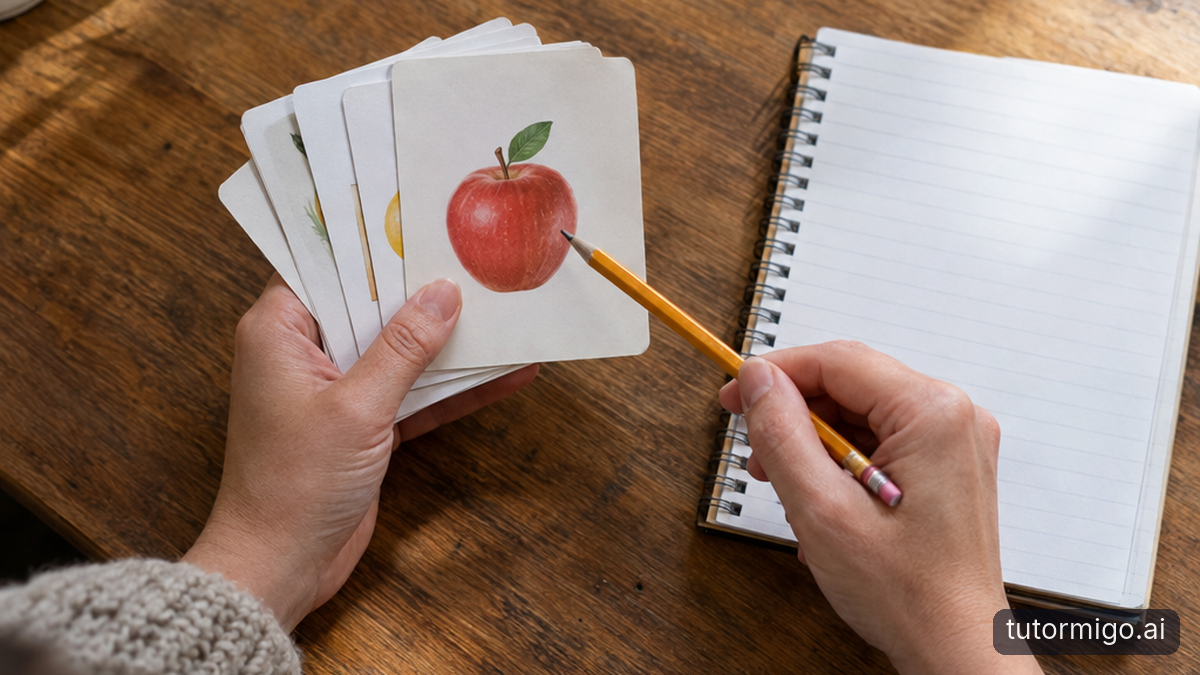
Keep your first deck small enough to review without bargaining: perhaps four familiar words or three addition facts. TutorMigo.ai offers AI-assisted card creation, so you can request draft cards from material you choose. Read each card yourself, check its answer and remove anything ambiguous or beyond what your child is currently practising. Keep each prompt focused on one thing.
A word card might show “cat” and ask your child to read it aloud. A number-fact card might ask , with as its answer. Pause before showing the answer so your child has a chance to retrieve it. If they cannot, give the answer calmly, explain briefly and move on rather than repeating the same question until they guess.
A short flashcards study routine works best when review is spread out rather than squeezed into one long sitting. Use the spaced-repetition review scheduling to organise returns to the cards, while keeping sessions adult-guided. For more context, see this parent’s guide to spaced repetition. A scheduled review is an invitation to practise, not a requirement to continue when your child is tired.
Use the Interactive Whiteboard to Explain a Word or Show a Number Fact
When a flashcard exposes uncertainty, a short explanation may be more useful than another attempt. TutorMigo.ai includes an interactive whiteboard in its Study Tools Hub. You can use that space to make an idea visible, then return to the original card. Keep the drawing simple so the explanation does not become a second, more demanding task.
For , draw two dots together and one dot beside them. Count the whole group with your child, then point back to the fact. You can also put counters on the table if drawing on a screen is awkward. Ask, “Where is the extra dot?” rather than immediately asking for the answer again. The aim is to connect the card with something your child can explain.
For a word such as “sun,” write it clearly and point to each letter as you model the sounds. Invite your child to try, but do not treat copying your explanation as independent recall. At a later review, show the original card without the drawing. Notice whether the explanation helps, and change your approach if it does not.
Review Available Progress Information Alongside What You Observe During Practice
Start with information the available tools actually provide: the tutoring conversation in session history, the contents of your flashcard decks and their review scheduling. These can help you see what you discussed and what is planned for another review. They do not, by themselves, establish that your child can read a word or recall a fact independently in another setting.
After a session, ask yourself three questions: What did my child answer without help? What needed a cue? Was the activity manageable? You might record, “Read cat independently; needed the first sound for sun; stopped comfortably after four cards.” Keep these notes brief and avoid including unnecessary personal details. A separate adult note is useful if you do not want to add observations to the tutoring conversation.
At the next review, compare like with like. Reading a word after hearing it is not the same task as reading it cold. Likewise, counting dots and recalling a number fact use different supports. Parents and Grade 1 teachers can use those distinctions to choose whether to repeat, simplify or pause an activity, without treating session records as a formal assessment.
TutorMigo vs. General-Purpose Chatbots: Compare Guided Study Workflows Side by Side
If you already use a general-purpose chatbot, you may be able to request short questions, explanations and draft flashcards there. Depending on the tool and account, you may also have conversation history or drawing options. The useful comparison is not whether a chatbot can help at all, but how much setup your particular practice routine requires.
TutorMigo.ai brings a personalized tutoring workspace, spaced-repetition flashcard decks with review scheduling, and an interactive whiteboard into a dedicated study platform. For your family or classroom, that combination may make returning to the same small set of material more convenient. It still requires you to select appropriate content, check generated answers and supervise the child’s participation. The tools do not remove those responsibilities.
Use the side-by-side comparison below as a checklist, then compare it with the chatbot you actually use. Can you find the previous exchange easily? How will you organise cards and remember to revisit them? Can you demonstrate a confusing fact without disrupting the activity? If your existing setup already supports a calm, repeatable routine, switching may offer little benefit. Judge the workflow against your needs, not the product category.
| Practice need | TutorMigo.ai | General-purpose chatbots |
|---|---|---|
| Continue a conversation | Personalized tutoring chat with session history. | History availability and organisation vary by tool. |
| Build and revisit cards | AI-assisted decks with spaced-repetition review scheduling. | Can often draft prompts; deck management and scheduling vary. |
| Explain visually | Interactive whiteboard in the Study Tools Hub. | Drawing options vary; another tool may be needed. |
| Supervise Grade 1 practice | Adults select content and check responses. | Adults select content and check responses. |
Try One Supervised Activity, Review the Information Available, and Decide Whether TutorMigo Fits
First, choose one modest activity using material your child already knows something about. For example, prepare three cards for familiar addition facts and check every answer. Sit together and explain that you will try the cards, use a drawing if needed and then finish. You can agree on a short time limit, but stop earlier if the activity becomes a struggle.
Next, offer each prompt without rushing to fill the silence. If a fact is confusing, demonstrate it with dots on the whiteboard or counters beside the screen. Return to the card only if your child is willing. Afterwards, review the tutoring history, deck and available scheduling information. Add your own observation about whether responses were independent or supported, rather than assuming that completing the activity means the material is secure.
Finally, decide whether another brief review makes sense. Did the tools help you keep the material focused? Could you find the previous practice easily? Was the routine manageable for both of you? Try a later review before making a broader judgement. TutorMigo.ai may fit if its study workflow supports the calm, supervised practice your child needs; it is reasonable to choose another approach if it does not.
Frequently asked questions
For this routine, stay beside your child, choose the material and check generated questions and answers.
Try three or four familiar items. Reduce the set if practice becomes tiring or frustrating.
No. It records the conversation. Observe later recall without cues to distinguish independent answers from supported practice.
Enjoyed this read?
Like, share, or comment below.



Comments
0Sign in required · respectful discussion · replies supported
Loading comments…