


AI Learning Tools: Evidence Over Hype
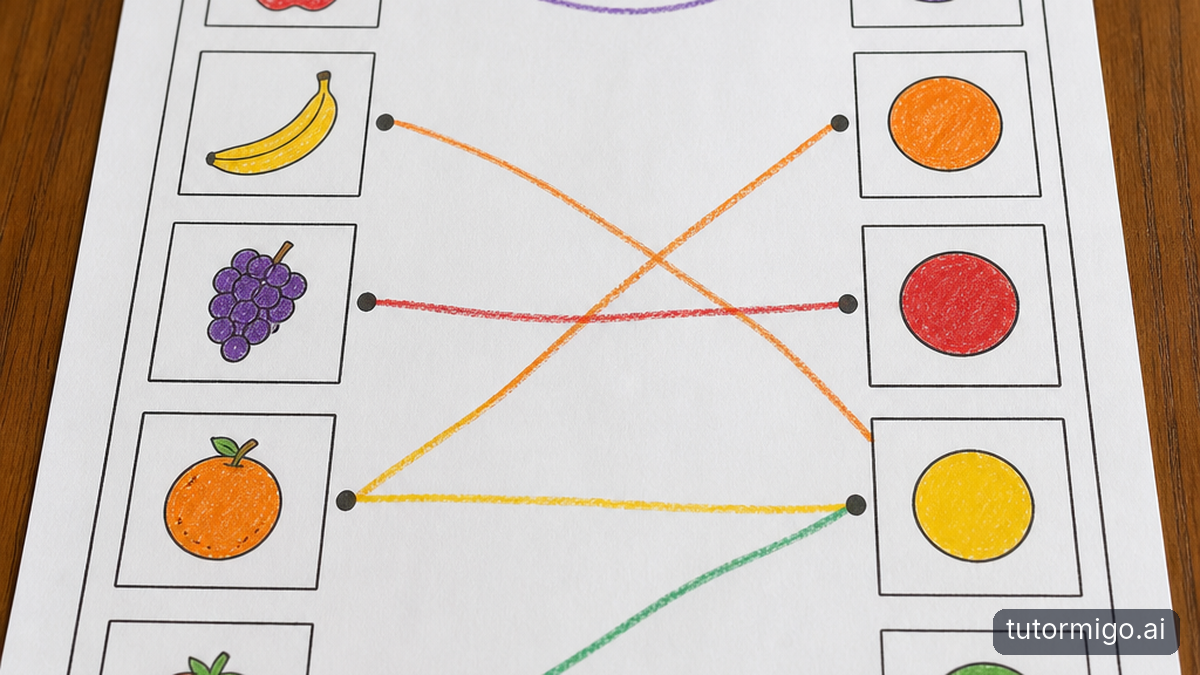
AI learning tools can look equally impressive when you’re scrolling through polished demonstrations. The harder question is whether one will actually help your child learn. This checklist helps you separate useful support from appealing promises by checking suitability, privacy, learning habits, and what happens after the screen closes.
Start with a problem you can describe without mentioning technology. Perhaps your child remembers vocabulary during practice but forgets it later, or finishes homework without being able to explain the method. “Make learning more engaging” is difficult to assess. “Recall this week’s vocabulary without prompts” gives you something observable to test.
A reassuring provider explains what its tool does, where it has limits, and how you can examine its usefulness. A warning sign is a promise of rapid improvement without explaining what improvement means. Testimonials and confident answers are not evidence that your child understands more.
Before comparing subscriptions, ask your child to complete one short, familiar task independently. Keep that work as your starting point. Later, compare it with a similar task completed without assistance—not simply with the number of activities finished inside the tool. That distinction keeps your decision focused on learning rather than activity.
Is This AI Tool Right for Your Child’s Age and Independence?

Check the provider’s stated minimum age and any parental-consent requirements before opening an account. Then consider practical readiness separately: can your child read the instructions, describe what they need, and recognise when an explanation does not make sense? Meeting an age requirement does not automatically mean a child should use a tool alone.
During a demonstration, let your child operate the tool while you watch. Notice whether they can recover after entering an unclear question. If they repeatedly need you to interpret the response, the tool may require more supervision than your household can realistically provide. That is a suitability issue, not a failure by your child.
A reassuring answer sounds like: “Here are the age requirements, and here is how we recommend adults support use.” A warning sign is “suitable for everyone” with no explanation of reading demands, limitations, or adult involvement. Avoid treating a friendly character or playful design as proof of age suitability.
Agree on an initial arrangement together: where the tool will be used, which tasks are appropriate, and when your child should ask you for help. Choose a level of independence you can support consistently rather than one that depends on constant supervision.
What Personal Data Does It Collect, Store, or Share?
Read the privacy policy before entering your child’s details or uploading schoolwork. Look for separate explanations of account information, conversations, uploaded material, and usage records. Ask why each category is needed, how long it is retained, and whether it is shared with service providers, advertisers, or other organisations.
Check specifically whether conversations or uploads may be used to train models, whether you can decline that use, and what deleting an account actually removes. “We take privacy seriously” is not an answer to those questions. Neither is a statement about encryption: protecting stored information does not explain how the provider may use it.
A reassuring answer identifies the data, purpose, retention period, and deletion process in language you can understand. Warning signs include vague references to “partners,” missing retention information, or essential answers scattered across contradictory documents. If an important point remains unclear, contact support before proceeding rather than assuming the safest interpretation.
During a trial, minimize what you share. Type a practice question instead of uploading a worksheet containing your child’s full name, school, or teacher’s details. Teach your child not to include passwords, contact details, or private information about classmates. Privacy habits matter even when a provider’s policy appears reasonable.
Does It Support Your Child’s Specific Learning Goals?
Choose one learning goal before investigating every available feature. If your child needs to remember facts over time, spaced review may be relevant. If they struggle to explain reasoning, a conversation that explores their choices may be more useful. The right match depends on the learning difficulty, not the length of the feature list.
Bring a representative task from your child’s current work. For example, if the goal is understanding a science concept, ask for an explanation and then have your child apply it to a different example. Check that the vocabulary and approach connect with what they are learning rather than introducing avoidable confusion.
A reassuring answer explains how an activity supports your chosen goal while acknowledging what it cannot establish. Scheduled flashcard review can support recall, for instance, but remembering a definition does not prove someone can use the concept. A warning sign is treating every learning problem as something the same activity will solve.
If you are unsure what to prioritize, ask your child’s teacher which skill needs attention and what successful independent work would look like. For a broader starting point, this guide to helping a child who is falling behind can help you identify a manageable focus.
Does It Encourage Your Child to Think—or Just Supply Answers?
Test the tool with an incomplete attempt, not only a straightforward question. Ask your child to explain their approach, then request a hint rather than a finished solution. Watch whether the response helps them identify the next step or simply completes the task on their behalf. A clear explanation can still leave the learner passive.
For example, when your child misunderstands a reading passage, useful support might ask which sentence supports their interpretation and invite them to reconsider it. Less useful support supplies a polished paragraph to copy. The important distinction is who does the mental work, not how friendly or detailed the response sounds.
Reassuring behaviour includes manageable hints, questions about reasoning, and opportunities to try again. Warning signs include confidently accepting an incorrect claim or repeatedly delivering full answers despite requests for guidance. Test a deliberately mistaken statement yourself, and verify the response against a trusted source; fluent wording is not a guarantee of accuracy.
Finish with a brief explanation away from the screen: “How did you decide?” or “What would you try next time?” If your child cannot explain the work, reduce the assistance. Agreeing on responsible AI use also helps distinguish getting support from handing over the task.
Can You Monitor Progress and Stay Involved? Reassuring Answers and Warning Signs
Ask what you can actually see as a parent, rather than assuming “progress tracking” tells the whole story. Time spent, completed activities, and review counts describe participation. They do not necessarily show whether your child can remember, explain, or apply something independently. Useful monitoring combines any available records with brief conversations and samples of unaided work.
If a tool offers parent visibility or learning controls, ask to see a demonstration. Which information is available? What can you adjust? Are you looking at completed sessions, a summary, or something else? A reassuring answer clearly distinguishes what parents can inspect from what remains outside the tool’s view.
Warning signs include unexplained scores, activity totals presented as proof of mastery, or claims that adults no longer need to be involved. For example, a busy week of practice followed by the same misunderstanding on a fresh question should prompt a change in approach—not automatic praise for more screen time.
Keep your involvement predictable and proportionate. A short weekly check-in can cover one success, one difficulty, and one next step. Tell your child what you plan to review and why. The aim is to understand their learning together, not to turn every session into surveillance or a performance test.
Try Before You Commit: A Short Trial Plan and Side-by-Side Comparison Checklist
Run a one-week trial with one goal and a modest time limit. Before your child starts, check eligibility, privacy terms, pricing, cancellation conditions, and any automatic renewal. Record a short independent starting task. If you compare two tools, give each a similar task and comparable practice time rather than judging one after a rushed demonstration.
During the week, observe at least one session and keep brief notes: how much help your child needed, whether the explanations made sense, and whether they stayed responsible for the work. Use the comparison checklist below to record demonstrated capabilities, not advertised promises. Mark anything you could not verify as “unknown” rather than giving it the benefit of the doubt.
At the end, offer a fresh task without assistance and ask your child to explain their thinking. Compare that work with the starting task, while recognising that a short trial cannot establish lasting improvement. Consider your supervision time, your child’s comfort, and unresolved privacy questions alongside any learning gains. Continuing, trying something else, or stopping are all reasonable outcomes.
If parent involvement is your next priority, TutorMigo.ai’s Parent Dashboard is one option to investigate for visibility into child progress and learning controls; apply the same checks before deciding.
| Capability to check | Tool A: record evidence | Tool B: record evidence |
|---|---|---|
| Parent visibility into progress | What can you inspect? | What can you inspect? |
| Parent learning controls | What can you adjust? | What can you adjust? |
| Session history | Can you revisit prior sessions? | Can you revisit prior sessions? |
| Spaced-repetition flashcards | Is review scheduled? | Is review scheduled? |
Frequently asked questions
Check age requirements first, then observe whether your child can follow instructions, question responses, and ask for help. Start with supervision.
Ask the provider for clarification before sharing your child’s information. An unresolved concern is a valid reason not to proceed.
Look for better independent work and clearer explanations on a fresh task, not just more completed activities.
Enjoyed this read?
Like, share, or comment below.



Comments
0Sign in required · respectful discussion · replies supported
Loading comments…