

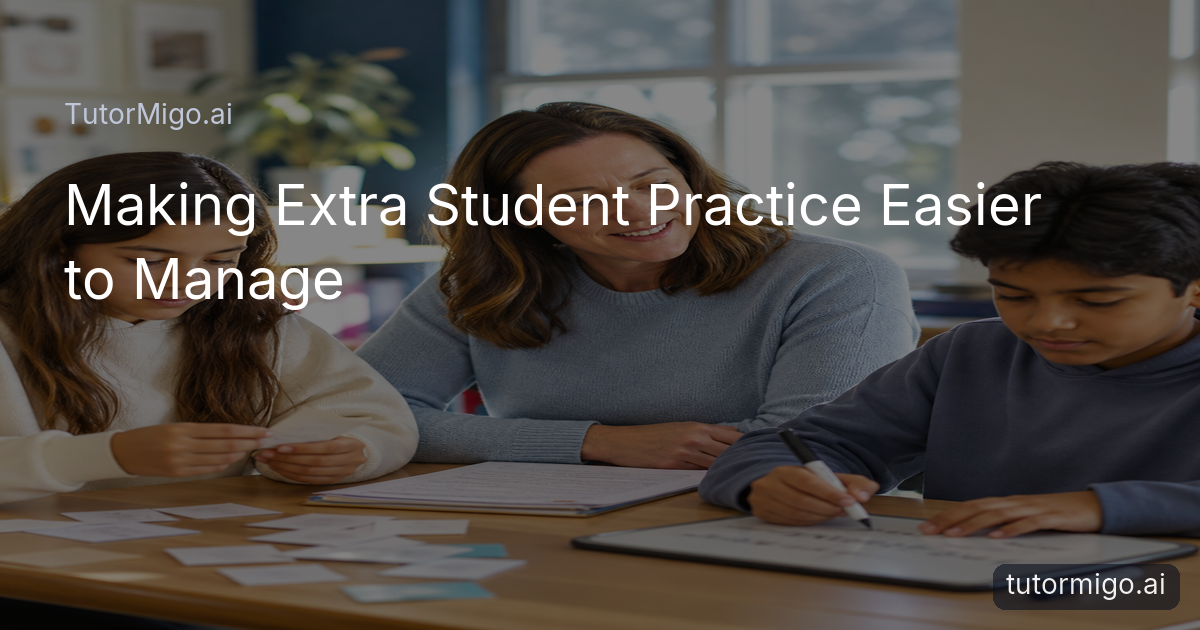
Why Extra Practice Needs Teacher Support—not Just Spare Minutes

If you teach, you know the familiar pattern: one student needs another example, another is ready for a challenge, and the rest of the class still needs your attention. Preparing useful extra practice is not simply a matter of finding more questions. You have to check that the activity connects to the current lesson, suits the student’s next step, and gives you information you can use.
For example, after a lesson on solving linear equations, reinforcement might involve identifying inverse operations before students solve a complete problem. Extension might ask students to compare two solution methods or explain why a method works. A random worksheet on general algebra may keep students busy, but it will not necessarily address the misconception you observed.
The preparation burden grows when you repeat this process across subjects and students. You may search through old files, rewrite directions, create answer guidance, and remember who completed what. That is why the most useful approach is usually a manageable practice routine rather than a larger pile of resources. Start with the learning point, choose a small activity that reveals understanding, and record what should happen next.
Connect practice to the learning students are doing now

Extra practice works best when the connection to classroom learning is obvious. Before choosing an activity, write a plain-language sentence such as, “Students are learning to identify the evidence that supports a claim,” or, “Students are learning to use equivalent fractions when comparing quantities.” This keeps reinforcement focused and helps you explain the purpose to students.
Next, decide whether the student needs more fluency, a different explanation, or a more demanding application. A student who confuses numerator and denominator may need visual sorting and short comparisons, not ten longer word problems. A student who completes the core task confidently may benefit from defending a choice, finding an error, or applying the idea in a new context.
Keep the practice small enough to review. Three carefully chosen questions can tell you more than twenty repetitive ones if each question targets a different part of the skill. Add a quick reflection prompt, such as “Which step felt least certain?” or “What evidence changed your answer?” These responses make the activity more useful for your next lesson and reduce the temptation to prepare practice that is disconnected from what students actually need.
Practical tip: Give each practice task one clear purpose. If you cannot describe what evidence you expect to see, simplify the task before assigning it.Build a repeatable preparation routine
A repeatable routine can make extra practice more manageable without making every student complete the same work. Begin with a short note about the lesson focus and the evidence you already have, such as an exit ticket, an incorrect step, or a strong explanation. Then choose one of three routes: revisit, rehearse, or extend.
“Revisit” means changing the representation or explanation. For example, a student who struggled with a text structure might sort paragraph purposes before writing one. “Rehearse” means focused repetition with feedback, such as recalling key terms through spaced review. “Extend” means increasing the reasoning demand, such as asking a student to create a counterexample or compare two approaches.
Set a practical limit for preparation. You might select two tasks, write one success check, and decide in advance what you will do with the result. If the student misses the first check, you know to reteach or model. If the student succeeds, you can move to a deeper application. Keep a simple record of the activity and outcome so you do not rebuild the same support from memory the following week.
An approach to learning squads can also help when several students need a similar kind of practice. Grouping by a shared need lets you explain once, observe several learners, and still leave room for individual follow-up.
Use tools that support practice, not just answer production
When you evaluate an AI Tutor, look beyond whether it can produce a quick response. For student practice, continuity matters. A personalized tutoring workspace with session history can help a learner return to an ongoing conversation instead of restating every detail at the start. You can encourage students to ask for another explanation, test an idea, or describe the step where they became unsure.
Interactive formats can also make practice easier to observe. A whiteboard is useful when a student needs to sketch a process or show mathematical thinking. A math step editor can focus attention on the sequence of reasoning, while a code sandbox gives a learner a place to test and inspect code. These tools do not replace your professional judgment; they give students different ways to show what they understand.
Tutormigo Flashcards are another option when the goal is accurate recall over time. Spaced-repetition decks and review scheduling can support vocabulary, definitions, formulas, or key concepts, provided the cards reflect the terms students are actually studying. AI-assisted card creation may reduce the effort of getting a deck started, but you should still review cards for accuracy, clarity, and fit with your lesson.
These are practical TutorMigo benefits to investigate: one learning environment can combine tutoring conversation, interactive study tools, and scheduled review while you decide how each fits your students’ routines.
Keep teachers and families informed about the next step
Extra practice becomes more useful when someone can see what happened afterward. A teacher dashboard can support class management, student monitoring, knowledge base assignment, and reporting. In practice, that might mean assigning a selected resource to a group, checking participation, and using the resulting information to plan a short follow-up rather than guessing who needs help.
Visibility should not turn into a demand for constant monitoring. Decide what you actually need to know: Did the student attempt the practice? Which concept caused difficulty? Is the learner ready for a more challenging task? A small set of questions can guide those decisions better than a large collection of activity data.
Families may also need a clear, appropriate view of progress. A parent dashboard can provide visibility into a child’s progress, learning controls, and co-learning features. That can support a conversation such as, “Show me the problem you found difficult,” instead of simply asking whether homework is finished. Keep the focus on learning habits and next steps, not on treating every practice session as a score.
When teachers, students, and parents understand the purpose of an activity, practice is more likely to feel supportive. The goal is not to add work for its own sake; it is to make the next learning decision clearer.
Compare an AI learning tool with a general-purpose chatbot
A general-purpose chatbot may be useful for brainstorming explanations or generating examples, but you may need to organize the conversation, preserve context, check the output, and create a review routine yourself. When you are preparing support for several students, those extra steps can make an otherwise promising idea difficult to repeat consistently.
A purpose-built AI learning tool like Tutormigo can bring several related elements together: a personalized AI Tutor workspace with session history, flashcards with spaced review, interactive tools for whiteboard, code, and math work, and structured exam preparation with practice sets and progress tracking. The value is not that every student needs every feature. It is that you can choose a format that matches the learning goal instead of treating every need as a chat prompt.
For exam-focused students, TutorMigo’s structured preparation areas cover SAT, ACT, AP, and IELTS practice with progress tracking. For a classroom reinforcement task, you may prefer a short tutoring exchange, a flashcard deck, or an interactive problem-solving space. In each case, review the activity and explain expectations to students. AI can support practice, but your knowledge of the lesson, the learner, and the appropriate level of challenge remains essential.
If you are comparing tools, ask practical questions: Can students return to their work? Can they practice in more than one format? Can you see enough progress to choose a next step? The answers will help you judge the TutorMigo benefits for your own approach rather than relying on broad promises.
Start with one small practice routine
You do not need to redesign your whole approach to test whether TutorMigo.ai is useful. Choose one recurring situation, such as students forgetting key terms after a unit or needing more support between lessons. Define the target, select a modest activity, and decide what evidence will tell you whether the practice helped.
You might begin with a reviewed flashcard deck for essential vocabulary, then invite students to use the AI Tutor workspace to ask about one confusing concept. For a math group, you could use the whiteboard or math step editor to make reasoning visible. If you teach exam preparation, you could compare how students respond to structured practice sets and progress tracking over a short period.
Afterward, ask students what felt helpful and inspect the work for misconceptions, not just completion. Adjust the cards, prompt, grouping, or follow-up task as needed. This small cycle keeps the technology connected to your teaching rather than allowing the tool to determine the learning goal.
Explore TutorMigo.ai and consider whether its tutoring workspace, flashcards, interactive study tools, or visibility features support the way you already plan student practice. Start with the need you understand best, test one routine, and keep what genuinely helps.
Frequently asked questions
Begin with the specific concept or misconception from the lesson, then choose a small task that produces useful evidence. Review activities for accuracy and adjust them to the student’s next step rather than assigning unrelated practice.
TutorMigo.ai includes a personalized AI Tutor workspace with session history, spaced-repetition flashcards, and interactive study tools such as a whiteboard, code sandbox, and math step editor. Choose the format that matches the learning goal and review the activity appropriately.
Set one or two questions you need answered, such as whether a student attempted the task or which concept caused difficulty. The Teacher Dashboard supports class management, student monitoring, knowledge base assignment, and reporting for educators.
Consider whether students can return to ongoing tutoring, review knowledge through scheduled flashcards, work interactively, and use structured preparation with progress tracking where relevant. Also consider how much checking and organization your teaching approach requires.
Related reading
Enjoyed this read?
Like, share, or comment below.


Comments
0Sign in required · respectful discussion · replies supported
Loading comments…