


Why You Can Scroll for Hours and Still Feel Unfulfilled

You put your phone down after a long scroll and wonder where the evening went. Some clips were funny; a few were genuinely interesting. Still, you feel oddly empty. A more satisfying screen routine doesn't require banning browsing. It means leaving room to turn something you enjoyed into something you make.
Scrolling can feel unfinished because there's rarely a natural endpoint. Another photo, recommendation, or video is waiting, while your own reason for opening the app can fade into the background. You meant to check a friend's update; much later, you're watching something you wouldn't have chosen deliberately.
That doesn't mean enjoyment needs a finished product to justify it. Watching comedy after a tiring day can be exactly what you want. The useful distinction is between choosing a break and drifting through one that no longer feels good. Ask whether the session gave you what you needed: rest, connection, inspiration, or entertainment.
If you're looking for productive screen time for kids, start with that same question rather than a blanket judgment about screens. A teenager doesn't need to produce something every time they unlock a phone. But having an easy creative option—editing a photo, recording a sound, arranging a collage—can make the evening feel more like their own.
Active Creators vs. Passive Viewers: How the Two Ways of Using Screens Compare
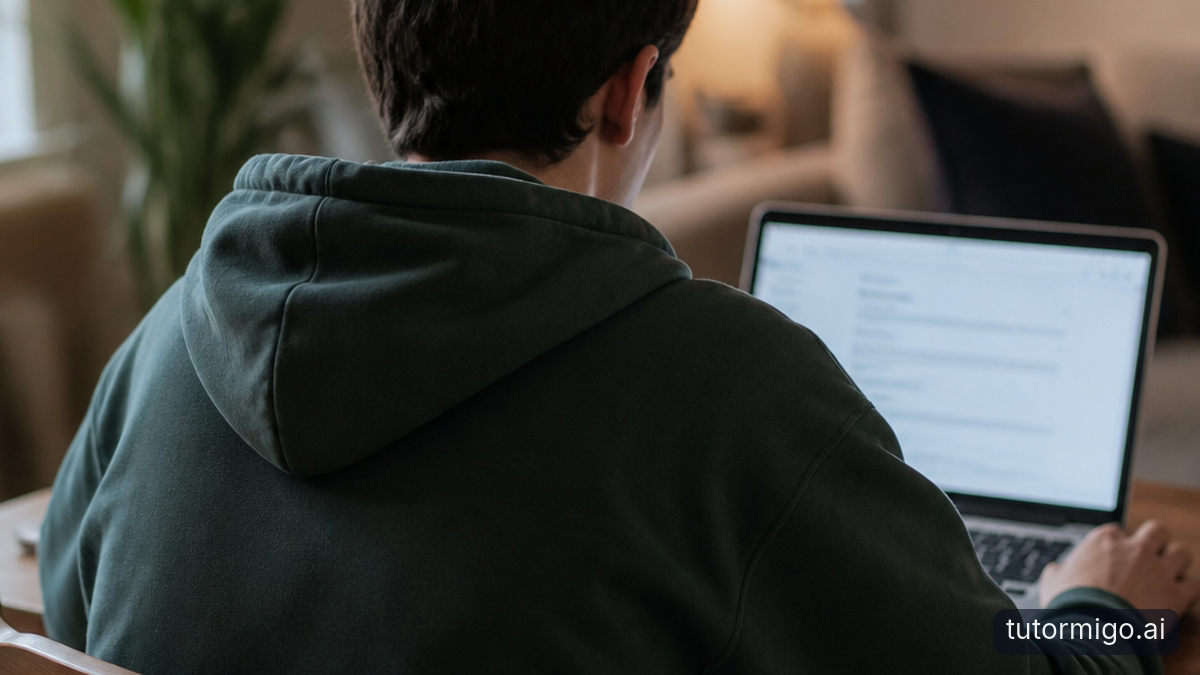
Active creators make choices that shape something: they crop a photograph, arrange sounds, change a drawing, or decide how a scene should end. Passive viewers mainly receive what someone else has made. Both activities can be enjoyable, and you can move between them within the same session.
The phrase active vs passive screen time describes modes of use, not two kinds of people. You're not permanently a creator because you post videos, or permanently passive because you watch them. Someone quietly examining a film's framing may be more intentional than someone uploading clips out of habit.
Nor does tapping automatically make an activity creative. Repeatedly choosing the next recommended video involves interaction, but it doesn't necessarily give you much authorship. By contrast, making a private photo sequence involves decisions about order, emphasis, and mood—even if nobody else sees it.
Try noticing the choices available to you. Can you change the result, express a preference, or build on an idea? A useful shift might be saving one interesting camera angle, then trying it with your own phone. The aim isn't to replace every viewing session with work. It's to give yourself another satisfying way to spend time online, without treating either mode as a measure of your worth.
| Aspect | Watching and browsing | Making and editing |
|---|---|---|
| Main activity | Taking in existing material | Shaping your own result |
| Useful example | Noticing a photo's composition | Trying a similar angle yourself |
| Possible stopping point | One chosen video | One saved first version |
| Boundary to watch | Continuing beyond enjoyment | Endlessly polishing small details |
When Watching and Browsing Can Fuel Your Creativity
Viewing becomes useful creative input when you notice something specific you want to explore. A photo collection might show you how shadows change a familiar street. A cooking clip might suggest filming a close-up. A funny edit might make you curious about the pause before the punchline.
Instead of saving everything vaguely inspiring, add a short note to a few favorites: “Try this low angle,” “Use three colors,” or “Make a quieter version.” You're giving the saved item a possible next step. That makes it easier to return with a purpose instead of opening an enormous folder and feeling overwhelmed.
You can also browse for a particular missing piece. Suppose you've started a collage but can't make the pictures fit together. Looking at a few examples of overlapping layouts now answers a real question. Once you find an approach to try, return to your own project rather than continuing to collect possibilities.
Keep inspiration distinct from copying someone else's work and presenting it as yours. Use your own photos and recordings where possible, and check permissions before sharing material made by other people. You can borrow a general idea—such as telling a story through close-ups—while making the subject, sequence, and details your own.
Turn Saved Photos Into a Collage or a Video Idea Into a Short Clip
Start with material you already have. For a collage, choose a small theme: your dog's strangest sleeping positions, a weekend walk, or the colors around your room. Pick four to six photos rather than searching your entire library for the perfect collection. A built-in photo editor or simple collage app may be enough.
Place one favorite image first, then arrange the others around it. Try a crop that removes distracting background clutter. Choose a plain background or one color that already appears in the photos. Save a first version before experimenting further, so the project has a finish line even if you keep playing.
For a short clip, shrink the idea to one moment. Instead of making a whole film about your pet, record the anticipation, the pounce, and the satisfied face afterward. Trim the start and end of each shot, arrange them in order, and watch once to see whether the sequence makes sense. It can stay silent and private.
When choosing digital creativity tools for children, look for controls they can manage, straightforward saving, and privacy settings you understand. Check whether an app requires an account or encourages public sharing. For teens, a phone's existing editing tools may remove more friction than another download. Finish something small before deciding you need more features.
Set Realistic Limits for Both Scrolling and Creating
Boundaries work better when they describe what you'll do, not just what you'll avoid. Before opening a feed, decide what the session is for: catching up with friends, enjoying a few clips, or finding one reference. Choose a stopping cue, such as a timer or the end of a particular video, rather than waiting until the feed feels finished.
Give creation a boundary too. Editing can stretch into endless adjustments, especially when you're comparing your rough first attempt with polished posts. Define a modest finish line: one saved collage, a short sequence with three shots, or a drawing with its main colors filled in. A first version counts.
You might reserve twenty minutes for browsing and fifteen for making on an evening when that fits. Treat those as an experiment, not a required ratio. Some days you'll want entertainment only; other days a project will hold your attention. Protect sleep, meals, movement, and time with people rather than forcing every screen session into the same pattern.
If you're agreeing on boundaries with a teenager, discuss the purpose as well as the clock. Finishing an export is different from starting another string of recommendations. Agree on a brief wrap-up window, and keep it from becoming an automatic extension. Adults can model the same stopping habits.
Audit Your Screen Time and Choose One Small Thing to Make Next
For your next few screen sessions, make a tiny audit rather than attempting a complete digital overhaul. Note what you opened, roughly how long you stayed, why you went there, and how you felt afterward. Your device's screen-time summary can help with duration, but it won't explain whether that time felt restful, frustrating, connected, or creative.
Look for one mismatch. Perhaps you open a photo app for inspiration but leave overloaded with saved images. Maybe you enjoy chatting with friends and don't want to change that at all. Keep what genuinely works. Choose a boundary for the part that repeatedly leaves you dissatisfied, such as stopping after you find one reference worth trying.
Then choose a creative action small enough to do today. Open three saved photos and arrange them into a collage. Or record one ten-second shot for a clip you've imagined. Don't begin by researching equipment, choosing a public account name, or planning a series. Make the first piece with what you have.
When you finish, save it and notice how the session felt. You don't have to post it, improve it, or turn it into a habit immediately. The next step is simply to give making a place beside watching—and see whether that mix leaves you more satisfied.
Frequently asked questions
No. Watching can provide entertainment, rest, connection, or inspiration. The useful question is whether the session met your needs or continued after it stopped feeling worthwhile.
No. A private collage, edited photograph, or short recording counts. Sharing is optional, and staying private can make experimenting feel less pressured.
Choose a few photos with a shared theme and arrange them into one collage using tools you already have. Save a first version before making further changes.
Enjoyed this read?
Like, share, or comment below.



Comments
0Sign in required · respectful discussion · replies supported
Loading comments…