

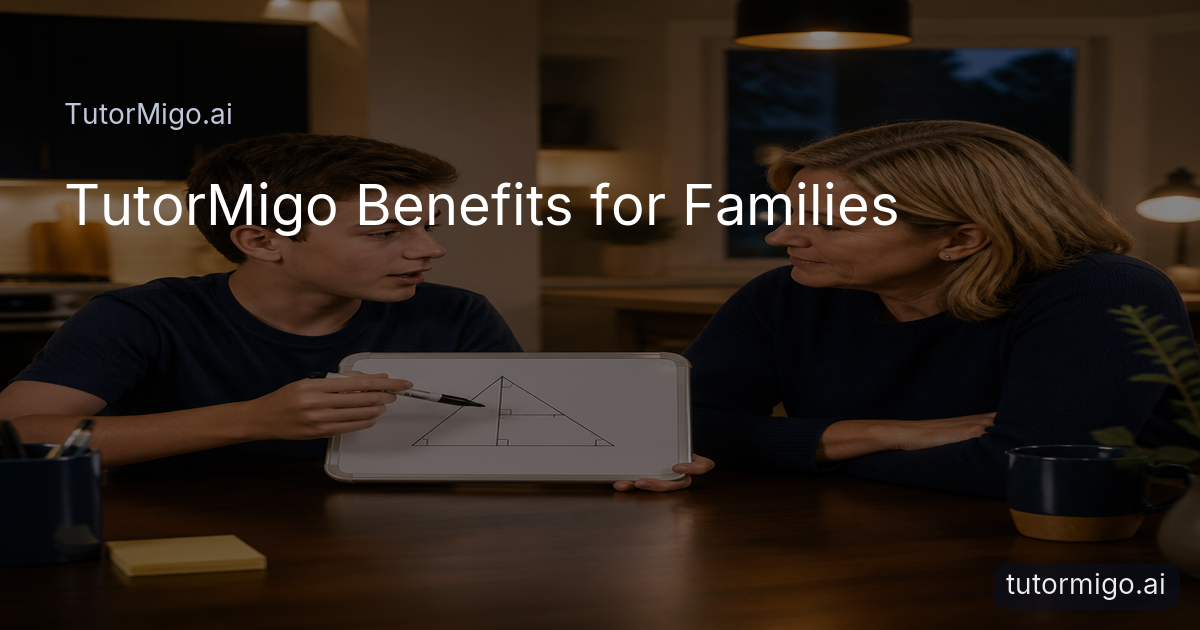
TutorMigo Benefits: Is AI Tutoring Right for Your Child?

If your child already asks a general-purpose chatbot for explanations, you may wonder what a dedicated learning platform adds. The practical question is not whether AI can answer a question; it is whether your child can use that help to build understanding, remember it later, and show you what is improving. TutorMigo is designed around that fuller learning loop.
The main TutorMigo benefits are structure and continuity. In the AI Tutor workspace, a learner can return to an ongoing tutoring experience rather than starting from a blank conversation every time. That makes it easier to say, “I am still confused about balancing equations,” and continue with relevant context. A parent can frame the tool as guided practice, not an answer machine: the child should attempt a problem, ask for a hint or explanation, and then explain the solution back.
Fit depends on your child’s needs. TutorMigo may be useful when homework questions, revision, and exam practice feel scattered across different tools. It is less useful as a substitute for every teacher, assignment, or conversation at home. Before starting, choose one concrete goal—such as improving weekly vocabulary recall or building a consistent algebra routine—and agree on how you will judge progress. A focused goal gives your family something more meaningful to evaluate than general enthusiasm after one session.
What a Typical TutorMigo Study Session Looks Like with Personalized Tutoring and Session Continuity
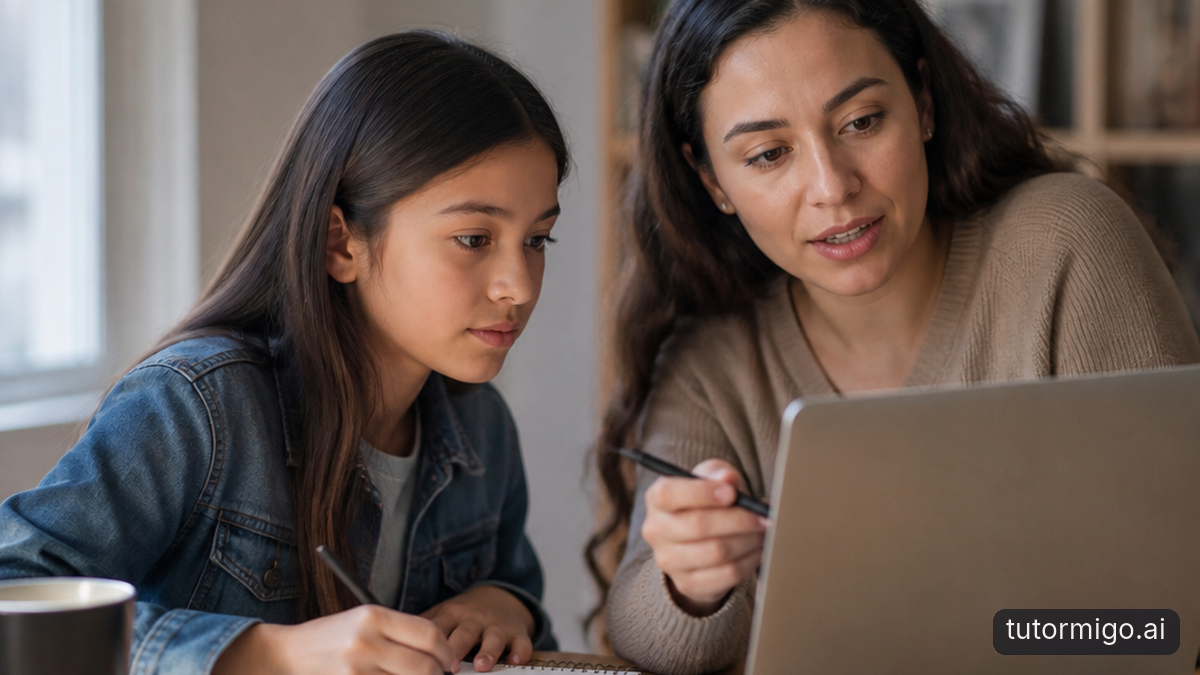
A productive session can be short and deliberate. Suppose a student has 25 minutes before dinner and is preparing for a difficult science quiz. They begin in the TutorMigo AI Tutor workspace by stating the topic, what they already understand, and where they got stuck. The tutor can respond to that situation with an explanation, a question, or a worked example. The student then tries a similar question instead of simply copying the first answer.
Session continuity matters when the same topic takes several days. On Monday, the learner might identify confusion about photosynthesis. On Wednesday, they can return to the session history, review the earlier explanation, and ask for a new example or a quick check. This is different from treating every chatbot conversation as an isolated search. The child can build a routine: recall what they know, work through one challenge, practice independently, and finish by naming the next step.
Parents do not need to sit beside the child for every minute. Agree on a simple check-in at the start and end: “What are you trying to learn?” and “What can you now explain?” For a student stuck in math, the parent might ask to see the reasoning rather than the final answer. That keeps the AI Tutor in a coaching role and gives the child practice communicating their thinking. A practical guide to stuck math moments can help you make that routine concrete.
Build Lasting Recall with Spaced-Repetition Flashcards and Interactive Study Tools
Understanding something once is not the same as remembering it next week. TutorMigo’s flashcards support spaced-repetition review: a learner revisits cards on a schedule rather than cramming the entire deck in one sitting. For example, after studying cellular vocabulary, a student can create or use a deck, review it for ten minutes, and return later to the terms that were harder to recall. The benefit is a repeatable retrieval habit, not merely a larger pile of notes.
Flashcards work best when the prompts require recall. “What does this term mean?” is often more useful than rereading a definition. Parents can ask the child to explain one missed card in their own words and connect it to a class example. Keep decks narrow—one quiz, unit, or skill at a time—so the review schedule remains manageable.
Interactive study tools add another way to show thinking. A student can use the whiteboard to map a history cause-and-effect chain, the math step editor to work through a multi-step problem, or the code sandbox to test and revise code. These tools complement tutoring because the learner produces something visible rather than only reading a response. A useful routine is explain, attempt, check, and revise. TutorMigo’s overview of interactive learning tools offers examples of choosing the right workspace for the task.
Combine Structured Exam Preparation with Progress Tracking to See What Is Improving
Exam preparation is easier to manage when it is divided into identifiable skills. TutorMigo’s exam preparation supports SAT, ACT, AP, and IELTS study with structured practice sets and progress tracking. Instead of telling a student to “study more,” you can choose a defined area, complete a practice set, and look for patterns in the results. For instance, a learner preparing for the SAT might focus one week on a particular reading skill, then compare later practice with the starting point.
Progress tracking should guide the next session, not become a score-watching exercise. After a practice set, ask three questions: Which items were missed? Was the problem a knowledge gap, a rushed decision, or a misunderstanding of the question? What will the student do differently next time? The answer might be a short tutoring session, a flashcard deck, or additional practice in a specific area. This connects exam preparation to actual learning actions.
Parents and teachers should also keep the evidence in proportion. A single practice result is a snapshot, not a guarantee about an official exam outcome. Look for patterns across several sessions and pair platform information with classroom work, teacher feedback, and the student’s own confidence. For a broader approach to seeing what a learner knows, review this guide on tracking student knowledge with TutorMigo. The goal is informed adjustment, not pressure to use the platform longer than necessary.
How Parents and Teachers Can Monitor Learning Through TutorMigo Visibility Tools
Visibility is most useful when it supports a conversation. The Parent Dashboard gives parents a way to view a child’s progress, use learning controls, and take part in co-learning. A weekly review might take ten minutes: look at the areas practiced, ask the child which activity felt difficult, and agree on one next goal. You are checking the learning process, not policing every message or measuring effort by minutes alone.
For example, if a child has reviewed flashcards repeatedly but still cannot explain the concept, that is a prompt to change the method. You might suggest a whiteboard explanation or a tutoring session with a worked example. If progress is steady, the family can reduce monitoring and let the child manage more of the routine. This gradual shift helps the student build ownership.
Teachers have a different but complementary perspective. The Teacher Dashboard supports class management, student monitoring, knowledge base assignment, and reporting. A teacher could use that visibility to identify a student who needs a targeted conversation or to see whether assigned practice is being attempted. It should complement classroom judgment rather than replace it. Parents and teachers can agree on what information is relevant, how often to review it, and how the student will be included in the discussion. Transparent expectations make monitoring feel like support instead of surveillance.
TutorMigo vs. General-Purpose AI: Set Safe Study Routines and Run a Focused Trial
General-purpose AI and TutorMigo can both explain ideas, generate examples, and respond to questions. The practical difference is the learning workflow around the conversation. TutorMigo brings personalized tutoring with session history together with flashcards, interactive study tools, structured exam preparation, progress tracking, and parent or teacher visibility. A general chatbot may still be useful for brainstorming or getting a quick alternative explanation; TutorMigo is a better fit when you want those explanations connected to practice and review.
Set safeguards through routine rather than relying on the tool to do all the thinking. Ask your child to attempt first, request hints before a full solution, verify important information against class materials, and keep sensitive personal details out of chats. Time-box sessions and end with a short explanation in the student’s own words. A parent or teacher should occasionally review the work, especially when the learner is preparing for an important assessment. These habits help an AI Tutor support learning without becoming a shortcut around it.
Run a two-week trial with one goal, such as three 20-minute study sessions per week and one scheduled flashcard review. Track the starting challenge, what the student practiced, and what they can explain afterward. At the end, ask whether the routine improved focus, recall, or confidence, and check the available progress information. Continue if the evidence is useful; adjust the goal or stop if the platform does not fit your child’s needs. The point of a trial is a grounded family decision, not automatic commitment.
Pros and cons
Pros
- Connects personalized tutoring with practice, review, and session continuity
- Supports spaced-repetition flashcards and interactive ways to show thinking
- Offers structured exam preparation and progress visibility for families and teachers
Cons and limitations
- Requires a clear routine so the learner does not treat AI as an answer shortcut
- Progress information still needs context from the student, parent, or teacher
- A focused trial is necessary because the best fit depends on the learner’s goals and habits
Frequently asked questions
No. TutorMigo can support explanations, practice, review, and visibility, while teachers and parents provide context, encouragement, judgment, and personal guidance.
Start with a manageable block, such as 20 to 25 minutes, and define one learning goal. A short session with an attempt, practice, and explanation is more useful than unstructured time.
Look for evidence that the child can explain more, recall information later, or work more independently. Review progress alongside the child rather than focusing only on time spent or one practice result.
Teachers can use the Teacher Dashboard for class management, student monitoring, knowledge base assignment, and reporting, alongside their normal classroom evidence and professional judgment.
Related reading
Enjoyed this read?
Like, share, or comment below.


Comments
0Sign in required · respectful discussion · replies supported
Loading comments…