


When Students Are Ready to Stop AI Tutoring

You know the moment: a student has tried the same problem several times, the explanation in the textbook still feels unclear, and one more mistake seems like proof that they cannot learn it. A timely explanation can change that moment. So can a calm prompt that breaks the task into a smaller next step. TutorMigo benefits are most useful when support arrives before frustration turns into giving up.
With a Tutormigo, a student can ask a follow-up question in ordinary language instead of waiting for office hours or feeling embarrassed in front of a class. For example, a learner who asks why a fraction changes during an algebra step can work through the reasoning rather than receive only a final answer. The student can then ask a second question when the first explanation creates a new gap.
That immediate back-and-forth matters, but it is not the whole story. Good support should also help the learner return to the same subject later, remember what was discussed, and see what to practise next. The practical question is not whether an AI tool can produce an answer. It is whether the tool helps a person stay engaged long enough to understand it.
A personal session that does not lose the thread

A useful tutoring session begins with the learner’s actual question, not a generic lesson. In the Tutor Workspace, students can work through a topic with personalized AI tutoring, ask follow-up questions, and return to session history when they need to retrace a difficult explanation. That continuity is valuable after a break. A student who stops halfway through a science concept can return later without treating the subject as completely new.
Consider a learner preparing for a test on linear equations. In one session, they may need a plain-language explanation. In the next, they may need to identify the step where their work went wrong. In a later session, they may want a few practice questions. Keeping those moments connected makes study feel less like a series of disconnected searches and more like a developing conversation.
This is also a practical difference from using a general-purpose generative chatbot as an occasional question box. A broad chatbot may be useful for generating an explanation, but the learner still needs to manage the study thread, remember what was covered, and decide how to continue. A tutormigo workspace puts personalized tutoring and session history closer to the center of the learning routine. For a closer look at this approach, read about following questions deeper with AI tutoring.
Turn one explanation into lasting practice
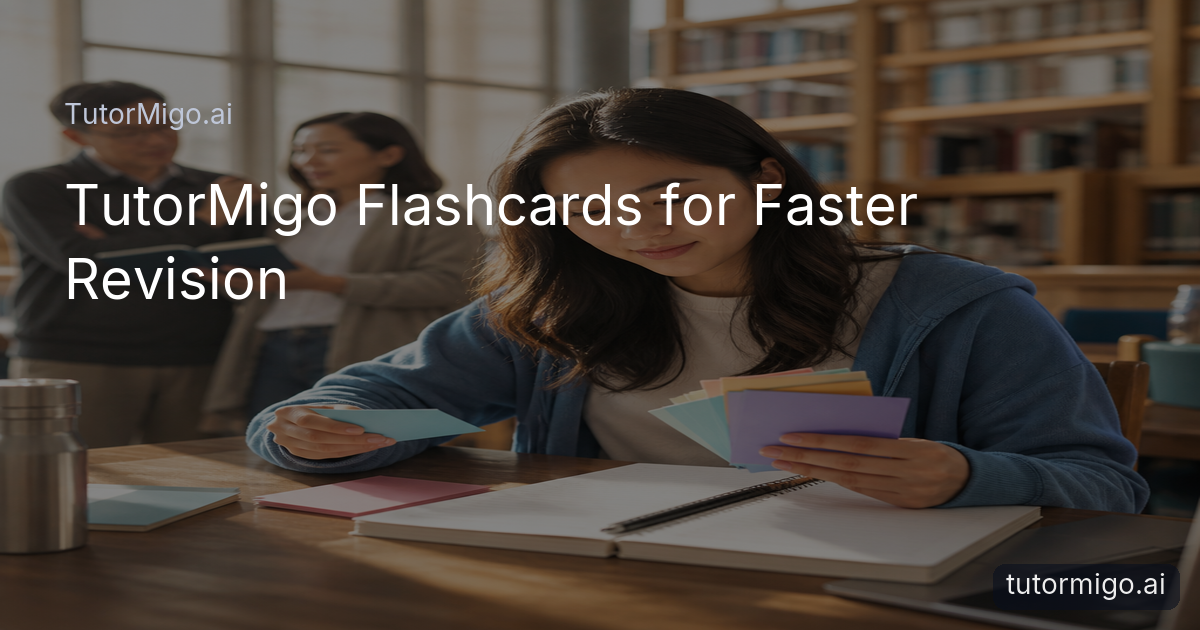
An explanation can feel clear in the moment and still disappear by the next week. That is why a student needs more than a helpful conversation. TutorMigo combines tutoring with spaced-repetition flashcards, giving learners a way to revisit definitions, vocabulary, formulas, or key steps at useful intervals. Flashcards can be created with AI assistance and reviewed according to a schedule, so practice is not based entirely on memory or guesswork.
Imagine a learner studying biology terms on Monday. Instead of rereading every page on Friday, the student can review the cards that need attention and spend less time on material already recalled confidently. A parent might suggest a ten-minute review after dinner, while a teacher might assign a focused deck connected to the current unit. The goal is not to turn every subject into memorization. It is to make important building blocks easier to retrieve when the learner needs them.
Interactive study tools add another route into a difficult task. A student may use a whiteboard to map an idea, a math step editor to examine working, or a code sandbox to test a programming solution. These tools support different ways of thinking: explaining, arranging, calculating, and trying. When a learner is stuck, changing the way they engage with the problem can be the small reset that keeps the session moving.
Use structure when the goal is a test
Exam preparation can feel especially discouraging when a student studies hard but cannot tell whether the effort is improving performance. TutorMigo’s Exam Preparation feature provides structured preparation for SAT, ACT, AP, and IELTS, with practice sets and progress tracking. That structure helps turn a vague plan such as “study more” into a clearer routine: complete a practice set, review missed areas, and return to the skills that need work.
A concrete example is a student preparing for the SAT who notices that reading practice is steady but a particular question type remains inconsistent. Progress information can help the learner focus the next study session instead of repeating every section equally. An AP student might use practice work to identify a topic that needs another explanation, then return to the Tutormigo for a question-by-question review. The value is in connecting practice with a next action.
The same principle applies to language preparation. An IELTS learner can combine structured practice with flashcard review for vocabulary and targeted tutoring questions about confusing grammar. This does not promise instant improvement, and it does not replace thoughtful study. It gives the learner a visible route from today’s uncertainty to the next useful task, which can make preparation feel more manageable.
Give families and teachers a clearer view
Students often need independence and support at the same time. Parents and teachers do not need to hover over every question, but they do need enough visibility to notice patterns: repeated difficulty with one topic, unfinished practice, or steady progress that deserves recognition. TutorMigo’s Parent Dashboard provides visibility into a child’s progress, learning controls, and co-learning features. That can make a conversation more specific than “How was studying?”
For example, a parent might see that a student is returning to vocabulary cards regularly but avoiding a challenging math area. Rather than taking over, the parent can ask what part feels unclear and help plan one short session. Co-learning can become a shared review routine instead of a last-minute argument about homework.
Teachers have a different need. The Teacher Dashboard supports class management, student monitoring, knowledge base assignment, and reporting. A teacher can use that visibility to identify where several learners need reinforcement or where an individual student may benefit from a more targeted task. This creates a practical bridge between independent AI tutoring and human guidance. For more on keeping answers connected to real learning, see [this guide for teachers on when answers are not learning](/blog/when-answers-arent-learning-a-guide-for-teachers).
Choose support that keeps the next step clear
When comparing AI learning tools, look beyond the speed of the first response. Ask what happens after the student receives an explanation. Can the learner return to the session? Can they practise the idea later with spaced repetition? Are there interactive tools for showing work, testing code, or working through math steps? If the goal is an exam, is there a structured preparation path and progress tracking? These questions reveal the difference between a one-off answer and a learning routine.
A general-purpose generative chatbot may be useful for brainstorming an explanation or rephrasing a concept. TutorMigo is designed around a more focused set of learning activities: personalized tutoring with session history, flashcard review, interactive study tools, structured exam preparation, and dashboards for parents and teachers. That does not mean one tool is right for every situation. It means students and adults can compare tools based on the support they actually need after the first question.
Start small. Choose one current obstacle, such as understanding a math step or remembering a set of terms. Use the Tutor Workspace for clarification, turn the key ideas into flashcards, and schedule a short follow-up review. If the learner is preparing for an exam, use a practice set to identify the next priority. The best TutorMigo benefits appear when timely help becomes a repeatable habit rather than a rescue used only after frustration has peaked.
Frequently asked questions
TutorMigo can provide personalized AI tutoring, session history, spaced-repetition flashcards, and interactive study tools. Together, these features help a student get an explanation, practise the idea, and return to it later instead of stopping after one difficult question.
A general-purpose chatbot may provide a useful explanation, while TutorMigo organizes learning-focused support around tutoring sessions, flashcard review, interactive tools, structured exam preparation, and progress visibility. The practical difference is the continuity and study structure around the response.
Yes. The Parent Dashboard provides visibility into a child’s progress, learning controls, and co-learning features. The Teacher Dashboard supports class management, student monitoring, knowledge base assignment, and reporting.
TutorMigo offers structured preparation for SAT, ACT, AP, and IELTS, including practice sets and progress tracking.
Enjoyed this read?
Like, share, or comment below.


Comments
0Sign in required · respectful discussion · replies supported
Loading comments…