


Keep Tutoring Personalized Across Sessions With Goals and Session History
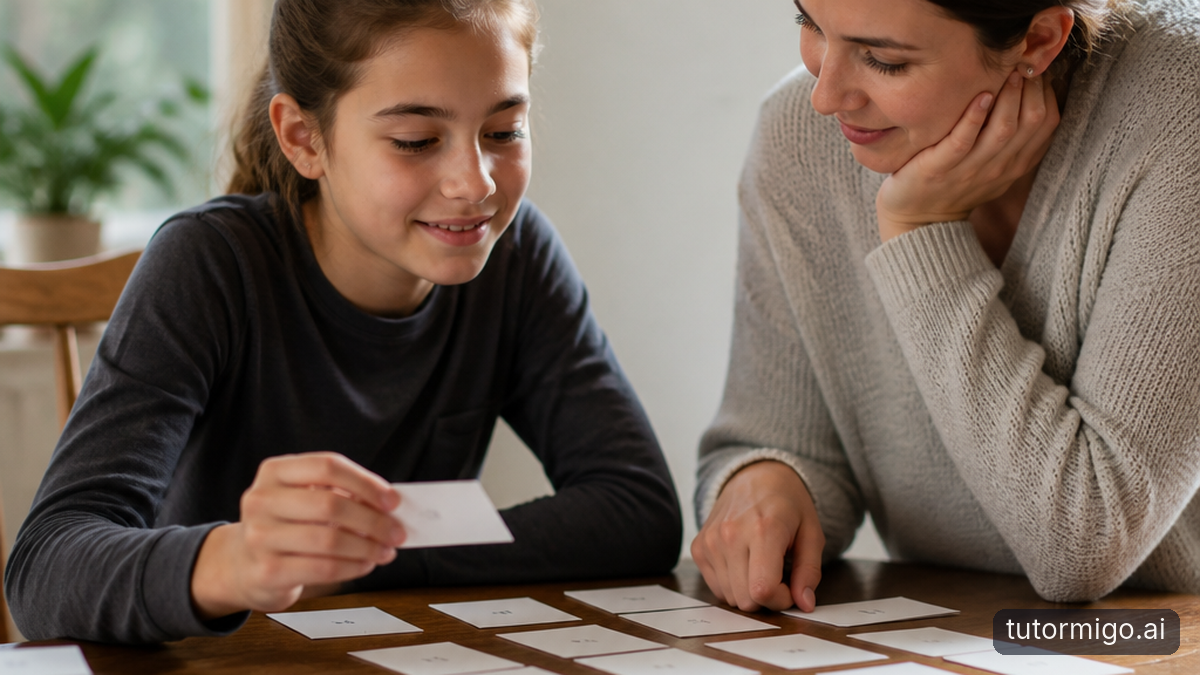 When you understand a topic one day and forget it the next, a one-off answer is not enough. You need support that remembers what you are working toward, notices recurring difficulties, and helps you decide what to review next. TutorMigo connects personalized tutoring with session history so your study can build from one conversation to the next.
Start by giving your AI Tutor a clear goal: explain a difficult biology process, prepare for a particular exam unit, or become more confident writing code. In later sessions, you can return to that goal instead of starting with a blank prompt. Session history gives you a record of earlier explanations, questions, and areas that needed more practice. For example, if you repeatedly confuse two related concepts, your next conversation can focus on comparing them, testing your recall, and applying them to a new example.
This is useful for students studying independently, teachers helping learners form better review routines, and lifelong learners returning to a subject after a break. It also makes progress easier to discuss with a parent or teacher: you can point to the questions you asked and the topics you are actively reviewing rather than offering only a vague update.
When you understand a topic one day and forget it the next, a one-off answer is not enough. You need support that remembers what you are working toward, notices recurring difficulties, and helps you decide what to review next. TutorMigo connects personalized tutoring with session history so your study can build from one conversation to the next.
Start by giving your AI Tutor a clear goal: explain a difficult biology process, prepare for a particular exam unit, or become more confident writing code. In later sessions, you can return to that goal instead of starting with a blank prompt. Session history gives you a record of earlier explanations, questions, and areas that needed more practice. For example, if you repeatedly confuse two related concepts, your next conversation can focus on comparing them, testing your recall, and applying them to a new example.
This is useful for students studying independently, teachers helping learners form better review routines, and lifelong learners returning to a subject after a break. It also makes progress easier to discuss with a parent or teacher: you can point to the questions you asked and the topics you are actively reviewing rather than offering only a vague update.
Tip: Begin each session with one measurable aim, then finish by naming the idea or skill you will review next.
Build Flashcards Study Decks That Turn Weak Spots Into Review Priorities
 Flashcards work best when they represent the material you actually need to retrieve, not when they become a long storage box for every sentence in your notes. TutorMigo flashcards support AI-assisted card creation, so you can turn a focused lesson, a list of terms, or a difficult topic into a usable deck. Then edit cards so each prompt asks for one clear response.
For example, instead of writing “Explain everything about cellular respiration,” make separate cards for the purpose of glycolysis, the location of the Krebs cycle, and the role of ATP. Add an application card that asks what would change if oxygen were unavailable. These different prompts help you test definitions, relationships, and use of knowledge. If a card feels too easy because the answer is visible in the wording, rewrite it as a question that requires genuine recall.
During review, pay attention to the cards you miss or answer hesitantly. Those are not signs that the deck failed; they are evidence about where your study time should go. Keep one deck per meaningful goal, such as “algebra mistakes” or “IELTS vocabulary,” rather than combining unrelated topics. A smaller deck with precise cards is easier to review consistently and more useful for teachers supporting active recall.
Tip: Build cards from mistakes and confusing distinctions first. Your weakest cards usually provide the clearest next review priority.
Flashcards work best when they represent the material you actually need to retrieve, not when they become a long storage box for every sentence in your notes. TutorMigo flashcards support AI-assisted card creation, so you can turn a focused lesson, a list of terms, or a difficult topic into a usable deck. Then edit cards so each prompt asks for one clear response.
For example, instead of writing “Explain everything about cellular respiration,” make separate cards for the purpose of glycolysis, the location of the Krebs cycle, and the role of ATP. Add an application card that asks what would change if oxygen were unavailable. These different prompts help you test definitions, relationships, and use of knowledge. If a card feels too easy because the answer is visible in the wording, rewrite it as a question that requires genuine recall.
During review, pay attention to the cards you miss or answer hesitantly. Those are not signs that the deck failed; they are evidence about where your study time should go. Keep one deck per meaningful goal, such as “algebra mistakes” or “IELTS vocabulary,” rather than combining unrelated topics. A smaller deck with precise cards is easier to review consistently and more useful for teachers supporting active recall.
Tip: Build cards from mistakes and confusing distinctions first. Your weakest cards usually provide the clearest next review priority.Strengthen Recall With Spaced Repetition, Active Recall, and Consistent Review Habits
Spaced repetition helps you revisit information just before it disappears from memory, while active recall asks you to produce an answer before checking it. Together, they are more useful than rereading the same page repeatedly. TutorMigo flashcards include review scheduling, giving you a structured way to return to cards over time instead of relying on a last-minute study session.
Use the schedule as a habit, not as a verdict on your ability. Suppose you learn ten new terms on Monday. On Tuesday, try to answer each card without looking. Mark the cards you miss, explain why the answer is correct, and continue with the scheduled review. Later in the week, test yourself again. A card that moves into longer review intervals represents retained knowledge; a card that returns quickly is a signal to simplify the wording, add an example, or ask your AI Tutor for a clearer explanation.
Teachers can encourage students to spend ten focused minutes on retrieval before assigning more reading. Students can connect the routine to an existing daily cue, such as reviewing after breakfast or before opening a practice set. Lifelong learners can use the same pattern to keep a new language, technical vocabulary, or professional concept available between sessions.
The practical goal is not to complete the most cards. It is to retrieve important ideas accurately, notice gaps early, and return often enough that recall becomes dependable.
Practice Concepts With Interactive Study Tools Instead of One-Off Answers
A written explanation can help you understand an idea, but understanding becomes more durable when you use it. TutorMigo’s Study Tools Hub includes a whiteboard, code sandbox, and math step editor, giving you places to work through a problem rather than simply reading a finished response. These tools pair well with flashcards because they let you move from recall to application. For a math topic, first review a card asking which method fits a problem. Then use the math step editor to solve a fresh example one step at a time. If you make an error, record the underlying misconception as a new card. For programming, recall the purpose of a function, test your understanding in the code sandbox, and turn the bug you encountered into a prompt for later review. On a whiteboard, sketch a process from memory before checking an explanation. The act of producing and correcting the work reveals more than recognizing a familiar answer. This also shows where a general-purpose chatbot response is not enough. A chatbot may explain a solution, but you still need a structured place to try the method, inspect your steps, and connect the mistake to future review. An AI Tutor can guide the practice, while interactive tools make your thinking visible to you.Tip: After every practice task, ask, “What mistake or decision should become a flashcard?”
Track Exam Preparation Progress From Practice Sessions to Mastery
Exam preparation becomes easier to manage when you can connect daily practice with specific goals and review priorities. Start by dividing your preparation into topics or skills, then use the TutorMigo tutor workspace to ask for explanations and the flashcards feature to schedule retrieval of the facts, methods, and vocabulary you keep missing. Interactive tools can then give you a place to apply those ideas.
Imagine preparing for an exam unit on quadratic functions. One session might clarify how to recognize the right method. A flashcard deck can test the conditions for using that method, while the math step editor lets you solve unfamiliar examples. After reviewing your errors, return to the cards that exposed the gap and ask for a new practice explanation. Your progress is not just “more questions completed”; it is fewer repeated mistakes, stronger unaided recall, and more reliable performance across different examples.
Session history helps you see that sequence over time. You can revisit earlier questions, compare your confidence with your actual recall, and choose the next topic deliberately. A teacher or parent can support the plan when the learner shares the relevant study record or review priorities, but the available workspace should not be treated as an automatic report card. Use it as evidence for a conversation about what to practice next.
For a sensible checkpoint, ask whether you can explain the concept, retrieve its key details, and apply it without copying a model answer.
Compare TutorMigo With Chatbots and Choose the Right Visibility and Next Step
A general-purpose chatbot can be useful when you need a quick explanation or example. TutorMigo is more practical when your goal is an ongoing study loop: set a learning aim, revisit session history, create flashcards, schedule review, practice in an interactive tool, and use your mistakes to plan the next session. The difference is not that one tool can answer and the other cannot. It is whether the answer becomes part of a repeatable process. Visibility should match the learner’s needs. A student can use session history to review what was discussed and prepare a focused follow-up. A teacher can ask the learner to bring selected questions, weak spots, or flashcard priorities into a check-in. A parent can discuss consistency and goals when the learner chooses to share that information. Do not assume that every conversation becomes an automatic teacher or parent dashboard; confirm what is available in your setup and use shared evidence thoughtfully. Choose your next step based on the immediate gap. If you need continuity, open the AI Tutor Workspace and state your goal. If you are forgetting key material, build a small flashcard deck. If you understand a method but cannot use it, practice in the whiteboard, code sandbox, or math step editor. Then schedule a short review and return to the same goal. That simple loop turns one-off help into a study habit.
Start small: choose one weak topic, make five precise cards, and plan your next review before ending today’s session.
| Study need | TutorMigo | General-purpose chatbot |
|---|---|---|
| Continue across sessions | AI Tutor Workspace includes session history for returning to earlier questions and goals. | May answer the current prompt without a built-in study sequence for this goal. |
| Review weak spots | Flashcards support AI-assisted deck creation and scheduled review. | You may need to design, store, and schedule review separately. |
| Apply a concept | Whiteboard, code sandbox, and math step editor provide interactive practice spaces. | Usually provides an explanation or response unless you create the practice structure yourself. |
| Parent or teacher check-in | Learners can bring session history, goals, and review priorities into a conversation; do not assume an automatic dashboard. | Visibility depends on what the learner chooses to share. |
Pros and cons
Pros
- Connects tutoring, session history, flashcard review, and interactive practice into a repeatable study routine.
- Supports active recall through focused decks and scheduled spaced repetition.
- Offers practical places to apply ideas in a whiteboard, code sandbox, or math step editor.
Cons and limitations
- The available feature information does not promise an automatic parent or teacher dashboard.
- You still need to choose clear goals, write useful cards, and act on mistakes.
- A tool cannot replace consistent review or thoughtful teacher and parent check-ins.
Frequently asked questions
You can set a clear study goal in the AI Tutor Workspace and return to session history for earlier questions, explanations, and areas that need more practice. That context helps you plan focused follow-up sessions instead of restarting from scratch.
Create focused cards that ask for one answer, review them without looking at the back, and edit cards that are too vague or easy to recognize. Use the review schedule to revisit difficult cards more often and convert recurring mistakes into new prompts.
TutorMigo can support a preparation loop through session history, scheduled flashcard review, and interactive practice. Use fewer repeated mistakes, stronger recall, and better application as practical progress signals. Do not assume that every activity becomes an automatic report card.
The available features include session history in the tutor workspace, but the supplied feature information does not promise a separate parent or teacher dashboard. Learners can share relevant questions, goals, and review priorities during check-ins, with visibility depending on how the study setup is used.
Related reading
Related reading
Enjoyed this read?
Like, share, or comment below.



Comments
0Sign in required · respectful discussion · replies supported
Loading comments…