


When AI Answers Aren’t Enough: Build a Flashcards Study Routine That Sticks

Getting a quick explanation from an AI chatbot can feel productive, but recognition is not the same as remembering. If you read an answer about the causes of World War I today, can you explain them tomorrow without looking? A useful flashcards study routine turns that question into a small test, asks you to retrieve the answer, and brings it back when you are most likely to need another review.
Start with one narrow deck rather than trying to capture an entire course. For example, make a deck of 20 biology cards on cell transport. Each card should ask for one clear idea: “What is the role of the cell membrane?” or “How does osmosis differ from diffusion?” After answering, mark whether the response was easy, uncertain, or incorrect. The aim is not to rush through every card; it is to identify what your memory can produce independently.
TutorMigo’s Flashcards feature supports this routine with AI-assisted card creation, spaced-repetition decks, and review scheduling. You can turn a tutoring conversation into prompts, then return for scheduled retrieval instead of starting from zero each time. Keep sessions short—perhaps 10 minutes after class and another review two days later. That regular rhythm is more reliable than one long cram session.
Use explanations to understand a topic, then use flashcards to prove what you can recall without help.
TutorMigo Session History vs. a General Chatbot: Keep Tutoring Continuous

A general-purpose chatbot usually treats each question as a new exchange unless you repeatedly provide the background. That is convenient for a single definition, but it can make ongoing study feel fragmented. You may explain that you are preparing for a chemistry exam, ask about equilibrium, and then have to reintroduce the same goal when you return the next evening.
TutorMigo’s AI Tutor Workspace is designed around personalized tutoring chat with session history. In practice, that gives you a clearer trail of what you asked, where an explanation stopped, and which ideas deserve another pass. Suppose you struggled with balancing redox equations on Monday. On Wednesday, you can revisit that tutoring session, ask for a fresh example, and create recall prompts from the same difficulty rather than jumping randomly between topics.
This continuity matters because effective tutoring is cumulative. You can tell the AI Tutor that you first want a hint, then an opportunity to solve independently, and finally an explanation of the mistake. Session history helps you notice patterns too: perhaps you understand vocabulary but repeatedly miss application questions. That observation can guide the next deck and review session.
For a broader plan, connect this habit with an ongoing study workflow that separates learning, retrieval, correction, and review.
Build Spaced-Repetition Decks and Practice Active Recall with Interactive Tools
Spaced repetition works best when your cards require a real answer, not just a glance at a highlighted term. Build cards that make you compare, predict, explain, or apply. In a history deck, ask why a policy produced a particular consequence. In algebra, show a problem type and ask which method you would choose before revealing the steps. If a card feels too broad, split it into smaller prompts that can be answered in under a minute.
TutorMigo Flashcards can help you create and schedule these decks, while the Study Tools Hub gives you places to work through ideas actively. Use the whiteboard to draw a labeled process from memory, the math step editor to solve an equation one step at a time, or the code sandbox to test a short program and explain the result. These tools add productive friction: you must produce something, inspect it, and correct it.
Consider a student learning quadratic functions. A flashcard might ask for the meaning of the vertex, but the math step editor can support a full example where the student identifies each transformation. Afterward, make a card about the error that occurred, not only the correct formula. That combination of retrieval and correction builds stronger memory than rereading worked examples.
Keep decks manageable. Ten well-written cards reviewed repeatedly are more useful than 100 vague cards abandoned after one session. The interactive learning tools overview can help you decide which workspace fits the kind of practice you need.
Use Practice Sets and Progress Tracking to Structure Exam Preparation
Exam preparation becomes easier to manage when you divide it into repeatable practice cycles: learn a topic, attempt questions without support, review errors, and schedule those weak areas again. A practice set should not be a pile of questions completed once. Treat each missed question as evidence about what to revisit, then turn the underlying concept into a flashcard or a short tutoring prompt.
For example, an IELTS learner might spend Monday on reading strategies, complete a timed group of questions, and record that inference questions caused the most hesitation. On Tuesday, the learner can ask the AI Tutor for targeted explanation, create cards for unfamiliar vocabulary or reasoning patterns, and use a later review to check retention. A student preparing for a math exam could use the math step editor to diagnose where solutions go wrong, then schedule cards on the exact concepts behind those mistakes.
TutorMigo supports the structure through session history, review scheduling, and interactive practice spaces. These features help you see what you worked on and what should return to your routine, but they do not replace your own exam plan or guarantee a complete score dashboard. Track simple signals alongside them: date reviewed, confidence, errors repeated, and the next review date. Weekly, compare those notes with your syllabus and adjust the next set.
What Parents and Teachers Can See, Review, and Support
Parents and teachers usually need more than a report that says a learner “used AI.” They need a practical picture of what the student is studying, where confusion persists, and whether practice is becoming more independent. TutorMigo’s session history can support that conversation by giving the learner a record of tutoring topics and previous questions. With the learner, an adult can review a session and ask, “Which part still feels unclear?” rather than guessing from a final grade.
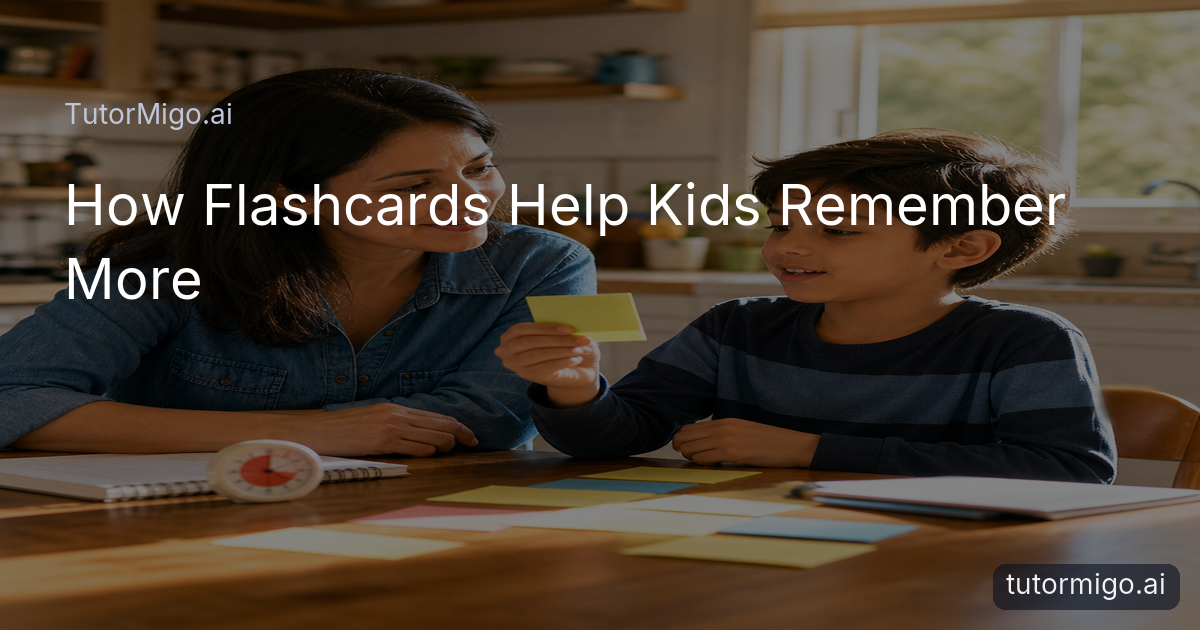
Flashcards also make study behavior easier to discuss. A teacher might ask a student to show the deck built for a unit, inspect whether cards test recall instead of copying definitions, and suggest splitting overly broad prompts. A parent could help protect a regular 10-minute review period, then ask the student to explain one difficult card from memory. The goal is support and accountability, not doing the retrieval for the learner.
Be precise about visibility. The listed TutorMigo workflow provides session history, flashcard decks, scheduled reviews, and interactive study spaces; it should not be treated as automatic evidence of mastery or as a substitute for teacher judgment. Teachers and parents can use what the learner shares to review progress and plan support. For more family-focused context, see the guide to supporting learning at home with TutorMigo.
Choose the Features You Need and Start a Sustainable Review Habit
Choose features by the kind of study problem you have, not by how many tools you can open. If you lose track of previous questions, start with the AI Tutor Workspace and session history. If facts disappear after class, use Flashcards to build a small spaced-repetition deck. If you need to produce a solution rather than recognize one, choose the whiteboard, code sandbox, or math step editor in Study Tools. You can combine them, but give each one a clear job.
Try this seven-day routine. On day one, select one topic and create 10 to 20 focused cards. On days two and three, review them without notes and mark the cards that require effort. On day four, revisit the related tutoring session and use an interactive tool to work through one example. On days five and six, review only the difficult cards plus a few easy checks. On day seven, explain the topic aloud or complete a short self-made practice set, then record what needs another cycle.
Keep the routine sustainable by setting a minimum you can repeat: perhaps 10 minutes after school or before a study block. Ask a teacher or parent to review the pattern once a week, especially repeated errors, while you remain responsible for answering. This is where TutorMigo differs practically from a general chatbot: it connects personalized tutoring, session history, scheduled recall, and hands-on practice into a repeatable workflow rather than leaving every study decision to a blank chat window.
Start with one deck, one study goal, and one scheduled review. Add complexity only when that habit is working.
Frequently asked questions
TutorMigo is built for an ongoing learning workflow: personalized tutoring in the AI Tutor Workspace, session history, spaced-repetition flashcards, and interactive study tools. A general chatbot may be useful for a quick answer, but it may not organize repeated retrieval and practice in the same way.
Write focused prompts that require you to explain, compare, predict, or apply one idea. Avoid copying an entire paragraph onto a card. If a card takes several minutes to answer, split it into smaller prompts.
The listed features provide session history, flashcard decks, review scheduling, and interactive study spaces. Parents and teachers can review what the learner shares and use it to support planning, but these features should not be treated as automatic proof of mastery or a complete reporting dashboard.
Follow the review schedule generated for the deck, and keep sessions short enough to repeat consistently. Review difficult cards more carefully, connect them to a tutoring explanation or interactive example, and revisit repeated errors during the next study cycle.
Related reading
Enjoyed this read?
Like, share, or comment below.

Comments
0Sign in required · respectful discussion · replies supported
Loading comments…