


Start personalized learning with your question
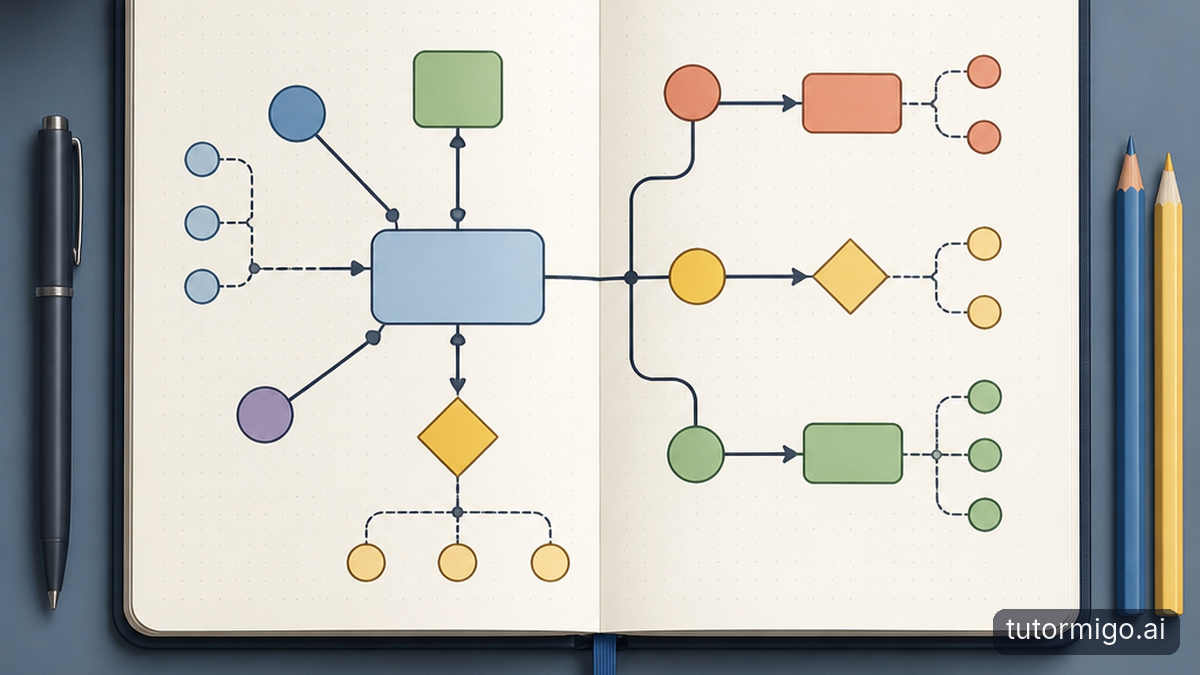
Learning at your own pace means being able to pause, ask again, and move forward when you are ready. In the AI Tutor Workspace, personalized tutoring chat gives you a place to work through questions. Expert personas offer different tutoring perspectives, while session history lets you revisit earlier discussions instead of relying on memory alone.
Suppose you followed a worked example but cannot explain why a particular step mattered. Ask your AI Tutor to focus on that step, then request a similar example to try yourself. When you return, review the earlier conversation and identify what still feels uncertain. Treat that history as a learning record, not proof that you have mastered the material.
This approach supports different needs without assigning you a fixed learner label. You might want a detailed explanation in one session and a quick check in another. Our look at personalized learning with AI tutors explores that broader idea.
Match your practice to what you need to learn
Understanding something once is different from remembering it later. TutorMigo.ai flashcards combine spaced repetition, review scheduling, and AI-assisted card creation. You can build a deck around the concepts you are studying, check the cards for accuracy, and use scheduled reviews to keep returning to material over time.
For example, after studying a science topic, create cards that ask you to explain key terms without looking at your notes. Keep each card focused on one idea. If you repeatedly miss a card, return to the explanation rather than simply memorizing the wording of its answer.
Other tasks call for doing rather than recalling. The Study Tools Hub includes a whiteboard, code sandbox, and math step editor. Use the whiteboard to sketch a process, the sandbox to try code, or the math editor to work through steps. Choose the tool that makes your thinking visible—not a tool based on a supposed permanent learning style.
Give exam preparation structure without rushing
If you are preparing for the SAT, ACT, AP, or IELTS, an open-ended conversation may not give your study time enough direction. TutorMigo.ai offers structured exam preparation with practice sets and progress tracking. That gives you a way to organize practice around a specific exam rather than collecting unrelated questions.
Start with a practice set, then look at your progress before deciding what to study next. If a topic remains difficult, spend your next session unpacking the underlying concept instead of immediately attempting more questions. Return to practice after you can explain your reasoning.
Progress tracking is most useful as a planning aid, not a promise about your eventual score. A stronger result on one set is encouraging, but you still need to check whether you can apply the same knowledge independently and consistently.
Make progress visible without taking over
When you are supporting someone else, seeing progress can help you ask better questions. The Parent Dashboard provides visibility into a child's progress, learning controls, and co-learning features. The Teacher Dashboard supports class management, student monitoring, knowledge base assignment, and reporting. These are different views for different responsibilities—not reasons to supervise every interaction.
For a parent, a useful conversation might begin with, “What felt easier this week?” A teacher might use reporting alongside classroom work to decide where another explanation would help. Our guide to recognizing when answers are not learning offers a useful perspective.
This also clarifies a practical difference from general-purpose generative chatbots. Many can explain concepts or suggest practice. Compare the surrounding workflow: session history, scheduled flashcard reviews, structured exam practice, and dedicated parent or teacher views. Choose based on the support you need, and still check important answers.
Try one focused learning cycle next
You do not need to use every feature on your first visit to tutormigo.ai. Pick one topic that currently slows you down. Bring a specific question to the tutor workspace, ask for an explanation, and then attempt a fresh example without copying the response. Notice where you hesitate; that is a useful starting point for your next question.
Next, choose one follow-up action. Make a small fl ashcarddeck if recall is the problem, or use an interactive tool if you need to work through a process. If you are studying for a supported exam, try a relevant practice set. At your next session, revisit your history and check what you can now do independently. Your pace should guide the practice, while your ability to explain and apply the idea tells you when to move on.
Frequently asked questions
No. Choose tools based on the task: flashcards for recall, a whiteboard for sketching, or tutoring chat for explanations.
The AI Tutor Workspace includes session history, so you can review earlier discussions and identify questions to revisit.
Yes. TutorMigo.ai offers separate parent and teacher dashboards with progress visibility and tools relevant to each role.
Related reading
Enjoyed this read?
Like, share, or comment below.


Comments
0Sign in required · respectful discussion · replies supported
Loading comments…