


YouTube study tools: Avoid passive watching
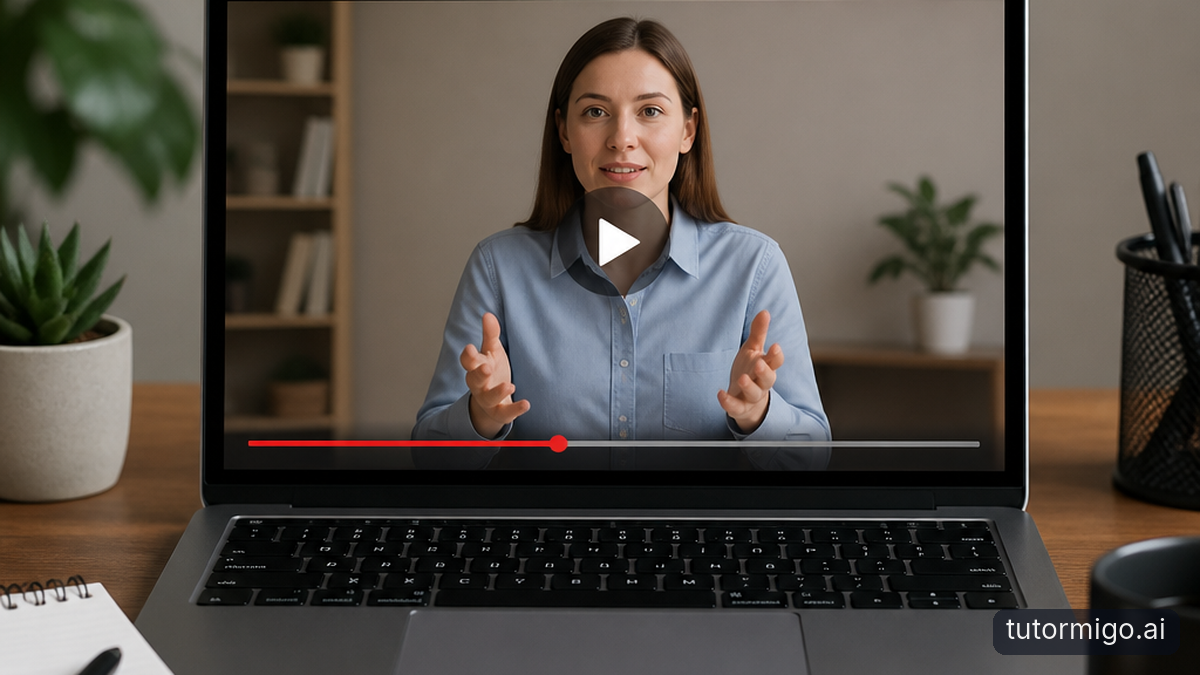
Imagine watching a crash course on the French Revolution. The narrator connects financial problems, social inequality, and political conflict so smoothly that you feel ready to explain everything yourself. But the explanation is still coming from the screen. Recognizing a clear explanation is different from producing one when the screen is gone.
That gap is why passive viewing can create an illusion of knowledge. Familiar terms and well-timed visuals make information easier to process, and that ease can feel like mastery. You may recognize the Estates-General when it appears in a video yet struggle to explain why its voting structure caused conflict. Familiarity gives you a useful starting point; it does not prove you can retrieve or apply the idea.
Videos absolutely can support learning. They can clarify unfamiliar processes, supply memorable examples, and help you build an initial understanding. The problem is using smooth playback as your only test of that understanding. Long-term retention benefits from attention, meaningful connections, and opportunities to retrieve information—not simply more minutes of exposure.
Try a small interruption instead. After a short segment, pause and look away. Explain the main point aloud, then give one example that the video did not use. If you cannot, return to the relevant moment with a specific question. You are no longer replaying because the material feels important; you are replaying to repair an identified gap.
For your next history session, replace “finish three videos” with “explain three causes and how they connect.” That goal gives watching a purpose and gives you a way to check progress. Your measure of a useful session becomes what you can explain afterward, not how long you kept the video running.
Source-to-Study AI: Turn a Video into Usable Study Material

The appeal of Source-to-study AI is straightforward: spend less time copying a lesson and more time learning it. But distinguish that goal from specific product capabilities. This workflow uses TutorMigo.ai’s supported AI-assisted flashcard creation and personalized tutoring. It does not assume instant YouTube-link ingestion, automatic mind maps, or automatic video-to-quiz conversion.
If you are comparing tools that promise to generate flashcards from video, check what they actually accept: a link, a transcript, or notes you supply. Also check whether you can inspect and correct the output. Fast conversion is useful only when the resulting questions accurately reflect the lesson and the material you need to study.
You do not need a word-for-word transcript to make a useful study guide. Watch one manageable segment and capture its central claim, a supporting example, and something you cannot yet explain. For the French Revolution lesson, those might be the financial crisis, unequal taxation, and a question about why attempts at reform met resistance. Keep timestamps beside unclear points so you can revisit them quickly.
Use those notes as the basis for AI-assisted flashcard creation, then review each proposed card. A useful question might ask, “How did unequal taxation contribute to resentment before the French Revolution?” A weaker card would simply ask you to recognize the phrase “unequal taxation.” Keep each answer focused enough that you can judge whether your response was correct.
An AI Tutor can also help you work through a confusing connection before you turn it into a card. Explain what you currently understand and ask for clarification, then check important details against the lesson or your course materials. One of the practical TutorMigo benefits here is having personalized tutoring alongside a dedicated flashcard workflow: use the conversation to clarify an idea, then use cards to practice remembering it.
From Video Notes to Quiz-Style Active Recall
Once your notes are ready, close the video and put them out of sight. This is the transition that matters: you stop receiving the explanation and start generating an answer. Active recall means attempting that answer before checking it, even when the attempt feels slower or less comfortable than watching another explanation.
If you were looking for a gamified “Mode 05” quiz, do not assume that a dedicated mode is available. You can still build a quiz-style practice session using your flashcards or a tutoring conversation. In the AI Tutor Workspace, ask for questions about the notes you provide, one at a time, with feedback after your attempt. That is a conversational study approach, not a claim of an automatic video quiz feature.
For example, supply your short history notes and request: “Ask me to explain causes and consequences. Wait for my answer before giving feedback, and ask a follow-up if my explanation is vague.” When asked why financial pressure became a political crisis, try a complete explanation rather than listing familiar words. Then compare the feedback with your course materials, especially if a detail seems uncertain.
Keep the challenge motivating with a simple paper tally: answered independently, answered with help, or not yet understood. You do not need points or a leaderboard to make improvement visible. If you answer a card correctly only after seeing its first sentence, count that as help. Honest scoring makes your next review more useful.
Mix straightforward retrieval with explanation. Ask what happened, why it happened, and how one event changed another. The practical flashcard study scenarios offer more ways to vary this practice. Use flashcards for focused retrieval and a longer tutoring exchange for connections that need explanation. The objective is not to build the biggest deck; it is to uncover what you cannot yet retrieve and practice it until you can.
What to Do Next: Watch Less, Retrieve More
Start with one educational video you already planned to watch. Choose a short segment, set a specific learning goal, and pause when the explanation reaches a natural stopping point. Without looking, write the main idea and one supporting detail. Reopen the video only to check your account or resolve a question—not automatically to watch the whole segment again.
Next, turn the important ideas into a small set of clear flashcards. Attempt every answer before revealing it, and flag anything you guessed or explained vaguely. If a card repeatedly causes trouble, ask whether its wording is unclear or whether the underlying concept needs more work. An AI Tutor can help you unpack that concept; another round of guessing cannot.
Return to those cards across later sessions rather than treating one successful attempt as permanent mastery. TutorMigo.ai’s flashcards support spaced-repetition review scheduling, so your practice can extend beyond the night you watched the lesson. For a broader routine, see this guide to revising with spaced repetition instead of cramming.
Turn your favorite educational videos into personalized study guides by bringing your own notes into the process. Start on TutorMigo.ai with AI-assisted flashcards and personalized tutoring, then judge the session by what you can explain with the video closed. The next useful step is not another hour of playback. It is one question you answer from memory.
Frequently asked questions
Direct YouTube-link conversion is not established by the supported features described here. Use your own video notes as the basis for AI-assisted flashcard creation, and check the cards against the original lesson.
Following an explanation provides cues that are missing when you answer independently. Pause the video and explain the idea without looking to check whether you can retrieve it, not just recognize it.
Answer flashcards before revealing their backs, or provide your notes in a tutoring conversation and request questions one at a time. Check feedback against your course materials when accuracy is important.
Use flashcards to practice retrieving ideas you understand. Revisit a specific video segment when your answer reveals a conceptual gap, then explain the corrected idea from memory.
Enjoyed this read?
Like, share, or comment below.



Comments
0Sign in required · respectful discussion · replies supported
Loading comments…