

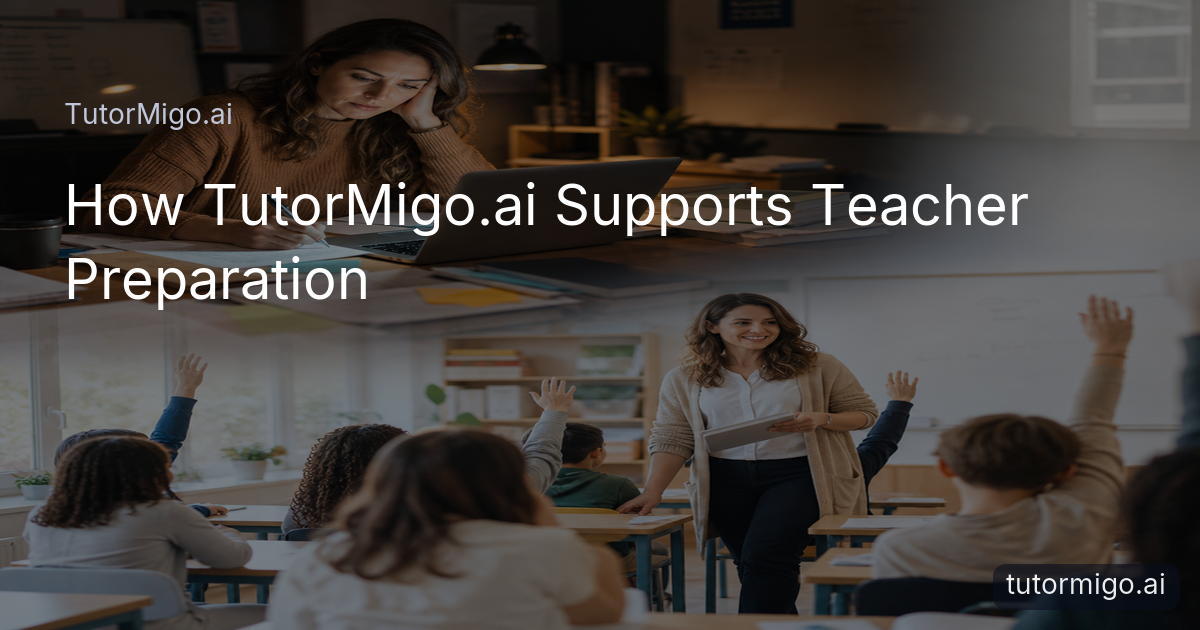
When Teacher Workload Takes Over Your Evening

It is the end of a busy school day. You are still at your desk, with lesson notes, worksheets, books and an open laptop spread around you. You feel tired, but tomorrow’s lesson still needs a clear structure, useful resources and activities that will keep pupils involved. Finding suitable material, sorting ideas and adapting teaching materials can make classroom preparation feel like a second shift.
This is a familiar challenge for teachers, tutors, school leaders and education professionals. You want to give every lesson proper thought, yet repetitive preparation work can take time away from marking, communication and the people at the centre of your work: your students.
TutorMigo.ai is designed as practical teaching support. It can help you explore educational resources for teachers, organise lesson ideas and prepare more relevant learning materials without taking professional judgement out of your hands. You remain responsible for deciding what suits your class, curriculum and teaching style.
A more manageable starting point
Instead of moving between scattered notes and several open tabs, you can use TutorMigo.ai to develop a clearer preparation process. For example, you might explore an explanation for a difficult topic, refine questions for a class discussion, then organise the resulting ideas before deciding what belongs in the lesson.
The aim is not to automate teaching. It is to reduce the friction around planning, so your time and attention can return to thoughtful instruction.
How TutorMigo.ai Supports Teachers

The most useful AI tools for teachers should fit around existing expertise rather than ask you to start again. TutorMigo.ai supports this by bringing practical learning and teaching features together in one platform. You can use an AI Tutor workspace to explore a topic, ask for alternative explanations and keep track of a developing session through session history.
That can be useful when a lesson needs a different route. If a class is finding a concept difficult, you could investigate a simpler explanation, identify a few discussion prompts and consider a short practice task. You still check the suggestions, choose what is accurate and adapt the language for your learners.
Useful support for everyday planning
Discover useful educational resources: explore explanations, examples and study material that may inform your planning.
Organise lesson ideas: use a consistent workspace to develop questions, activities and teaching sequences.
Prepare engaging materials: shape ideas into prompts, practice tasks or discussion starters that match your intended outcome.
Reduce repetitive preparation: avoid repeatedly starting from a blank page when you need variations or a clearer explanation.
Keep student needs in view: use your professional knowledge to select, edit and present what is appropriate.
These TutorMigo.ai benefits are most valuable when they support decisions you would make anyway, but help you reach a useful starting point sooner.
A Practical Lesson-Planning Routine
Good teacher lesson-planning support does not need to be complicated. Begin with the learning intention and the point most likely to cause difficulty. For example, before a lesson on persuasive writing, you might ask the AI Tutor to help you explore examples of strong openings and prepare questions that encourage students to explain their choices. Then review the suggestions against your curriculum and class context.
From idea to classroom activity
Set the purpose. Write down what students should understand, practise or be able to explain by the end of the lesson.
Explore options. Use the TutorMigo.ai workspace to consider explanations, examples, questions or a short sequence of activities.
Choose and adapt. Keep only what fits your learners. Adjust vocabulary, challenge and timing using your own professional judgement.
Prepare participation. Add a question, paired task or practical prompt that gives students a clear way to take part.
Review the plan. Check that the materials support the objective and that you have a sensible response if students need more guidance.
For revision or independent follow-up, flashcards with spaced-repetition review can help students revisit key terms over time. Interactive study tools, including a whiteboard, code sandbox and maths step editor, can also provide a more active way to practise when they fit the subject.
Use educational technology to make your preparation more deliberate, not less thoughtful.
Technology That Supports—Not Replaces—Teachers
Responsible educational technology should recognise what teachers bring: knowledge of their learners, awareness of classroom dynamics and the judgement to adjust in the moment. TutorMigo.ai is not a substitute for that expertise. It can help with the preparation around teaching, while you remain the person who checks accuracy, sets expectations and decides how an activity should be delivered.
This distinction matters when comparing TutorMigo.ai with a general-purpose generative chatbot. A standalone chat may help you brainstorm, but TutorMigo.ai connects preparation with learning-focused tools and continuity. The AI Tutor workspace supports personalised sessions and session history. Flashcards provide spaced-repetition review scheduling. The teacher dashboard supports class management, student monitoring, knowledge base assignment and reporting.
Keep professional judgement in the process
Imagine preparing a lesson for a mixed-attainment class. You might use the workspace to investigate several explanations, then select one. You could prepare a small set of flashcards for essential vocabulary, assign suitable knowledge-base material through the teacher dashboard and decide which students need an additional explanation. The platform supports the workflow; it does not decide what your pupils need.
That approach helps reduce teacher workload without suggesting that teaching can be completely automated. It also leaves space for safeguarding, accessibility, inclusion and the relationships that technology cannot replace.
From a Crowded Desk to a Calmer Classroom
Returning to our teacher, the difference is not that her responsibilities disappear. Instead, her preparation becomes more organised. She starts with the lesson goal, uses TutorMigo.ai to explore suitable explanations and questions, reviews the ideas carefully, then prepares a short activity and follow-up resources. She is no longer losing time searching through disconnected notes for a workable starting point.
The next morning, she enters the classroom feeling calm and confident. Her plan has a clear sequence, but it is flexible enough to respond to students. They actively participate, ask questions and engage with the lesson because the activities give them something meaningful to do. When a pupil needs another explanation, she can respond as a teacher—not pause to rebuild the entire lesson.
What to do next
Start with one recurring preparation task. It might be creating discussion questions, finding a clearer explanation, organising follow-up practice or preparing vocabulary review. Try TutorMigo.ai with that task, check every suggestion and adapt the result for your learners. Then notice whether the process gives you more time for feedback, relationships and thoughtful classroom decisions.
Explore the platform to see how its tutoring workspace, study tools and teacher visibility features could fit your routine. The best use of AI is practical, careful and centred on people.
Less repetitive work. More time for teaching.
Pros and cons
Pros
- Helps organise lesson ideas and preparation in a focused learning workspace
- Supports interactive study tools and spaced-repetition follow-up
- Keeps teachers responsible for reviewing and adapting materials
- Offers teacher visibility through class management and student monitoring
Cons and limitations
- It does not replace curriculum knowledge or professional judgement
- Suggestions and materials still need to be checked for accuracy and suitability
- The value depends on choosing tools that genuinely fit your classroom routine
Frequently asked questions
TutorMigo.ai can support lesson planning by helping you explore explanations, questions and activity ideas. You remain responsible for checking the content, adapting it to your learners and deciding how the lesson should be taught.
It can reduce repetitive preparation by giving you a structured place to develop lesson ideas, explore educational resources, prepare practice material and organise follow-up learning. It does not remove the need for professional review.
Teachers can use the AI Tutor workspace and interactive study tools to explore subject-related explanations and activities. The most appropriate use depends on your curriculum, learners and professional judgement.
The teacher dashboard supports class management, student monitoring, knowledge base assignment and reporting. These features can help you review learning information alongside your own classroom observations.
Related reading
Related reading
Related reading
Enjoyed this read?
Like, share, or comment below.
Comments
0Sign in required · respectful discussion · replies supported
Loading comments…