

Why the NCTB curriculum feels different at home

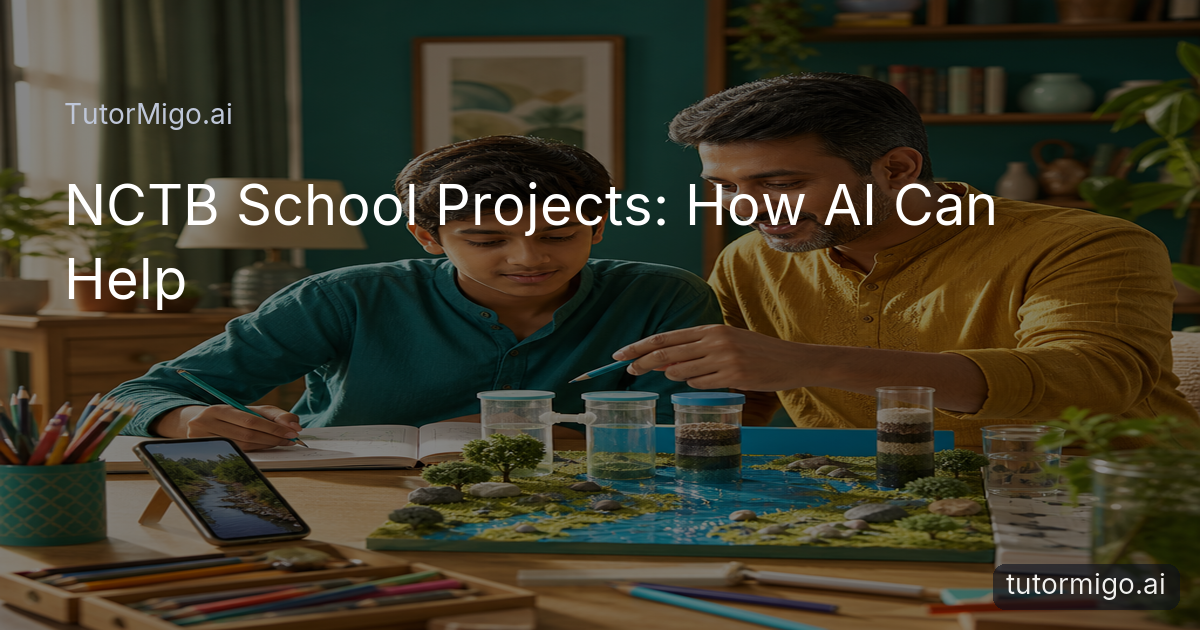
Your child may come home with an assignment that has no single correct answer: investigate a local issue, explain a process, build a model, interview someone, or present findings to the class. For parents used to checking completed exercises, this shift toward project-based and experiential learning under the updated NCTB curriculum can feel unfamiliar. The challenge is not only finding information; it is helping your child decide what to ask, how to check an idea, and how to explain the result in their own words.
A useful starting point is to treat the project as a learning journey rather than a finished product. Suppose a student is asked to explore how household waste affects a nearby area. You can help them narrow the question, plan a short observation, organize notes, and reflect on what they discovered. You do not need to supply the conclusion or make the presentation for them.
TutorMigo benefits are strongest when the platform supports that process. An AI Tutor can explain unfamiliar vocabulary in simpler language, ask guiding questions, and help a student compare possible approaches. The parent’s role remains important: set the boundaries, ask the child to justify choices, and check that the final work reflects their understanding rather than copied wording.
Begin with a question, not a ready-made answer
 Before opening any learning tool, ask your child to say what the assignment is asking. A student working on a project about food preservation might begin with a broad idea such as “how food stays fresh.” Together, turn that into manageable questions: Which methods are used at home? What changes when food is cooled, dried, or sealed? What evidence could the student observe safely?
This kind of conversation gives an AI Tutor useful context without handing over responsibility. Your child can ask for a simple explanation of “preservation,” request three possible directions for investigation, or ask what information would be needed to compare two methods. The tutor can then support brainstorming while the student chooses the most suitable question for the class requirements, available materials, and time limit.
Encourage your child to challenge suggestions. If a proposed topic seems too large, ask, “Can we investigate this in one afternoon?” If a source uses difficult language, ask for a plain-language explanation and then compare it with the textbook. A general-purpose generative chatbot may produce a broad list quickly, but TutorMigo’s personalized AI tutoring workspace is designed around an ongoing learning session, so the student can return to earlier context and continue refining the same question.
Before opening any learning tool, ask your child to say what the assignment is asking. A student working on a project about food preservation might begin with a broad idea such as “how food stays fresh.” Together, turn that into manageable questions: Which methods are used at home? What changes when food is cooled, dried, or sealed? What evidence could the student observe safely?
This kind of conversation gives an AI Tutor useful context without handing over responsibility. Your child can ask for a simple explanation of “preservation,” request three possible directions for investigation, or ask what information would be needed to compare two methods. The tutor can then support brainstorming while the student chooses the most suitable question for the class requirements, available materials, and time limit.
Encourage your child to challenge suggestions. If a proposed topic seems too large, ask, “Can we investigate this in one afternoon?” If a source uses difficult language, ask for a plain-language explanation and then compare it with the textbook. A general-purpose generative chatbot may produce a broad list quickly, but TutorMigo’s personalized AI tutoring workspace is designed around an ongoing learning session, so the student can return to earlier context and continue refining the same question.
Tip: Ask your child to keep a short “why I chose this idea” note. It makes the project more personal and helps them explain their decisions to the teacher.
Use explanations and brainstorming without outsourcing homework
The safest way to use an AI Tutor for school projects is to request support at the point of confusion. A child who cannot understand evaporation might ask for an explanation using an everyday example, such as wet clothes drying in the sun. They can then explain the idea back in their own words and test whether the explanation fits their project. This is more useful than asking for a complete paragraph to paste into an assignment.
Brainstorming also works best as a back-and-forth. For a community garden project, the student could ask for possible questions about soil, water use, sunlight, or plant growth. Next, they should select one area and explain why it is realistic to study. The AI Tutor can suggest a simple observation plan, while the student decides what to record and what the results mean.
Session continuity makes this process easier. A student can return to the same TutorMigo workspace to revisit an earlier explanation, clarify a new term, or ask for feedback on whether their outline is logical. Parents can set a clear rule: use the AI Tutor to understand, question, and improve; write the final explanation independently. This preserves the child’s voice and gives them practice with the thinking the project is meant to develop.
It can help to ask, “Show me the question that led to this sentence.” If your child cannot explain a section, pause and learn that idea before including it.
Turn research into active study with the right tools
Projects often involve several kinds of work: reading, planning, calculating, drawing, coding, building, and presenting. The Study Tools Hub can support different stages without replacing the student’s decisions. A child planning a bridge model, for example, might use the whiteboard to sketch forces and materials, the math step editor to work through measurements, or the code sandbox to test a small programming idea when coding is part of the assignment.
The value is in making thinking visible. Instead of showing only a polished result, your child can inspect a sequence of steps, notice where an assumption changed, and discuss what they would improve. Ask them to take a picture or written record of the plan, the first attempt, and the revision. That evidence can make reflection much easier at the end of the project.
For facts and vocabulary that need to stay available, spaced-repetition flashcards can turn research notes into short review sessions. A student studying ecosystems might create cards for key terms, examples, and cause-and-effect relationships. Review scheduling helps them revisit difficult cards instead of rereading every page the night before a presentation. Keep the deck focused: ten useful cards based on the student’s own notes are usually better than a large set of unfamiliar definitions.
These tools are most effective when the child explains each choice aloud. Ask, “Why did you draw it this way?” or “What does this card help you remember?” The answer shows whether the tool is supporting understanding or merely producing activity.
Keep parents and teachers involved in the learning
Independent project work does not mean children should work without adult visibility. Parents need to know whether a student is making steady progress, becoming stuck, or relying too heavily on outside help. TutorMigo’s Parent Dashboard provides visibility into a child’s progress, learning controls, and co-learning opportunities, giving families a practical place to support routines and discuss goals.
Use that visibility for check-ins rather than surveillance. Once or twice a week, ask your child to show the project question, current evidence, and next step. If the work has not moved forward, help identify the obstacle: Is the topic too broad? Does the child need a simpler explanation? Are they unsure how to organize observations? A short conversation can prevent a rushed final evening, much like the strategies described in this guide to [reclaiming the kitchen table from homework battles](/blog/the-8-pm-homework-battle-reclaim-your-kitchen-table-8bov).
Teachers also need an accurate picture of the student’s own thinking. Encourage your child to keep source notes, drafts, questions, and revisions. They should be able to describe which parts were their observations and which explanations helped them learn. When a teacher asks a follow-up question, that record supports an honest answer.
Set simple family expectations: do not submit AI-written work as your own, check important facts against class materials, protect personal information, and ask an adult when a task involves safety or unfamiliar instructions. The goal is transparent support, not invisible substitution.
A practical project routine for your family
A simple routine can make NCTB project work calmer. First, have your child restate the assignment in one or two sentences and identify the final format: model, report, demonstration, poster, or presentation. Next, choose one manageable question and list what the student already knows. This gives the AI Tutor a starting point and makes gaps easier to see.
Then use TutorMigo for one focused task at a time. Ask for a plain-language explanation of a difficult concept, possible investigation angles, or questions that could improve an outline. Move the useful ideas into the student’s own notes, marking anything that needs checking in the textbook, class materials, or a reliable source. Use the whiteboard, math step editor, code sandbox, or flashcards only when they match the project’s real needs.
Set a progress checkpoint before the deadline. The student should have a question, plan, evidence, first explanation, and reflection—not just a finished-looking file. At the checkpoint, ask them to teach you one part without looking at the screen. If they can explain it clearly, the support is doing its job. If not, return to the confusing concept rather than polishing the final presentation.
Finally, let the child make the last choices about wording, design, and conclusions. This routine supports the practical TutorMigo benefits parents want: clearer understanding, stronger study habits, continuity between sessions, and a visible path from question to learning. For a broader perspective on guided use, read [what AI tutoring can show about learning](/blog/what-chatgpt-cant-show-about-learning-m0gh).
Frequently asked questions
Yes. TutorMigo can help a student understand difficult concepts, brainstorm manageable ideas, organize questions, and review key terms. Your child should still do the investigation, make the decisions, and write or present the final work in their own words.
Set clear boundaries before the project begins. Ask for explanations, questions, examples, and feedback rather than finished paragraphs or complete solutions. Check that your child can explain each important idea without relying on the screen.
The AI Tutor Workspace can support explanations and ongoing sessions. The Study Tools Hub can help with visual planning, math steps, or coding practice, while Flashcards can support review of vocabulary and facts. Choose tools based on the actual assignment.
The Parent Dashboard provides visibility into progress, learning controls, and co-learning opportunities. Use it alongside regular conversations in which your child explains the project question, evidence, next step, and any difficulty they are facing.
Enjoyed this read?
Like, share, or comment below.



Comments
0Sign in required · respectful discussion · replies supported
Loading comments…