


Set a learning goal before screen time

At 3:45, give your child time for a snack and a little conversation before asking about homework. Around 3:55, look at the assignment together and identify one manageable learning goal. “Do science” is hard to judge. “Explain how water moves through the water cycle without looking at the diagram” gives you both a clear destination.
Use three checks to judge whether the screen activity serves that goal. First, does it address something your child actually needs to learn? Second, does your child have to participate by answering, explaining, drawing, or making a choice? Third, can they demonstrate understanding afterward without simply copying what is on screen?
For this afternoon, your child might choose a short explanation of the water cycle followed by practice questions. Before pressing play, ask, “What are you hoping this will help you explain?” That question gives the video a job. It also makes it easier to notice when watching has drifted away from learning.
Keep the goal small enough for the time and energy available. If your child is exhausted, understanding one confusing process may be more realistic than completing a long practice set. You are looking for meaningful progress, not a perfectly filled afternoon. Minutes remain useful for planning; they just are not proof of learning.
Set boundaries that make focus easier
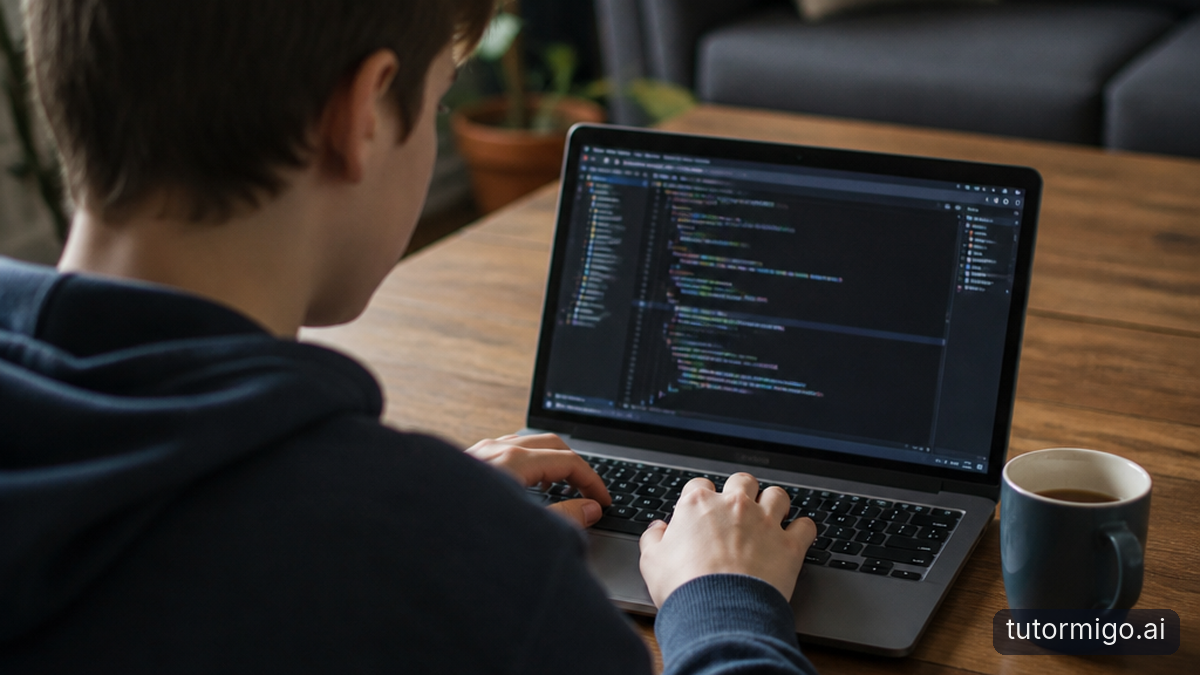
Before the 4:00 study block begins, agree on the tools your child needs and what will wait. For the water-cycle assignment, that might mean the school assignment page, one selected tutorial, and the practice activity. Games and unrelated videos belong outside that block. Make the distinction explicit rather than expecting your child to guess what counts.
Spend a minute reducing interruptions together. Silence nonessential notifications, close unrelated tabs, and put an unnecessary phone out of reach. If the device offers a focus setting, check that important family communications can still get through. Keep required accessibility tools and learning supports available; fewer distractions should not mean fewer supports.
Choose a stopping point as well as a starting point. You might say, “We will work until 4:20, then pause and see what you understand.” If schoolwork genuinely needs longer, make a new plan after the break rather than extending the session indefinitely. A visible clock can help without making every minute feel monitored.
Agree on entertainment separately, including when it fits around the rest of the afternoon. Avoid treating all enjoyable screen use as wrongdoing or making extra entertainment depend on perfect answers. The aim is a boundary your child can understand and practise. For more ways to reduce interruptions, try these practical strategies for staying focused while studying.
Make online practice an active task
During the 4:00–4:20 block, look for thinking rather than constant clicking. A child can race through questions by guessing, just as they can watch a thoughtful explanation without absorbing it. Productive digital learning asks them to retrieve information, make a prediction, explain a choice, or use feedback to change an answer.
With the water-cycle tutorial, your child could pause after one explanation and describe what happens next before resuming. During practice, ask them to explain why they chose an answer. If the activity marks it wrong, the useful next step is not another rapid guess. It is returning to the relevant idea and explaining what needs to change.
You do not need to sit beside them throughout. Arrange one brief check-in halfway through: “Show me something that makes more sense now, or something that is still confusing.” This invites a specific response without turning you into a running commentary. It also makes asking for help part of the routine, not an admission of failure.
If your child reaches an unrelated video, respond to the drift rather than judging their character. Close it together and ask what interrupted the plan: confusion, boredom, a tempting recommendation, or a task that felt too large? The answer suggests a useful adjustment. A harder question may need help; a distracting sidebar may need a different resource.
Pair screen practice with a break and offline recall
At 4:20, pause the screen activity even if the session has gone well. Use a short, screen-free break to get water, stretch, walk around, or look outside. Switching straight to a fast-moving game can make returning to homework harder, so decide on the break before it begins. Keep it simple enough that it does not become another negotiation.
At about 4:25, close or turn away from the device and ask your child to show what they remember. For the water-cycle goal, they might sketch the process on scrap paper and talk you through it. This is not a polished presentation or a surprise test. It is a quick check of what they can explain without the screen supplying the answer.
If they forget a stage, let them try before offering a prompt. Then reopen the resource briefly to check the gap, close it again, and have them explain that part once more. The point is not to catch mistakes. It is to use mistakes to decide what deserves another look.
By 4:30, you have more useful evidence than a watch-time total: an explanation, a sketch, and one remaining question. Record that question for tomorrow or for the teacher if needed. Finish with a clear transition away from homework. These small recall checks work best as part of a realistic home-learning routine, not as an extra assignment added to an already crowded evening.
Try the routine for one week, then adjust together
Invite your child to treat the next week as an experiment, not a permanent rulebook. Choose the start time together and write a short plan: settle in, name the goal, prepare the device, practise, break, and explain from memory. Keep the same sequence while allowing the length to change with the assignment and your child's energy.
On the first two afternoons, notice where the plan meets friction. Was the goal unclear? Did notifications interrupt? Was your child already too tired? Keep a brief note of the goal, what they could explain afterward, and how the session felt. Avoid tracking every click or building a complicated scoring system.
Midweek, change one thing. Move the phone farther away, shorten the first work block, or select the learning resource before homework starts. Changing everything at once makes it harder to tell what helped. On afternoons without digital homework, keep the planning and recall steps without adding screen use just to preserve the routine.
At the end of the week, ask: “What helped you learn? What kept pulling you away? What should we keep?” Look for clearer explanations, easier starts, and fewer battles—not perfect compliance. If you want somewhere to review progress together, TutorMigo.ai 's Parent Dashboard offers parent visibility into child progress and co-learning features. Let any tool support the conversation; your shared observations should guide the next week's plan.
Frequently asked questions
Look for a clear learning goal, active participation, and something your child can explain or do afterward without copying. Finishing a video or earning a completion badge is not enough on its own.
Use a planned work window with a clear pause, then reassess. The right length depends on the assignment and your child's energy, while the whole afternoon still needs room for rest, movement, and other responsibilities.
Return to the agreed boundary calmly and identify what triggered the switch. Reduce notifications and unrelated tabs, but also check whether your child needs help understanding the task or getting started.
Treat it as useful information. Revisit the specific confusing point, then close the resource and try explaining it again. If confusion persists, note a clear question to ask the teacher.
Related reading
Enjoyed this read?
Like, share, or comment below.

Comments
0Sign in required · respectful discussion · replies supported
Loading comments…