


Why Cyber Safety Matters for Smart Kids
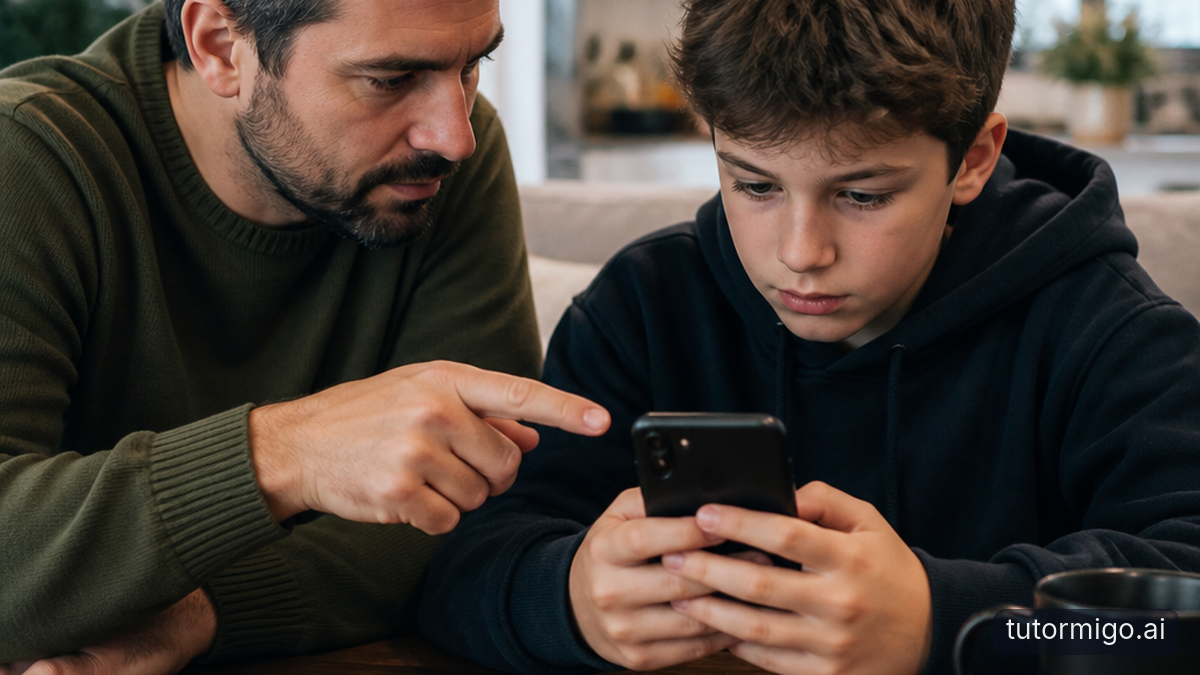
A message can look ordinary and still be designed to pressure your child into making a risky choice. A gamer may receive a chat saying an account will be deleted in ten minutes. A student may get an email that appears to come from a teacher asking for a password. The trick is not always technical; it is psychological.
Social engineering uses emotions such as fear, excitement, curiosity, urgency, or the wish to help. Scammers may pretend to be friends, moderators, delivery companies, teachers, or relatives. They often want a password, a payment, a one-time code, personal information, or access to an account.
Start by telling your child that falling for a convincing message does not mean they are careless or unintelligent. Anyone can be rushed or misled. Your family rule should be simple: pause before responding, and ask for help when a message creates pressure.
Try this phrase: “A trustworthy person will not be angry because you took time to check.”
Practise this response when everyone is calm, not during an incident. Your goal is to make checking feel like a normal safety habit rather than a punishment.
Teach the Pause, Check, Confirm Habit
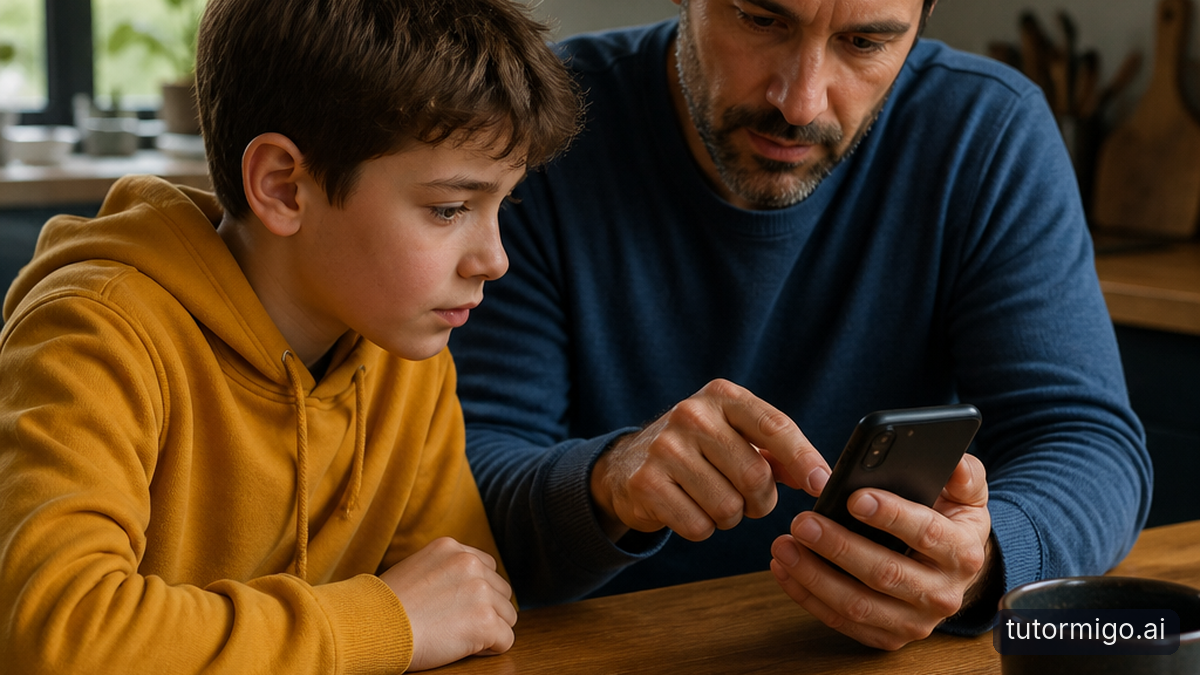
Give your child a repeatable process for suspicious messages. First, pause: do not click, reply, download an attachment, or share a code while feeling rushed. Next, check: look closely at the sender, the wording, the request, and the link destination. Finally, confirm through a separate trusted route.
For example, suppose a message says, “Your game account has a problem. Verify now.” Your child should not use the button in that message. They can open the game through its usual app or type the official website address themselves, then check for an account notice. If the message claims to be from a friend, your child can ask that friend in a separate conversation or in person.
Explain that a familiar display name is not proof of identity. Someone may copy a friend’s profile picture or take over an account. A genuine-looking logo is not proof either; images are easy to copy.
Practise with harmless examples and ask three questions: “What is this message trying to make you feel?” “What does it want you to do?” and “How could we verify it without using its link?” Repetition helps the habit become automatic.
Spot Red Flags in Emails and Fake Links
Help your child inspect the details that pressure tactics try to hide. Common warning signs include an unexpected password reset, a prize they did not enter to win, a threat of account closure, a request for secrecy, or a demand for immediate payment. Poor spelling can be a clue, but polished scams may have perfect grammar, so do not rely on errors alone.
Show your child how to examine a link without opening it. On a computer, they can hover over it; on a phone, they can press and hold when the device allows a preview. Look for a strange domain, extra words, misspellings, or a shortened address that conceals the destination. A secure connection symbol does not prove a site is legitimate; scammers can use secure websites too.
Teach them never to share a password, recovery code, or two-factor authentication code with someone who contacts them unexpectedly. A support representative should not need a code that was sent to the account owner.
Family rule: Use bookmarks or the official app for important accounts. Do not sign in through a link delivered in an unexpected message.Make checking collaborative. Ask your child to show you what they notice, then praise the specific behaviour: “You spotted the unusual address and stopped before clicking.”
Handle Scams on Social Media, Games, and Chats
Different platforms use different bait, but the pressure pattern is often the same. On social media, a fake account may promise followers, ask for a private photo, or claim to have embarrassing information. In a game, someone may offer free currency or a rare item in exchange for a login, payment, or account transfer. In a messaging app, a stranger may pretend to be a classmate and ask your child to keep the conversation secret.
Tell your child that online relationships should not create private obligations. They never need to prove friendship by sharing an image, meeting someone, sending money, or handing over an account. They should also be cautious when a real friend suddenly changes tone or asks for something unusual; the friend’s account may be compromised.
Show them how to stop contact: do not argue with the sender, save evidence if it may be useful, then block and report the account using the platform’s tools. If a message includes threats, sexual pressure, blackmail, or plans to meet, involve a trusted adult immediately. Keep the conversation calm so your child is more likely to tell you early.
Review privacy settings together, limit who can send direct messages, and discuss what information should stay private, including school details, location, routines, and travel plans.
Create a Family Response Plan Before a Mistake
Children need to know exactly what happens if they click a suspicious link or share information. Make the first step “tell an adult,” not “hide the evidence.” Reassure them that reporting quickly gives you more options and that losing access to a game or device is less important than protecting the account and the person.
If a password was entered on a suspicious site, change it immediately from the official app or website. Change it anywhere else that uses the same password. If a one-time code, payment detail, or identity information was shared, contact the relevant service through an independently verified channel. For a compromised social account, use the platform’s official account-recovery process.
Save screenshots, usernames, web addresses, dates, and receipts before deleting anything. Do not continue negotiating with the scammer. If money was sent, contact the bank or payment provider promptly. If there are threats, exploitation, or suspected criminal activity, contact appropriate local authorities or a child-protection service.
Keep the plan visible in a private, agreed place. A short script can help: “Stop responding. Tell me what happened. We will secure the account together.” Run through the plan once or twice a year so it feels familiar rather than frightening.
Build Safer Online Habits Together
Cyber safety works best as an ongoing conversation, not a one-time lecture. During a normal family moment, ask your child to show you how they would check a message from a game moderator or verify a request from a friend. Let them explain their reasoning before you correct anything.
Use shared habits that protect everyone: strong, unique passwords stored in an approved password manager, multi-factor authentication where available, updated devices, and private account settings. Make clear that security codes belong only to the account owner. Avoid making your child responsible for spotting every scam alone; adults can be fooled too.
Review new apps and games together. Discuss who can contact your child, what information the service collects, and how reporting works. Rather than banning every unfamiliar message, teach your child to bring uncertainty to you.
Keep the tone practical. Celebrate a cautious choice even when the message turns out to be genuine. Saying, “Checking was the right move,” reinforces the behaviour you want. Over time, your child learns that online safety is not about being suspicious of everyone; it is about slowing down when a request is unexpected, urgent, secret, or too good to be true.
What to Do Next
Choose one family rule today: pause before clicking, verify through a separate route, and tell a trusted adult when something feels wrong. Then practise with a fictional message so your child can identify the sender, emotional pressure, requested action, and safest next step. Put your response plan somewhere easy to find and revisit it after your child joins a new game, app, or group chat.
If you want a clearer way to stay involved in your child’s learning routines while keeping conversations about digital responsibility ongoing, TutorMigo.ai offers a guide to supporting learning at home. The useful next step is not more screen time; it is a calm, shared habit of asking questions before acting online.
Frequently asked questions
Pause before clicking, replying, or sharing information. Verify the request through an official app, known website, or separate conversation, and ask a trusted adult when unsure.
Do not rely only on a display name or profile picture. Contact the friend through a separate, familiar channel and ask whether they sent the message.
Stay calm, stop interacting with the page, and tell a trusted adult. If a password or code was entered, change credentials through the official service and review account security.
Usually, no. A calm response makes children more likely to report problems quickly. Focus on securing the account, recording what happened, and practising how to spot similar pressure next time.
Related reading
Enjoyed this read?
Like, share, or comment below.



Comments
0Sign in required · respectful discussion · replies supported
Loading comments…