

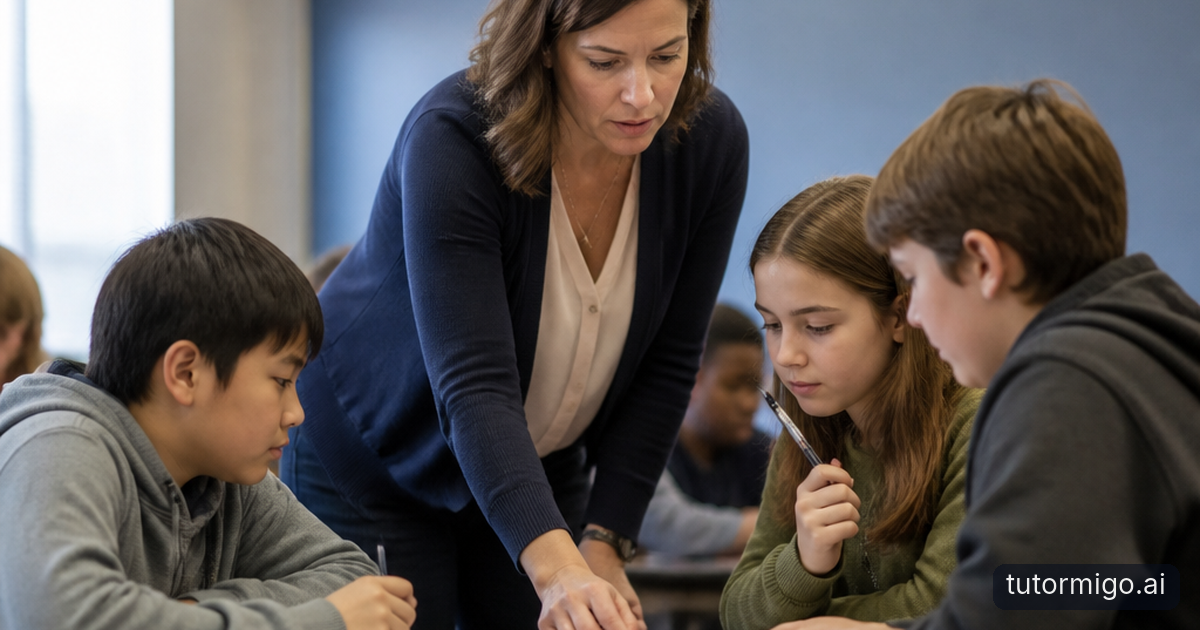
Start with the misconception, not average teacher support

When a class average looks acceptable, a learning gap can still be hiding in plain sight. One student may be guessing correctly, another may be missing a key step, and a third may be ready for a challenge. You need a fast way to see those differences before the next lesson moves on.
TutorMigo helps you use student monitoring and reporting to spot patterns rather than relying on a single quiz score. A misconception heatmap can show where several learners are struggling with the same idea, such as confusing equivalent fractions or mixing up evidence and opinion in a written response. It gives you a starting point for action.
Instead of reteaching an entire unit, you can ask: which students need the concept explained another way, which need guided practice, and which are ready to apply it independently? That shift is one of the most practical TutorMigo benefits for educators. You spend less time sorting through scattered evidence and more time deciding what students should do next.
Practical tip: Look for repeated errors, not just low scores. The repeated error usually points to the small idea that is blocking progress.
Turn heatmap patterns into flexible student groups

A useful misconception heatmap should lead to a teaching decision. Start by grouping students according to the support they need, not simply by their overall performance. For example, one group might need a teacher-led explanation of denominator meaning, while another practices comparing fractions with visual models. A third group could solve unfamiliar problems and explain its reasoning.
With TutorMigo's teacher dashboard, you can manage the class, monitor students, assign a knowledge base, and review reports as you plan these groups. Keep the groups temporary and purpose-driven. After a short activity, check whether the original misconception still appears. Students can move between groups as their understanding changes.
This approach also makes differentiation more manageable when several needs appear at once. You might give one group a worked example, another a set of prompts, and a third an extension task. The goal is not to label students permanently. It is to match the next explanation or practice task to the evidence in front of you.
For more context on why a shared lesson does not always produce shared understanding, see this guide to why students learn differently in class.
Give each learner a clear next step
Once students are grouped, make the support specific. A learner who confuses a formula's terms may need a short explanation followed by one guided example. A learner who understands the rule but forgets it a week later may benefit more from scheduled retrieval practice. A learner who can solve routine questions may need an interactive challenge that asks them to justify each step.
TutorMigo's AI Tutor Workspace provides personalized tutoring chat, expert personas, and session history. That continuity matters because a student can return to the same topic and build from earlier work instead of starting with a generic explanation every time. You can direct students toward a focused question or practice goal, then use their work as another source of evidence.
Interactive study tools can support different kinds of thinking. A student can use the whiteboard to model a concept, the math step editor to inspect a solution one step at a time, or the code sandbox to test and revise code. The AI Tutor is most useful here as part of a planned learning cycle: identify the misconception, practice the missing skill, and check whether the student can transfer it to a new problem.
Build retention after the reteach
A student may understand an explanation today and still forget the idea next week. That is why a differentiated plan should include what happens after the small-group lesson. Create a short review sequence for the exact terms, steps, or distinctions that caused difficulty rather than assigning a broad list of unrelated material.
TutorMigo flashcards use spaced-repetition decks, AI-assisted card creation, and review scheduling. After a lesson on photosynthesis, for example, you might create cards that distinguish inputs from outputs, ask students to explain the role of chlorophyll, and prompt them to connect the process to a diagram. Reviewing those cards over time can reveal whether the misconception is fading or returning.
Pair recall with an interactive task when possible. A learner might review vocabulary cards, then use a whiteboard to explain a process or use the math step editor to solve a related problem. This combination helps you distinguish recognition from real understanding. It also gives students a manageable routine between lessons, rather than waiting until the next assessment to discover that a gap remains.
Practical tip: Keep each review deck narrow. A small deck built around one misconception is easier to complete and easier to interpret than a deck covering an entire unit.
Track progress without losing the human view
Data is most useful when it improves a conversation. Review reports after students have had time to practice, then compare the new evidence with the original misconception pattern. Did the group make fewer errors? Can students explain the idea without prompts? Are they applying it in a different context? These questions keep progress tracking connected to actual learning.
The teacher dashboard can help you monitor students and organize follow-up work, while the AI Tutor session history can provide context about the questions a learner has asked and the support they have received. A low score after strong practice may signal confusion, rushed work, or a need for a different explanation. Avoid treating one data point as a final judgment.
Visibility also helps families support progress constructively. With the parent dashboard, parents can see learning progress and use co-learning features without having to guess what to practice at home. You can recommend a simple routine, such as reviewing a focused flashcard deck twice during the week and discussing one completed problem. For more ideas, read about how parents track learning progress with AI.
Use AI as a teaching partner, not a replacement for judgment
General-purpose generative chatbots can be useful for producing an explanation or brainstorming examples, but you still need to connect that output to your class evidence. The practical difference with TutorMigo is the learning workflow: you can combine teacher monitoring and reporting, personalized tutoring with session history, scheduled flashcard review, and interactive tools in a more focused plan.
That does not remove your role. You decide whether a misconception is conceptual, procedural, or caused by unclear instructions. You choose the right group, explain the idea in language your students understand, and watch for transfer. The AI Tutor can provide another route into the material, while your observation and professional judgment determine whether the route worked.
Start with one recurring misconception this week. Use the teacher dashboard to identify the students affected, create two or three short support groups, assign an appropriate tool or tutoring task, and check the same skill again. Over time, those small cycles turn TutorMigo benefits into visible classroom progress: faster responses to gaps, more precise practice, and clearer next steps for every learner.
If you are comparing learning platforms, look for continuity and follow-through, not just the ability to generate an answer. The strongest tool is the one that helps you move from evidence to action and then back to evidence.
Frequently asked questions
TutorMigo supports class management, student monitoring, and reporting through the teacher dashboard. Teachers can use patterns such as misconception heatmaps to identify shared errors and decide which students need reteaching, guided practice, or extension work.
Yes. Teachers can use student evidence to organize flexible groups, assign focused knowledge or practice tasks, and review progress afterward. Groups can change as students demonstrate new understanding.
The AI Tutor Workspace provides personalized tutoring chat, expert personas, and session history. Students can revisit a focused concept, ask follow-up questions, and continue practicing while the teacher uses the resulting evidence to guide next steps.
The parent dashboard provides visibility into child progress, learning controls, and co-learning features. Parents can follow a teacher-recommended routine, such as reviewing a focused flashcard deck or discussing a completed practice problem.
Related reading
Enjoyed this read?
Like, share, or comment below.

Comments
0Sign in required · respectful discussion · replies supported
Loading comments…