


Why personalized AI tutoring feels different

Homework becomes stressful when a student is stuck, a parent is out of answers, and a private tutor is too expensive or unavailable. A personalized AI tutor gives students a patient place to ask the same question again, work through confusion step by step, and return to earlier sessions instead of starting over.
The key TutorMigo benefits are not just speed or convenience. They come from combining a personalized tutoring workspace with session history, interactive study tools, flashcards, and structured exam preparation. For example, a student who struggles with algebra can ask for an explanation, use a math step editor to inspect the process, and later review the same skill with scheduled flashcards.
That continuity matters. A general-purpose chatbot may provide a useful answer, but students often have to explain their level, goals, and previous work every time. TutorMigo is designed to support an ongoing learning relationship, so the focus can stay on understanding rather than repeatedly rebuilding context.
Turn a frustrating question into a learning session

The best way to use an AI tutor is not to ask for an answer and move on. Ask it to help you locate the exact point of confusion. A student facing a difficult equation might begin with, “I understand the first step, but I do not know why the variable moves here.” That question invites an explanation instead of a shortcut.
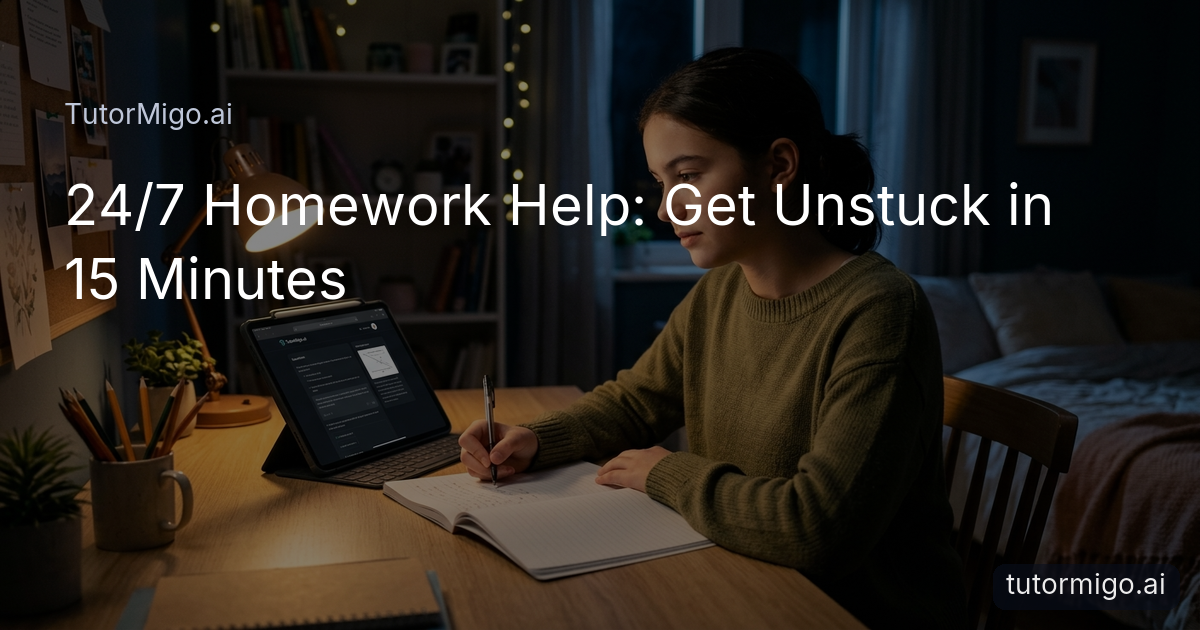
In the TutorMigo AI Tutor Workspace, students can continue a personalized tutoring conversation and revisit session history when a similar problem appears later. They can request a simpler explanation, a worked example, or a new practice question. This makes the experience more like patient one-on-one support than a search for a single response.
Interactive tools make the process more concrete. A student working through math can use the math step editor to examine each stage, while someone learning to code can practice in the code sandbox. The whiteboard can also help organize diagrams, notes, and visual reasoning. These options are especially useful when reading a paragraph of explanation is not enough.
Tip: When you feel stuck, describe what you have tried and identify the first step that no longer makes sense. That gives your AI Tutor a better starting point.
Make studying stick with spaced repetition
Understanding a lesson today does not guarantee that you will remember it next week. Students often reread notes several times, then discover during a quiz that the information was never firmly stored. Spaced repetition addresses this problem by bringing important material back for review at planned intervals.
TutorMigo flashcards can help turn a tutoring session into a repeatable study routine. After learning a set of vocabulary terms, science concepts, formulas, or definitions, a student can create a deck and review it over time. AI-assisted card creation can reduce the effort of turning notes into practice, while review scheduling helps prevent last-minute cramming.
Use flashcards for recall, not passive reading. Hide the answer, explain the idea in your own words, and mark the cards that still feel uncertain. For example, a student preparing for a biology test might use cards for key processes, then return to the tutor workspace for a deeper explanation of any concept repeatedly missed. The two activities support different needs: flashcards strengthen memory, while tutoring builds understanding.
For parents and teachers, this approach also offers a clearer study pattern. Instead of asking whether a student “studied,” you can discuss which concepts were reviewed and which ones still need attention.
Prepare for exams with a visible plan
Exam preparation can feel overwhelming when students collect random practice questions without knowing what to do next. A structured plan creates smaller decisions: choose a target skill, complete a practice set, review mistakes, and monitor progress. That process is more manageable than trying to study everything at once.
TutorMigo’s Exam Preparation tools support structured preparation for the SAT, ACT, AP, and IELTS, with practice sets and progress tracking. A student preparing for the SAT, for instance, might set aside a study block for a specific reading or math skill, complete targeted practice, and use the results to decide what deserves another session.
Progress tracking is most useful when it changes your next action. If practice shows that grammar questions are consistently difficult, schedule a focused review rather than repeating an entire test. Then use flashcards for rules that need memorization and the tutor workspace for questions that require explanation.
Parents can encourage consistency without turning every evening into an argument. Ask, “What skill are you working on, and what did your last practice set show?” That keeps the conversation centered on progress and strategy instead of a single score.
For a concrete starting point, this six-week SAT study guide can help students organize preparation into manageable stages.
Give parents and teachers useful visibility
Personalized learning works best when students have independence and trusted adults have enough visibility to provide support. Parents do not need to hover over every question, but they do need a practical way to understand whether a child is making progress, where confidence is dropping, and when encouragement or extra help may be useful.
The Parent Dashboard provides visibility into a child’s progress, learning controls, and co-learning opportunities. A parent might notice that a student is practicing regularly but still struggling with one topic. That creates a better conversation than a vague reminder to study: together, they can review the topic, set a short goal, or work through one example.
Teachers can use the Teacher Dashboard for class management, student monitoring, knowledge base assignment, and reporting. This can support targeted follow-up when several students need help with the same concept or when one learner needs additional practice. The goal is not to replace teacher judgment. It is to make useful learning information easier to act on.
For students, visibility should feel supportive rather than punitive. Agree on what progress will be reviewed, how often, and what kind of help follows when a challenge appears. Clear expectations make dashboards a tool for coaching, not surveillance.
Use an AI tutor without losing human judgment
An AI tutor can make learning more accessible, but it should be part of a thoughtful study routine rather than the entire routine. Students still need to read questions carefully, attempt problems, check reasoning, and ask a teacher or parent for help when an explanation remains unclear. The technology is most valuable when it strengthens those habits.
Compared with a general-purpose generative chatbot, a dedicated learning platform can reduce the amount of setup required. TutorMigo brings tutoring conversations, session history, flashcards, interactive tools, exam practice, and progress visibility into a learning-focused environment. A general chatbot may still help brainstorm an explanation, but a student may need to organize follow-up practice and tracking separately.
Try a simple routine: begin with your own attempt, ask for guidance rather than an answer, practice the skill in a new example, and save key facts for spaced review. At the end, write one sentence explaining what you learned and one question that remains. This keeps the student responsible for thinking while using the AI Tutor as a patient study partner.
Ready to make homework and exam preparation more manageable? Try TutorMigo.ai for free, choose one current challenge, and build your first focused study session around it.
Frequently asked questions
TutorMigo combines personalized tutoring conversations, session history, interactive study tools, spaced-repetition flashcards, structured exam preparation, and progress tracking in one learning-focused workspace.
Yes. Students can use the personalized tutor workspace and math step editor to work through problems step by step, inspect their reasoning, and ask follow-up questions when a step is unclear.
The Parent Dashboard provides visibility into a child’s progress, learning controls, and co-learning features, helping parents support study without needing to supervise every question.
Yes. The Exam Preparation tools support SAT and ACT preparation with structured practice sets and progress tracking, helping students turn results into a focused next step.
Related reading
Enjoyed this read?
Like, share, or comment below.


Comments
0Sign in required · respectful discussion · replies supported
Loading comments…