

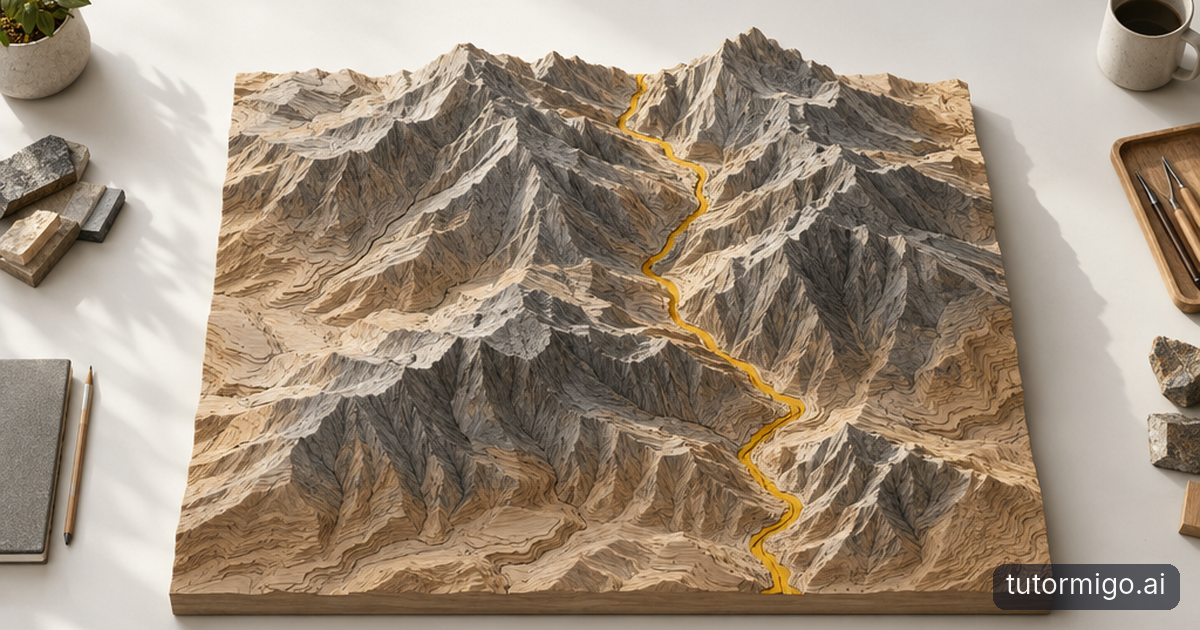
Explore the human body and solar system from new angles
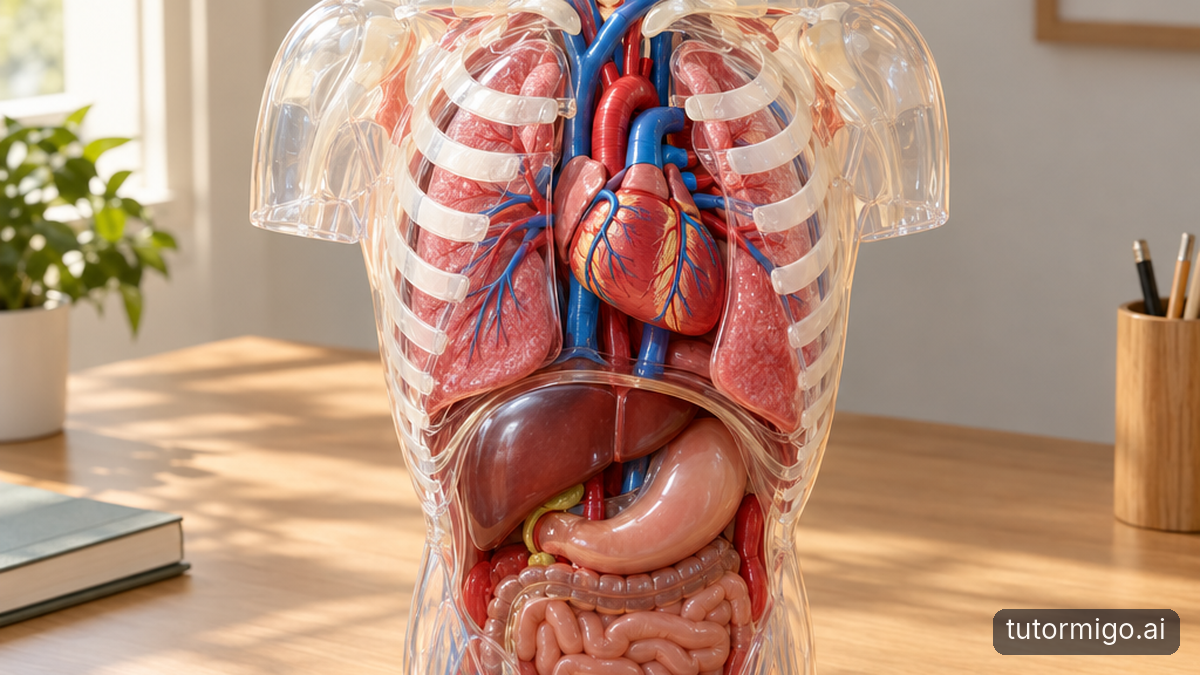
A flat diagram of the human body can introduce organ names, but it may leave children unsure about how everything fits together. With an age-appropriate external 3D anatomy resource, you can rotate a torso, hide selected layers, and examine where the lungs sit in relation to the heart. Start with one question: “Why do you think the ribs surround these organs?” Let your child investigate before discussing protection and movement.
Keep the activity focused. Instead of exploring every organ at once, trace the route air takes into the lungs. Then ask your child to sketch that route without looking. Moving between the model, spoken explanation, and a simple drawing helps you check whether the visual experience has supported understanding rather than just captured attention.
The solar system offers another useful example. Ask a child to predict what changes as a planet travels around the Sun, then rotate an interactive model to examine its orbit. Separate rotation from revolution by watching each movement individually. Explain that many models distort planet sizes and distances so everything fits on screen; attractive visuals are not automatically accurate representations.
For more on choosing useful perspectives, explore this guide to spatial reasoning with 3D interactive models. The key is purposeful exploration: predict, look closely, and explain what the model reveals.
Make structures and invisible science easier to investigate

Architectural structures turn spatial exploration into a practical puzzle. Show your child a digital bridge model and ask which parts appear to carry its weight. Rotate it to inspect the supports, then compare an arch with a beam. Follow the screen activity with paper, blocks, or cardboard so your child can test a related idea physically.
You might build two paper bridges across the same gap, folding one sheet and leaving the other flat. Ask what changed about the structure, not just which bridge held more objects. A model supplies a viewpoint; a hands-on experiment adds resistance, balance, and the occasional useful collapse. Together, they give children different ways to reason about the same problem.
Learning through visualisation also helps introduce things too small or too slow to observe directly. An animated particle model can show particles moving differently as a substance warms. Before pressing play, ask your child to predict the movement. Afterward, discuss what the model leaves out: particles are not necessarily the bright, oversized balls shown on screen.
This is where interactive learning becomes more than tapping controls. A meaningful activity asks children to change something, notice a consequence, and justify an explanation. If the child can only describe the colours or animation, bring the conversation back to the scientific relationship you wanted to explore.
Offer different routes into learning, not fixed learning labels
Visual learning for children works best as one option within a flexible approach. A child may prefer diagrams for understanding a building but spoken explanation for following a story. Preferences can change with the task, familiarity, and energy level. Avoid labelling children as fixed “visual learners” or assuming that matching a preferred format guarantees better learning.
For children with diverse learning needs, including children in special education, a controllable model may offer a helpful alternative to dense text. One child might benefit from enlarging an organ and hiding distracting labels. Another may need a still image, a physical model, or an adult describing the important features. More visual detail is not always more accessible.
When assessing special education technology, look beyond the demonstration. Can movement be paused? Are controls usable with the child's access method? Does meaning depend only on colour? Are captions, clear contrast, or alternative explanations available where needed? Check individual tools rather than assuming these options exist.
Keep the child's established accommodations and educator guidance central. Try a short activity, observe comfort and participation, and ask the child what helped. If animation becomes distracting or tiring, switch formats without treating that as failure. Accessibility means providing workable routes to the concept, not requiring every child to use the same exciting-looking resource.
Connect visual exploration with TutorMigo.ai
A model can show a relationship, but children often need help turning that observation into an explanation. TutorMigo.ai offers a complementary approach through personalized tutoring and interactive study tools. Its educational vision fits this broader goal: making learning more approachable through dialogue and active participation. The relevant features here are its tutoring workspace and study tools, not a claimed built-in library of 3D models.
After using a separate anatomy resource, your child could ask the AI Tutor to explain the difference between an organ's location and its function. Encourage them to describe what they noticed first. A useful prompt is: “I saw that the lungs sit on either side of the heart. Ask me questions that help me explain their different jobs.” Check important scientific details against trusted learning materials.
The AI Tutor Workspace includes session history, allowing you to return to an earlier exchange and revisit a question. TutorMigo.ai's Study Tools Hub also includes a whiteboard, code sandbox, and math step editor. For this activity, the whiteboard offers a place to sketch a simplified diagram after exploring the model.
Once the explanation makes sense, spaced-repetition flashcards can support vocabulary review. Keep those roles distinct: exploration develops a mental picture, discussion probes understanding, and scheduled review helps revisit terminology. None of these features alone guarantees an outcome; their value depends on how thoughtfully you use them.
Start with one question, then check what changed
You do not need a room full of devices to rethink a learning activity. Start with a concept your child finds difficult and choose one question a visual model could help answer. For example: “How can we see different sides of the same building?” or “Where does air travel after it enters your nose?” Select a trustworthy resource that makes that relationship visible without unnecessary distractions.
Before exploring, ask for a prediction. During the activity, pause long enough for your child to control the view and explain what they notice. Afterward, close the resource and ask them to draw, describe, or build a simple representation. That final step is often more informative than how enthusiastically they used the screen.
If the explanation is still unclear, change the representation rather than simply repeating the activity. Try a physical object, a quieter diagram, or a shorter verbal explanation. You can also ask a follow-up question in the tutoring workspace and compare the response with your teaching materials.
The promise of 3D visual learning is not that education must become more spectacular. It is that children can have more opportunities to investigate meaning. Begin with one thoughtful exploration, listen to the explanation it produces, and let that guide what you try next.
Frequently asked questions
No. It can help children understand relationships, while vocabulary practice and spaced review support remembering. Combine exploration with explaining the concept without the model.
They may help some children when controls, sensory demands, and explanations suit their needs. Others benefit more from static images or physical objects. Follow individual accommodations and educator guidance.
The features described here do not include a built-in 3D model library. TutorMigo.ai's tutoring workspace, whiteboard, and flashcards can complement exploration using separate resources.
Ask your child to explain, sketch, or apply the idea afterward without the model. Look for clearer reasoning, not just enjoyment or confidence.
Explore TutorMigo
Enjoyed this read?
Like, share, or comment below.

Comments
0Sign in required · respectful discussion · replies supported
Loading comments…