

Why visual learning can make difficult ideas click
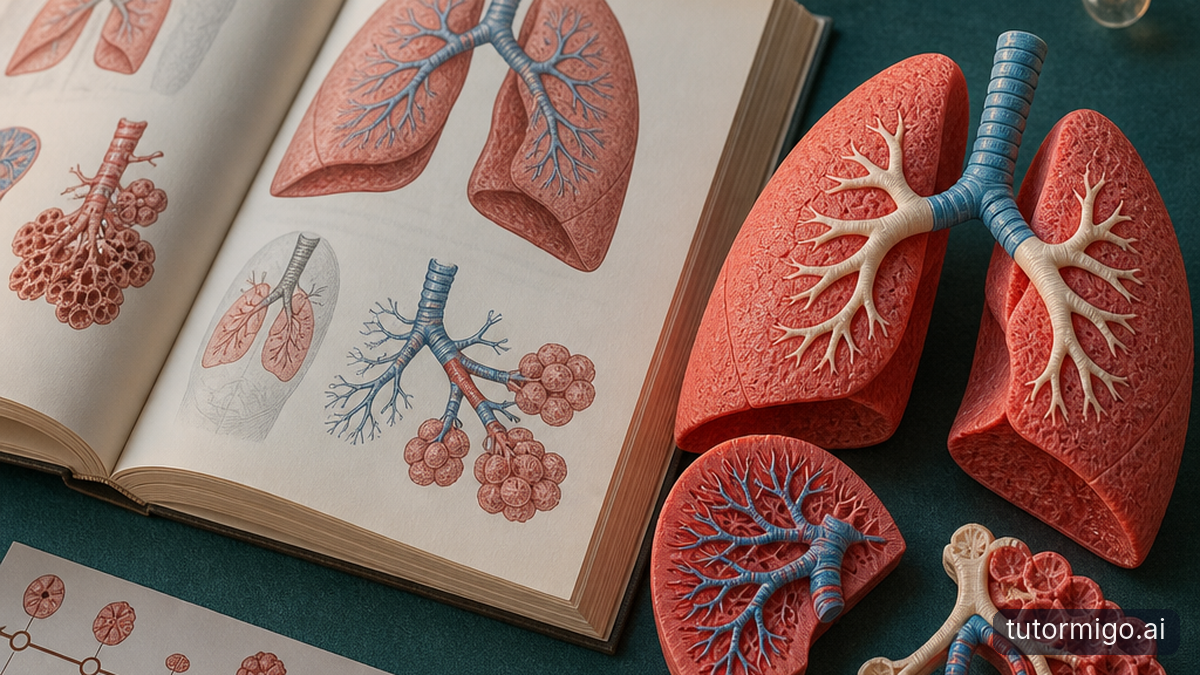
Why do some students learn better when they can see an idea instead of only reading about it? Visuals can make relationships easier to notice and reduce the mental effort of imagining unfamiliar structures. But that does not mean students have fixed learning styles, or that every lesson needs a three-dimensional model.
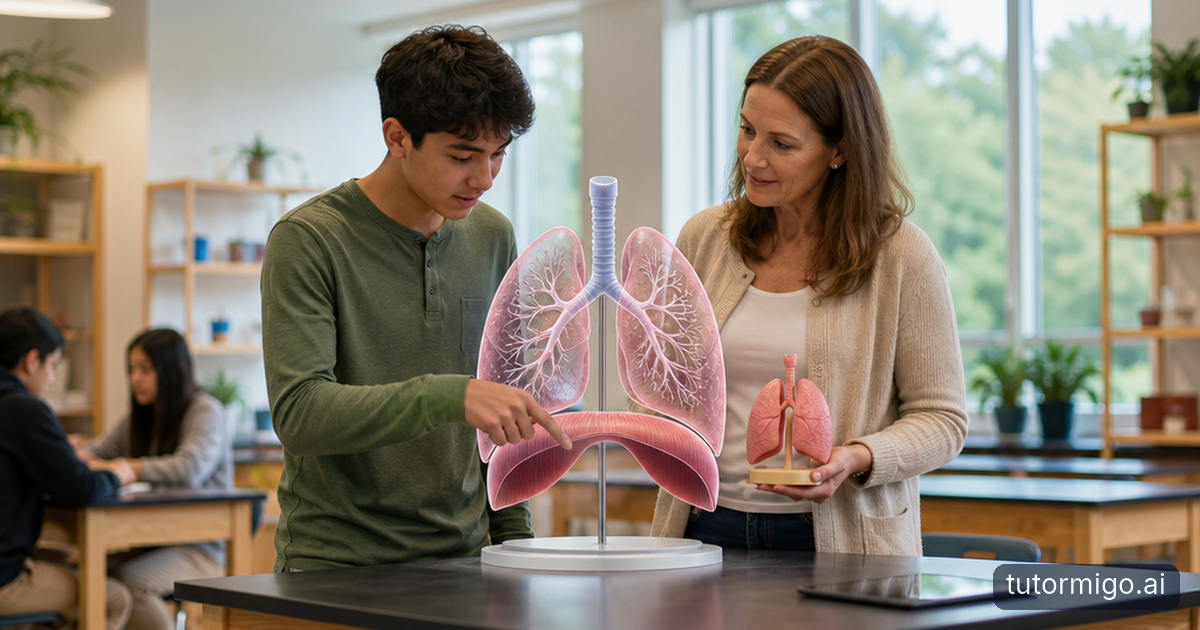
Think about learning how your lungs work. A written explanation asks you to keep track of airways, lung tissue, the diaphragm, and changes during breathing. A clear diagram puts those parts in one place. You can look back and forth rather than hold every detail in your head while reading the next sentence.
Visuals are especially useful when the subject contains information that is naturally spatial: where parts sit, how something moves, or how one structure connects to another. A paragraph can describe a twisted molecule accurately, but seeing its shape may make the description easier to understand.
The benefit comes from matching the representation to the problem. A timeline helps you follow an event sequence; a cutaway helps you inspect an interior. Before choosing a visual, ask what it makes easier to see. If the answer is only “it looks more interesting,” it may attract attention without improving understanding.
Visual support is not a fixed learning style
You might prefer diagrams, remember a particular animation, or find spoken instructions frustrating. Those experiences matter. However, research does not support assigning students fixed “visual learner” labels and expecting them to learn best whenever teaching matches that label. A preference is not the same as evidence that one format consistently produces better learning.
The same person can benefit from different formats in different situations. You may need a picture to understand a joint’s movement, a spoken example to hear pronunciation, and practice with feedback to improve an explanation. What you already know also changes what you need. A detailed anatomical model that helps an experienced learner could overwhelm someone encountering the organs for the first time.
Often, the useful combination is a relevant visual plus a short explanation. The picture shows the relationship; the words tell you what matters. That does not mean filling a screen with a diagram, dense paragraphs, narration, and decorative movement. Extra information can compete for your attention instead of supporting it.
If you are exploring why students learn differently, look beyond labels. Ask about background knowledge, reading demands, familiarity with diagrams, and the specific task. These questions give you more practical options than deciding someone simply cannot learn from text.
Where 3D AI learning can genuinely help
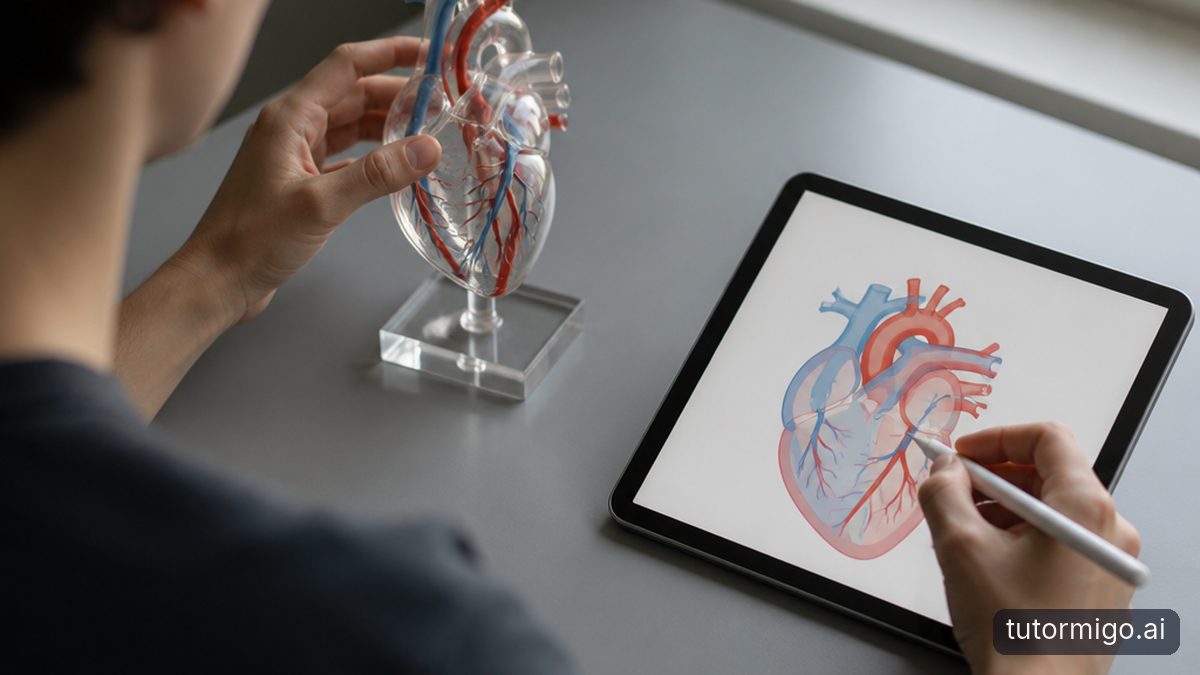
Three-dimensional learning earns its place when depth, orientation, or movement is part of what you need to understand. Rotating a heart model can reveal how vessels connect behind it. Looking through a geological cross-section can show layers hidden beneath the surface. Changing your viewpoint can resolve an ambiguity that a flat image leaves unclear.
AI can add value when it helps you work with that representation: answering a question about a selected structure, suggesting what to inspect next, or helping produce an alternative explanation. These are possibilities to evaluate in a particular tool, not capabilities you should assume every product offers. Some experiences called “3D AI” are little more than a model beside a chatbot.
Imagine studying the diaphragm. You first predict what happens to the space inside the chest when it moves downward. You then inspect a suitable animation and compare the movement with your prediction. Finally, you explain why that movement matters for breathing. The model supports a reasoning task rather than becoming the task itself.
The strongest use cases make something otherwise difficult to inspect visible and manageable. Our guide to using 3D learning to understand science explores this connection further. Still, a well-chosen flat diagram may be clearer when depth contributes nothing important.
Make the visual part of an active study routine
Start with a question, not with unrestricted exploration. “What changes when the diaphragm contracts?” gives you a purpose. “Explore the lungs” leaves you deciding what matters while also learning how to rotate, zoom, and navigate. Keep the first task narrow enough that you know what a successful answer would explain.
Before revealing an animation or AI explanation, make a prediction. Say what you expect to move, connect, or change, and give a reason. Then inspect only the parts needed to check that prediction. If the model allows it, hide unrelated structures. If it does not, use a simpler diagram first so you know where to look.
Next, close or cover the visual. Sketch the main relationship from memory, or explain it aloud in a few sentences. Your drawing does not need to look good. Its purpose is to reveal whether you remember the structure and can explain what it does. Reopen the model to check a specific uncertainty rather than immediately replaying everything.
Finish with a slightly different question. After studying normal breathing, explain what would happen if diaphragm movement were restricted. This asks you to use the idea, not repeat a caption. Return to the question another day: understanding that survives a delay is more useful than an explanation that feels obvious while the animation is running.
Watch for overload, errors, and misleading confidence
A vivid model can feel convincing even when it is inaccurate. AI-generated explanations and visuals may contain incorrect labels, missing structures, or misleading movement. For a new topic, compare important details with a trusted textbook, an established educational resource, or a knowledgeable teacher. Realistic shading is not evidence of scientific accuracy.
Simplifications also need explaining. A model might enlarge a tiny structure, use artificial colors, or show movement more dramatically than it occurs. Those choices can help you notice something, but you should know what they change. Ask: “Which features represent reality, and which were altered to make the idea easier to see?”
Watch your attention, too. If you spend most of a session spinning a model, finding controls, or following decorative effects, the interface may be adding work rather than removing it. Try a fixed view with fewer labels, then add detail once the basic relationship is clear. Choose readable contrast and alternatives to color-only distinctions.
Access matters as much as visual polish. Someone who cannot comfortably navigate a moving model may need a static sequence, keyboard controls, audio description, or a physical object. When a tool asks for personal information, check its privacy practices before sharing it. You do not need to upload identifying details to ask a general question about a scientific structure.
What to try in your next study session
Choose one concept you can name precisely: how a valve prevents backflow, how rock layers shift, or how a solid looks from another angle. Write down what currently confuses you. Then choose the simplest representation that exposes that relationship. Use a three-dimensional model only if viewing depth or movement helps answer your question.
Give yourself a brief, focused session rather than an open-ended tour. Predict, inspect, explain, and check. At the end, put the visual away and answer one question without help. The following day, try a new example. If you can explain both, you have a better sign of learning than enjoyment or time spent watching.
If the result is weak, change one thing: simplify the model, add a short verbal explanation, or review missing background knowledge. You are testing a study method, not proving that you belong to a particular learner category. Keep what helps you reason independently, and drop what merely looks impressive.
If you are supporting a child through this process, TutorMigo.ai’s Parent Dashboard is one option for viewing progress and using co-learning features while you discuss what they can now explain for themselves.
Frequently asked questions
Yes, visuals can help some students with particular tasks, especially when they clarify spatial relationships or reduce the need to imagine unfamiliar structures. That does not establish a fixed visual learning style.
Not always. A three-dimensional model helps when depth, orientation, or movement matters. A clear flat diagram can be better when it shows the relevant relationship with fewer distractions.
Put it away and explain the concept, sketch the key relationship, or solve a related problem. Check again after a delay rather than relying only on how clear the lesson felt.
Treat it as something to verify. Check important labels, structures, and explanations against a reliable source, and look for simplifications that could distort your understanding.
Related reading
Enjoyed this read?
Like, share, or comment below.



Comments
0Sign in required · respectful discussion · replies supported
Loading comments…