

Why Some Science Concepts Are Hard to Visualize

A child may look at a science diagram in a textbook, memorize every label, and still wonder how the parts actually relate to one another. This is where 3D learning for kids can be useful. A flat page is excellent for showing names and simplified outlines, but some ideas are difficult to understand when they cannot be viewed from different angles or connected to movement, depth, and scale.
Science often asks children to imagine structures they cannot directly observe. They may need to picture layers inside the Earth, the position of planets, organs arranged inside the body, or water changing form as it moves through the water cycle. These topics involve more than recognition. They involve relationships.
Children can also struggle when a process is too small, too large, too fast, too slow, or hidden from everyday view. A diagram of a flower may show the stamen and stigma, but a student may not yet understand how those parts work together. Memorizing labels is a useful first step, not always the same as building a mental model.
3D Learning for Kids: From Flat Diagrams to Exploration
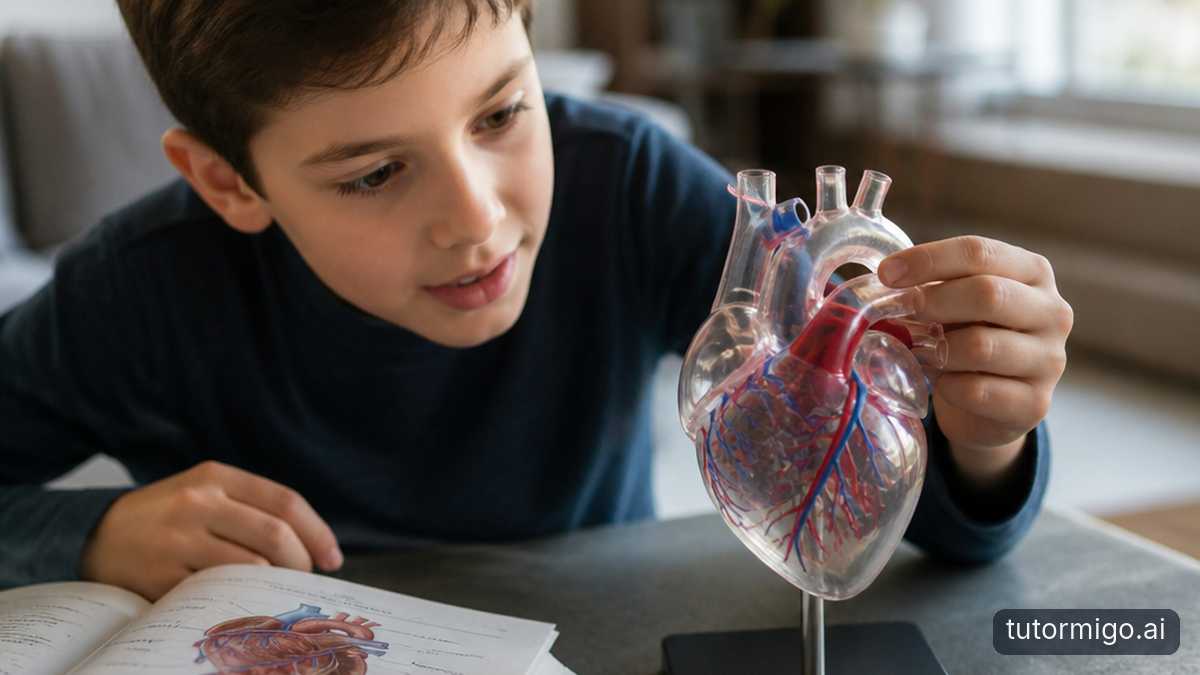
3D learning gives children another way to examine a science concept. Instead of seeing only one fixed view, they may be able to explore a digital object or structure from multiple perspectives, inspect how parts fit together, and connect a diagram with something that feels more concrete. The benefit is not simply that the model looks impressive. The benefit is that the learner has more information to reason about.
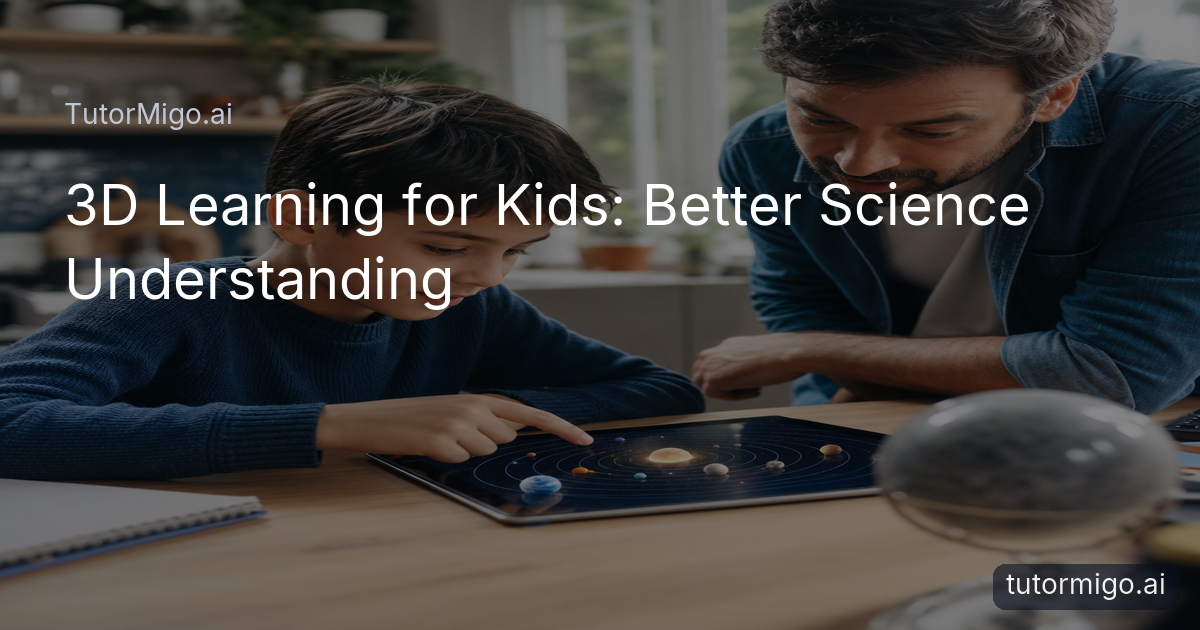
For example, a flat solar-system diagram may place planets in a neat row for convenience. An interactive 3D experience can help a child think about position, distance, size, and viewpoint more carefully. It does not need to replace the diagram; it can give the diagram more meaning.
Good 3D education also leaves room for explanation. A child might explore an object first, describe what they notice, and then read or discuss the scientific vocabulary. This sequence supports visual learning for kids without reducing science to screen time. The adult or teacher can ask, “What changed when you viewed it from another side?” or “Which parts seem connected?”
Seeing How Parts Fit Together
One of the clearest strengths of interactive 3D learning is showing relationships between parts. Consider a flower. A student can name the petals, anther, filament, stigma, and ovary from a labeled picture. A more spatial representation may help the student understand where those parts sit and why their positions matter to the plant’s reproductive process.
The human body offers another example. Children often learn organ names separately, but science becomes more understandable when they can discuss the heart, lungs, blood vessels, and surrounding structures as a connected system. The goal is not to admire a realistic model. It is to ask what each part does and how its location supports that function.
The same idea applies to the Earth. Layers such as the crust, mantle, outer core, and inner core are easier to compare when students can think about depth and arrangement rather than memorizing a vertical list. Planets, animal body structures, and molecules also benefit when learners can reason about shape, position, and connection. In each case, 3D visualization is valuable because it clarifies relationships.
Understanding Science as a Process, Not Just a Picture
Some science concepts are not objects at all. They are processes involving change over time. The water cycle, for instance, includes evaporation, condensation, precipitation, and collection. A child may know these words but still have trouble forming a clear picture of how water moves between parts of the system.
Interactive visualization can help children build a mental model by giving them something concrete to examine while they discuss sequence and cause. They can ask what happens before condensation, where water goes next, and how the stages connect. The same approach can support conversations about plant growth, planetary movement, or biological processes, provided the experience accurately represents the science and does not imply that a still model is automatically an animation.
Adults can make the learning stronger by asking children to narrate the process in their own words. “First this happens, then what?” encourages a student to connect stages rather than repeat isolated definitions. When children can move between a visual representation and a verbal explanation, learning science becomes an exercise in building and testing ideas.
Why Interactive Exploration Can Encourage Better Questions
When children can see a structure more clearly, they often have more specific questions. Instead of saying, “I do not understand the diagram,” a child may ask, “Why does this part sit inside the other one?” or “What happens if this structure changes?” Those questions give parents and teachers a clearer starting point for discussion.
Useful questions might include:
- Why does this happen?
- What happens if this part changes?
- Why is this structure shaped this way?
- What happens next?
Interactive learning does not guarantee that every child will ask deeper questions, and exploration needs guidance. A short prompt can make a major difference. Ask the student to make one observation, one connection, and one question before explaining the answer. This keeps the experience focused on thinking rather than simply rotating or viewing a model.
Questions also reveal misconceptions. A child who asks why the Moon “follows” the Earth may be mixing up orbit, distance, and perspective. That misconception can now be addressed with a concrete example instead of a vague reminder to study harder.
From Memorizing Labels to Understanding Relationships
There is an important difference between saying, “I can name this part,” and saying, “I understand what this part does and how it connects to the others.” Both forms of knowledge matter, but the second is closer to scientific understanding. A student may correctly identify the lungs and heart yet still be unable to explain how oxygen moves through the body.
3D learning for children can support this transition by giving labels a place within a structure. Once a child knows the name of a part, they can examine its location, compare it with nearby parts, and discuss its role. The visual model becomes a prompt for explanation rather than a substitute for explanation.
A practical routine is: identify, locate, connect, explain. First, name the part. Next, describe where it is. Then, connect it to another part. Finally, explain what might happen if it did not work. This routine works with plants, animals, Earth science, and physical structures. It also helps teachers notice whether a student has memorized vocabulary or can use it meaningfully.
Where AI Tutoring and 3D Learning Meet
AI tutoring and visual learning can complement each other when each has a clear role. A child might explore a 3D science concept and then ask an AI Tutor, “Why does this happen?” or “What does this part do?” The visual experience provides something concrete to discuss, while the tutor can offer a plain-language explanation, ask a follow-up question, or suggest a way to check the child’s understanding.
That does not mean an AI Tutor automatically improves learning. The quality of the question, explanation, and follow-up matters. A useful exchange should encourage the child to describe what they see, make a prediction, and explain the evidence. Parents and teachers can also review the conversation and correct an oversimplification when necessary.
TutorMigo.ai’s AI Tutor Workspace can support this kind of question-led discussion through personalized tutoring chat and session history. Its role is not to claim a verified 3D science library, but to help a learner talk through an idea after exploring it elsewhere or examining it through another study resource. That separation keeps the learning honest and purposeful.
How TutorMigoAI Uses 3D Experiences to Support Science Learning
TutorMigo.ai should be described carefully here: the currently listed TutorMigo.ai features include an AI Tutor Workspace and a Study Tools Hub with a whiteboard, code sandbox, and math step editor, but they do not verify a dedicated 3D science-model interface. Therefore, it would be inaccurate to claim that the platform lets children rotate or inspect specific science objects in 3D.
Even so, TutorMigo.ai can fit into a broader learning routine built around interactive science learning. A student may use a verified 3D resource to examine a flower, planet, or body structure, then bring observations and questions to the AI Tutor Workspace. The tutor can help connect the visual experience with definitions, explanations, and follow-up reasoning.
This approach keeps the educational value in focus. The point is to make abstract concepts more discussable, give children a concrete reference for their questions, and support personalized learning without presenting technology as a replacement for experiments, teachers, or careful reading. TutorMigo.ai can be one part of that process, especially when the learner needs help turning an observation into a clear explanation.
When 3D Learning Is Most Useful
3D learning is especially useful when a topic depends on spatial relationships, structures, layers, scale, physical objects, systems, or processes that are difficult to observe directly. A child studying the Earth’s interior, a plant’s parts, or the arrangement of organs may benefit because depth and position are part of the idea itself.
It is not automatically better than traditional learning. Textbooks, labeled diagrams, experiments, videos, teacher explanations, and hands-on materials each contribute something different. A diagram may be clearer for a quick review, while an experiment may provide evidence that a digital model cannot. A teacher may also notice confusion that a screen does not reveal.
The best choice depends on the learning goal. Use a 3D experience when students need to inspect relationships or scale. Use writing or discussion when they need to explain. Use an experiment when they need to test. Use review tools when they need to remember vocabulary. TutorMigo.ai’s flashcards can support terminology review, while visual exploration can support the deeper question of how the parts work together.
The Goal Isn't More Technology. It's Better Understanding.
The value of 3D learning is not that it looks impressive. Its value comes from helping children see relationships, explore concepts, and build understanding that a flat diagram may not communicate easily. A strong lesson still asks the learner to observe, describe, question, connect, and explain.
For a practical routine, begin with a familiar diagram or question. Let the child explore the relevant structure, then ask them to identify one relationship they noticed. Next, have them explain the idea without looking at the model. Finally, return to the textbook, teacher explanation, or experiment and compare the two descriptions. This makes the digital experience part of science learning rather than a distraction from it.
TutorMigo.ai can complement that routine by helping students discuss questions through its AI Tutor Workspace, while other verified study tools support practice and explanation. The thoughtful takeaway is simple: use 3D when seeing depth, position, or change will clarify the idea, and use other methods when they serve the goal better.
Suggested supporting sources for educators include the Smithsonian Science Education Center, the National Science Teaching Association, and university-based research databases covering spatial reasoning and educational technology. Claims should be checked against current, peer-reviewed or institutionally reviewed evidence.
| Approach | Most useful for | Important limitation |
|---|---|---|
| Flat diagram or textbook | Labels, definitions, quick review, and teacher-led explanation | May not show depth, scale, or relationships clearly. |
| Interactive 3D experience | Structures, layers, spatial relationships, and viewing an object from different perspectives | Needs accurate content and guidance; it does not replace experiments or discussion. |
| TutorMigo.ai AI Tutor Workspace | Explaining observations, asking follow-up questions, and connecting visual ideas to language | Provides tutoring discussion, not a verified dedicated 3D science-model library. |
| TutorMigo.ai Study Tools Hub | Working through supported interactive study tasks and organizing an explanation | The listed tools are a whiteboard, code sandbox, and math step editor, not a general 3D science environment. |
Pros and cons
Pros
- Makes structures, layers, and spatial relationships easier to discuss.
- Encourages children to observe and ask more specific questions.
- Can connect diagrams and vocabulary with a concrete mental model.
- Works well as part of a broader science learning routine.
Cons and limitations
- Does not automatically produce deeper understanding.
- Cannot replace experiments, teachers, textbooks, or careful explanation.
- Not every science topic needs a 3D representation.
- TutorMigo.ai’s listed features do not verify a dedicated 3D science-model interface.
Frequently asked questions
3D learning for kids uses interactive digital representations to help children examine science objects, structures, or systems from different perspectives. It can make depth, position, scale, and connections easier to discuss. It works best alongside explanations, diagrams, experiments, and questions rather than replacing those approaches.
It gives children something concrete to explore while they build a mental model. Seeing how parts fit together can clarify topics such as organs, flowers, planets, and Earth’s layers. The experience can also prompt better questions, but understanding still depends on accurate content and guided discussion.
Many science ideas involve structures, layers, movement, size, or spatial relationships that are hard to represent on a flat page. A 3D view can make those relationships easier to inspect and explain. It is especially useful when depth and position are central to the concept.
Not always. Textbooks, diagrams, experiments, videos, and teacher explanations remain valuable because they support different learning goals. 3D learning is most useful when students need to understand shape, scale, structure, or spatial relationships. The strongest approach combines methods thoughtfully.
Yes. A child can explore a visual model, then ask an AI Tutor why something happens or what a part does. The tutor can support explanation and follow-up questions, while the model provides a concrete reference. Adults should still check accuracy and encourage the child to explain ideas independently.
Enjoyed this read?
Like, share, or comment below.
Comments
0Sign in required · respectful discussion · replies supported
Loading comments…