

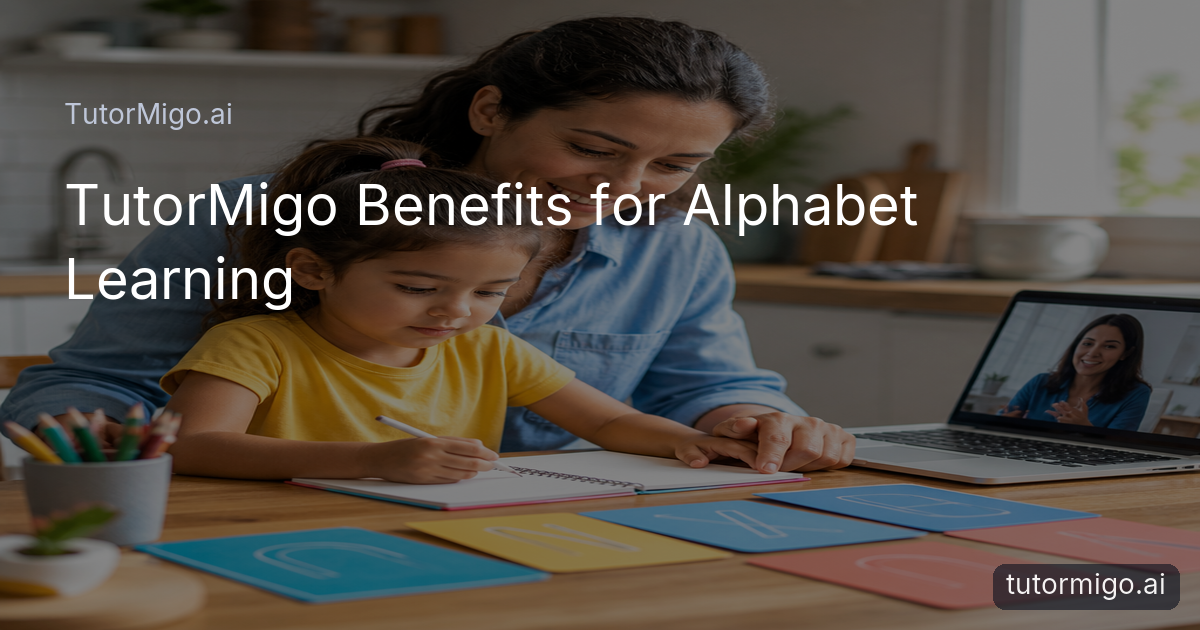
Personalized Alphabet Learning Practice
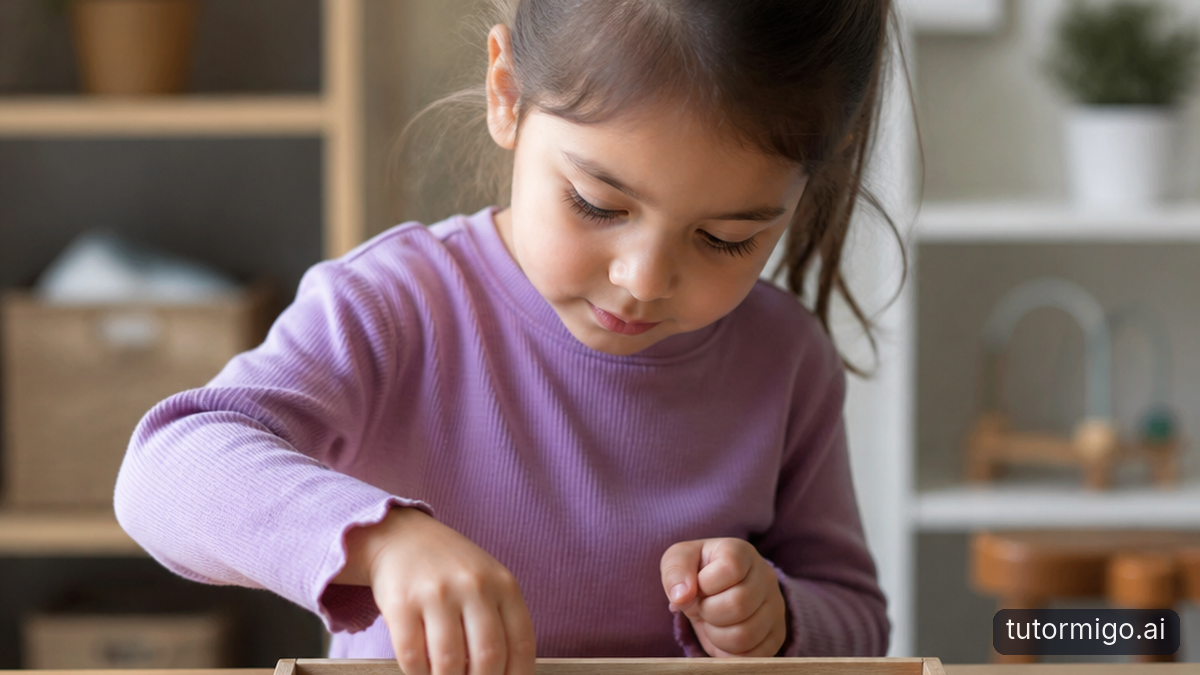
When your child mixes up letters, loses interest after five minutes, or needs the same sound explained three different ways, it can be hard to know what to try next. TutorMigo benefits parents by making alphabet practice more personal and easier to repeat without turning every evening into a lesson plan.
You can use the AI Tutor workspace to ask for a short activity focused on one small goal, such as noticing the difference between uppercase and lowercase forms or finding words that begin with a target sound. If your child already recognizes a few letters, the next session can build from that starting point instead of beginning from scratch. Ask for a playful prompt, a simple explanation, or a five-minute review that suits your child’s current comfort level.
For example, you might begin with three familiar letters, ask your child to name them, and then use the tutor to suggest a gentle challenge. The value is not simply getting an answer from an AI Tutor. It is having a flexible learning partner that helps you adjust the pace while you remain involved in the conversation. That can make practice feel manageable for both of you.
Keep Each Learning Session Connected
 Alphabet learning improves when short sessions connect to one another. A child may recognize a letter on Monday but hesitate on Wednesday, especially when the letter appears in a new word or a different style. Session continuity helps you notice that pattern and return to it calmly rather than treating every pause as a brand-new problem.
TutorMigo’s AI Tutor workspace includes session history, so you can continue a learning conversation and refer back to earlier practice. You might ask the tutor to revisit the letters your child found difficult, change the examples, or make the next activity slightly easier. If your child confidently identifies a letter in isolation, you can move toward spotting it at the beginning of a familiar word.
This is especially useful when parents share teaching duties. One parent can see what was practiced and continue with a similar routine later. You do not have to remember every prompt or recreate the entire lesson from memory. The AI Tutor can help maintain the thread, while you provide the encouragement, examples, and real-world connection. For more ideas about maintaining a steady home routine, see this guide to TutorMigo benefits for learning at home.
Alphabet learning improves when short sessions connect to one another. A child may recognize a letter on Monday but hesitate on Wednesday, especially when the letter appears in a new word or a different style. Session continuity helps you notice that pattern and return to it calmly rather than treating every pause as a brand-new problem.
TutorMigo’s AI Tutor workspace includes session history, so you can continue a learning conversation and refer back to earlier practice. You might ask the tutor to revisit the letters your child found difficult, change the examples, or make the next activity slightly easier. If your child confidently identifies a letter in isolation, you can move toward spotting it at the beginning of a familiar word.
This is especially useful when parents share teaching duties. One parent can see what was practiced and continue with a similar routine later. You do not have to remember every prompt or recreate the entire lesson from memory. The AI Tutor can help maintain the thread, while you provide the encouragement, examples, and real-world connection. For more ideas about maintaining a steady home routine, see this guide to TutorMigo benefits for learning at home.Use Spaced Review for Letters That Slip
Some letters stay familiar while others disappear from memory as soon as practice ends. That is where short, spaced reviews can help. Instead of showing every letter in every session, choose a small group and bring back the ones your child needs to see again after a suitable pause.
TutorMigo flashcards support spaced-repetition decks, review scheduling, and AI-assisted card creation. For alphabet practice, a deck might include a letter on one side and a simple picture prompt or sound cue on the other. Keep the deck small at first. Six cards can be enough for one review, especially if your child is still learning how to respond confidently.
Try a simple routine: review familiar cards quickly, pause on uncertain ones, and celebrate effort before moving on. You can also mix recognition with recall. Show a letter and ask your child to name it, then say a sound and ask which card matches. The goal is not speed or a perfect score. It is giving the brain repeated chances to retrieve information over time.
A practical TutorMigo benefit is that scheduled review gives parents a repeatable plan. You are less likely to over-practice one favorite letter or forget the ones that need another look. Keep sessions brief, and stop while your child still feels successful.
Make Letter Practice Active and Concrete
Children often learn more comfortably when alphabet practice involves doing, not only answering questions. You can use TutorMigo’s interactive study tools to add a visual or hands-on step to a short lesson. The whiteboard, for example, can give you a shared space to model a letter shape, compare two forms, or circle the letter your child is looking for.
You might start by asking your child to choose one letter from a small set. On the whiteboard, place the uppercase and lowercase versions side by side, then invite your child to talk about what looks similar or different. Follow with a real-world search: find the same letter on a book cover, food package, or sign at home. The tool supports the discussion; it does not need to replace physical writing, speaking, or play.
An AI Tutor can suggest variations when your child becomes bored. For instance, ask for a movement game, a sound-matching challenge, or a short story featuring a target letter. You can then select the idea that fits your child’s mood and attention span. This combination of personal guidance and interactive practice is one of the clearest TutorMigo benefits for parents: you get options without needing to invent a new activity every time your child needs a break.
See Progress Without Hovering
Parents need enough visibility to support learning, but constant questioning can make practice feel like a test. TutorMigo’s parent dashboard is designed to help you check progress and learning activity so you can choose a useful next step. Rather than asking your child to repeat every letter at the end of the day, you can look for patterns and use them to guide a short conversation. For example, suppose your child is doing well with familiar uppercase letters but needs more review with lowercase forms. You can plan a five-minute activity around matching pairs instead of repeating the entire alphabet. If practice has been irregular, you might lower the goal to a brief review three times this week. Progress visibility helps you respond to what is happening, not what you assume is happening. The dashboard can also support co-learning. Sit beside your child, review what was practiced, and ask which activity felt easiest or hardest. That keeps the parent-child relationship at the center. The tool gives you context; you provide warmth, patience, and judgment. If you want a deeper look at using learning information at home, read how parents track a child’s learning progress with AI. The same principle applies here: use progress as a conversation starter, not as a label for your child.Build a Simple Alphabet Routine
The strongest routine is one you can repeat. Set aside ten minutes, choose one narrow goal, practice it in two different ways, and finish with a success your child can feel. On Monday, you might review three cards. On Wednesday, use the whiteboard to match uppercase and lowercase forms. On Friday, ask your child to find one target letter in a favorite book.
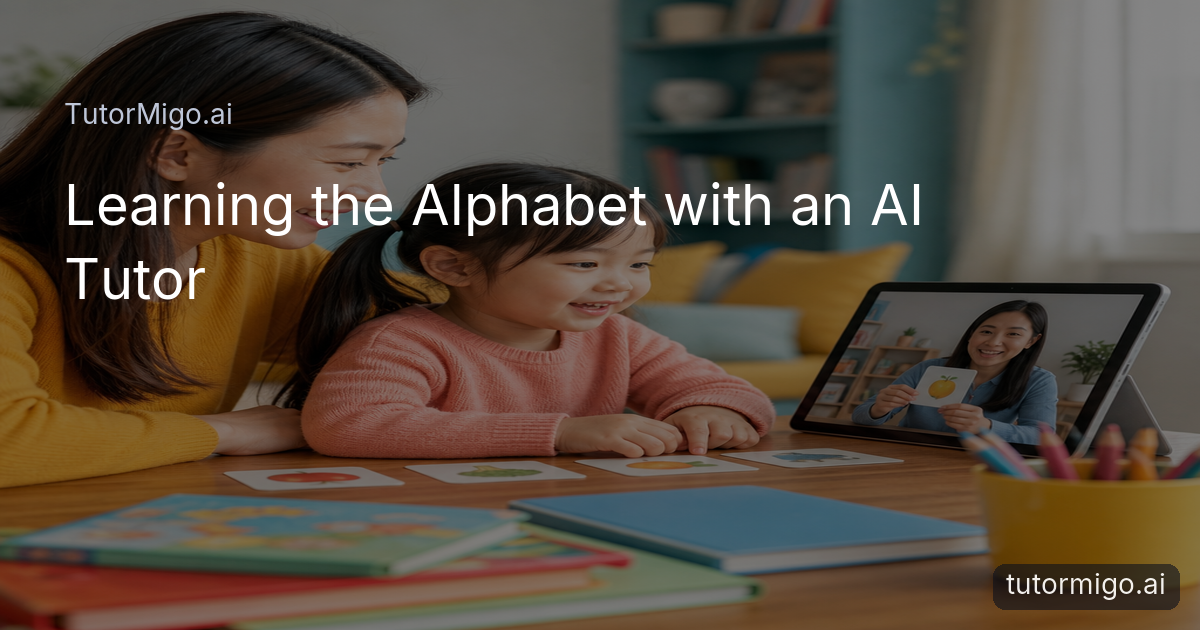
TutorMigo can make this routine easier to maintain than a general-purpose generative chatbot because the relevant learning context, review schedule, and parent visibility can live within a broader tutoring workspace. A general chatbot may still offer useful ideas, but you may need to restate your child’s practice history and organize follow-up activities yourself. TutorMigo’s benefit is the combination of personalized tutoring, connected sessions, structured flashcard review, and visibility for parents.
Keep expectations realistic. Some days your child may identify every target letter; on another day, one successful recognition may be enough. Ask the AI Tutor for a smaller activity when attention is low, and return to missed letters later rather than turning mistakes into pressure.
Next, choose three letters your child is currently learning, create a small review deck, and schedule one short session. After a week, check the parent dashboard and adjust the routine based on what your child actually remembers.
Frequently asked questions
TutorMigo can help you plan short, personalized practice through the AI Tutor workspace, review letters with spaced-repetition flashcards, use an interactive whiteboard, and check learning activity through the parent dashboard.
Start with about five to ten minutes and adjust to your child’s attention span. Short, repeatable sessions are often easier to sustain than one long lesson.
The AI Tutor workspace includes session history, and flashcards support review scheduling. These features can help you continue practice without recreating every earlier activity.
No. TutorMigo provides personalized guidance and learning tools, while you bring encouragement, real-world examples, and decisions about what suits your child.
Related reading
Enjoyed this read?
Like, share, or comment below.


Comments
0Sign in required · respectful discussion · replies supported
Loading comments…