

When Homework Help Stops at the Answer: A Student’s Need for Personalized AI Tutoring

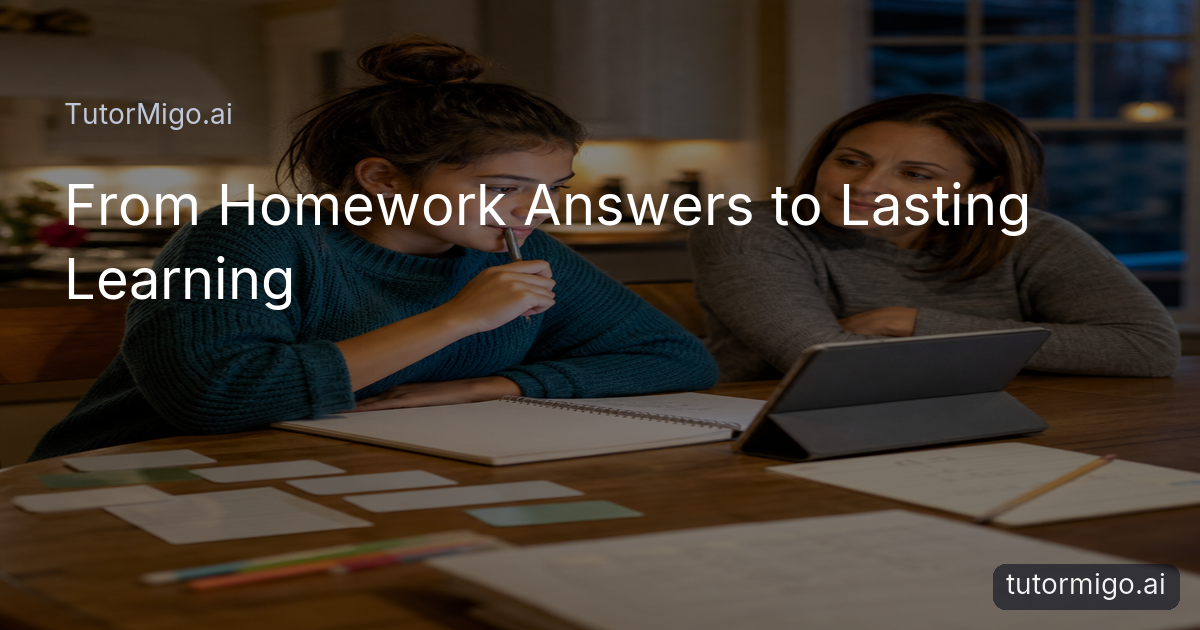
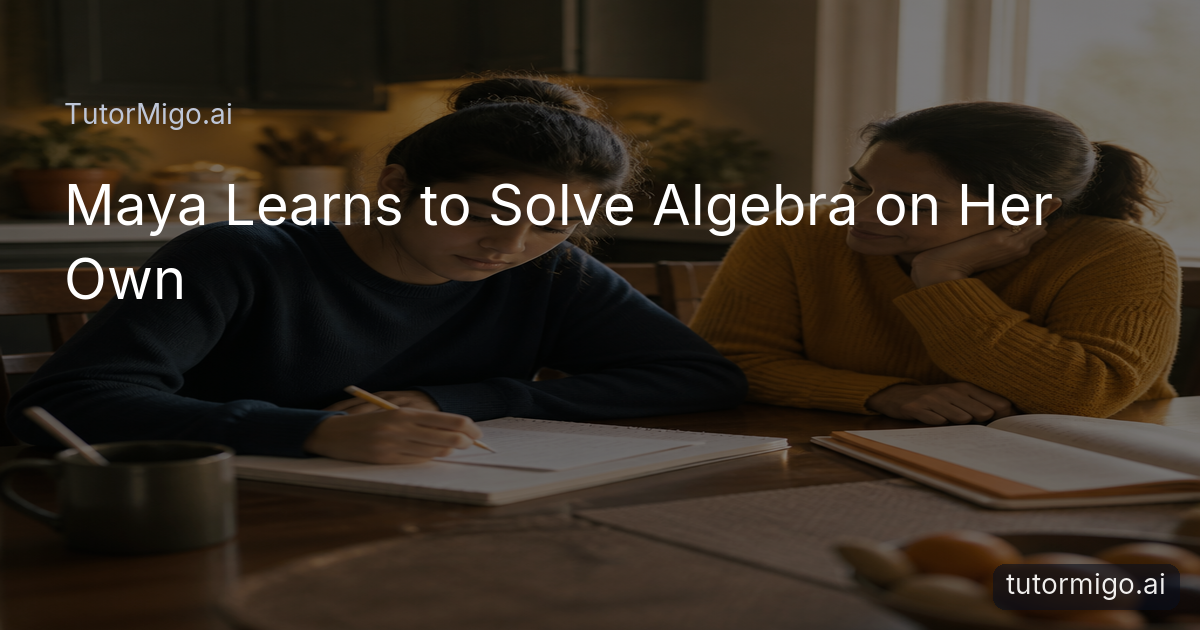
At 8 p.m., Maya was not looking for a shortcut. She was sitting at the kitchen table with three unfinished algebra problems, a half-filled water glass and the same question written twice in the margin: “Why?” A general answer could show her a solution, but it could not necessarily meet her at the point where her reasoning had broken down. What she needed was help that followed the question behind the question.
That distinction matters for students, parents and teachers comparing an AI Tutor at tutormigo.ai with ordinary search or general-purpose chat. In a personalized tutoring workspace, Maya can ask for an explanation, try the next step, and return to the conversation when a related problem appears the following evening. TutorMigo’s AI Tutor Workspace provides personalized tutoring chat, streaming responses, expert personas and session history, giving a learner a place to continue rather than restart every time.
The value is not simply that an answer arrives quickly. It is that the student can ask for a simpler explanation, test an idea, or admit confusion without feeling that the class has moved on. A tutor can guide a learner through the reasoning while leaving room for the learner to do the work. For a student like Maya, homework help becomes less about completing one page and more about building confidence for the next page.
TutorMigo Benefits: How Session Continuity Turns Questions Into Ongoing Learning
The next week, Maya returned with a different problem but a familiar difficulty: she could set up an equation, then lost track of what each number represented. Because her earlier tutoring session remained available, she did not have to reconstruct the entire story. She could refer back to the explanation, ask where her reasoning changed, and continue from there.
This kind of continuity is one of the practical TutorMigo.ai benefits. Learning is rarely a sequence of isolated questions. A student may misunderstand a vocabulary term in science, carry that confusion into a lab report, and then avoid asking about it because the original lesson has passed. Session history gives the learner a thread to follow. It can also help a student notice patterns: “I understand the formula, but I keep misreading the prompt.”
Personalization should not mean removing productive struggle. A useful AI Tutor can invite the student to explain a choice, compare two approaches or try a similar example before revealing more help. That supports a habit of reflection instead of answer collection. Families can read more about the practical role of an AI Tutor in the changing learning landscape while considering how much independence their learner needs.
Spaced-Repetition Flashcards and Interactive Study Tools for More Effective Practice
On Friday, Maya’s challenge was no longer one algebra question. It was remembering a week’s worth of terms for science. Reading the chapter again felt familiar, but familiarity was not the same as recall. She needed short, repeated opportunities to retrieve the ideas before the quiz.
TutorMigo’s Flashcards feature supports spaced-repetition decks, AI-assisted card creation and review scheduling. Instead of copying every sentence from her notes, Maya could turn important concepts into prompts: define a process, explain a diagram, or distinguish two related terms. The schedule brought difficult cards back more often, while familiar material appeared less urgently. That made practice more deliberate and less dependent on a last-minute reread.
Different subjects also require different forms of thinking. The Study Tools Hub includes an interactive whiteboard, code sandbox and math step editor, so a learner can work visibly rather than treating every task as a chat response. Maya could lay out a math step, revise it and inspect where the logic changed. A coding student could test an idea in a sandbox; another learner could sketch relationships on a whiteboard. These tools do not replace explanation or judgment. They create a space where students can practice, make an error, inspect it and try again—the small cycle through which understanding becomes more durable.
Structured Exam Preparation With Progress Tracking That Shows What to Study Next
As Maya’s assessment approached, “study more” was too vague to be useful. Her teacher had covered several units, but her available time was limited. The productive question became narrower: Which skills were secure, and which ones needed another attempt?
TutorMigo’s Exam Preparation feature provides structured preparation for SAT, ACT, AP and IELTS exams, including practice sets and progress tracking. A student can use that structure to replace an anxious, unfocused study session with a more concrete plan. If practice reveals that reading questions are strong but a particular mathematics skill is inconsistent, the next session can concentrate there instead of repeating everything equally.
Progress tracking is most useful when it leads to action. A score should not become a label; it should become a prompt to review, practice and reassess. Maya might complete a set, examine the areas where she missed questions, ask an AI Tutor to explain the underlying reasoning, then return to a similar set later. Teachers can also use structured preparation alongside classroom instruction rather than treating it as a separate universe. For families comparing learning tools, the important difference is not a promise of effortless improvement. It is the presence of a visible path from practice to feedback to the next informed choice.
How Parent and Teacher Dashboards Make AI-Supported Learning Visible
At the kitchen table, Maya’s mother did not need a transcript of every question Maya had asked. She needed a clearer picture of whether the extra practice was helping. Was Maya returning to difficult material? Was she working independently? Where might a short conversation with a teacher make a difference?
The Parent Dashboard is designed for that kind of visibility, with child-progress information, learning controls and co-learning features. It gives families a way to stay involved without turning every homework session into surveillance. A parent might notice that a student is spending substantial time on one topic and ask, “Would it help to review this together?” rather than assuming either laziness or mastery.
Teachers need a different view. The Teacher Dashboard supports class management, student monitoring, knowledge-base assignment and reporting. That can help an educator identify a shared misconception, decide which material to revisit, or see where students are practicing outside class. The dashboard should complement professional judgment, not replace it. Human context still matters: a missed assignment may reflect confusion, illness, access issues or a family responsibility that data alone cannot explain. For students and adults, visibility works best when it opens a conversation about learning rather than reducing a learner to a progress indicator.
TutorMigo.ai vs. General-Purpose Chatbots: The Practical Difference for Students
A general-purpose chatbot can be useful when a student wants a quick explanation, a definition or a starting point. But a learning tool is judged by a different standard: does it help the student return, practice, verify and grow? The practical difference is often less about whether a chatbot can produce an answer and more about whether the experience is organized around learning.
TutorMigo.ai brings tutoring, session history, spaced-repetition flashcards, interactive study tools, structured exam preparation and progress tracking into an education-focused environment. A student can move from a question to guided practice, then revisit the idea through flashcards or a math step editor. Parents and teachers have purpose-built dashboards for visibility, rather than needing to infer progress from scattered conversations.
That does not make any AI response automatically correct, and it does not remove the need for source evaluation or human oversight. Students should still ask how an answer was reached, check important information and recognize when a teacher, parent or subject expert should be involved. The strongest use of an AI Tutor is not dependence; it is supported independence. In Maya’s case, the outcome was modest but meaningful: she stopped asking only, “What is the answer?” and began asking, “How can I tell?” That is the beginning of learning that lasts.
For families considering an age-appropriate approach, this perspective also connects with broader guidance on age-adaptive AI tutoring and the role of AI in future learning.
Pros and cons
Pros
- Personalized tutoring conversations with session history
- Spaced-repetition flashcards and interactive study tools
- Structured exam preparation with practice sets and progress tracking
- Parent and teacher dashboards for learning visibility
Cons and limitations
- AI guidance still requires student judgment and verification
- Dashboards complement, rather than replace, parent and teacher involvement
The strongest use of an AI Tutor is not dependence; it is supported independence.
Explore TutorMigo
Enjoyed this read?
Like, share, or comment below.

Comments
0Sign in required · respectful discussion · replies supported
Loading comments…